


myVolts
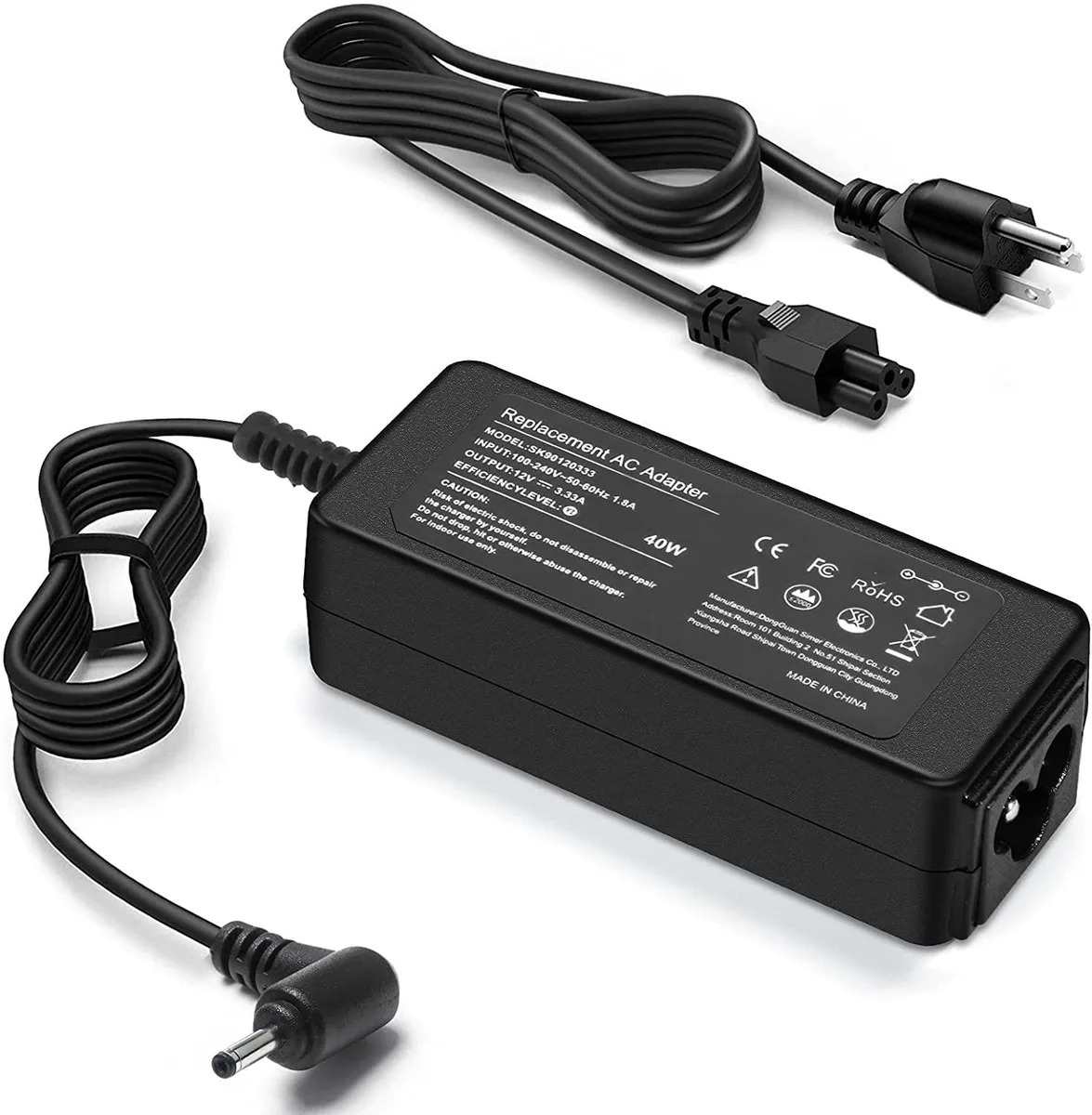
myVolts 40W AC Adapter 12V 3.33A 2.5x0.7mm for Samsung Chromebook 2 3 ATIV
40W AC adapter delivering 12V 3.33A via a 2.5x0.7mm connector for Samsung Chromebook 2, 3 and ATIV models
- 40 W output keeps your Chromebook running at full speed
- 12 V 3.33 A delivery matches the original charger spec
- 5 × 0.7 mm tip fits the Samsung port exactly
- 100–240 V input works on mains worldwide
- Includes AC adapter and power cord in one pack
40W USB-C Charger for Samsung Chromebook
This 40W AC adapter supplies 12V at 3.33A through a 2.5mm by 0.7mm barrel tip. It accepts 100-240V input at 50-60Hz for worldwide use. The package includes the adapter and a detachable power cord. It replaces Samsung part numbers AD-4012NHF, A12-040N1A, BA44-00286A, AA-PA3N40W and PA-1250-98.
Fits Chromebook 2, 3 and ATIV models
Owners of Samsung Chromebook 2, Chromebook 3, XE303C12, ATIV Book 9 and ATIV Smart PC models listed in the compatibility table can use this charger. Buyers with laptops that require a different voltage, amperage or connector size should look elsewhere. Units needing USB-C Power Delivery or a higher wattage rating are not supported.
2.5mm by 0.7mm barrel connector decides fit
The tip diameter of 2.5mm outer by 0.7mm inner is the single specification that determines whether this adapter will connect to your device. Verify the port on your Samsung laptop matches this exact size before ordering. A mismatch means the plug will not seat or charge correctly.
Highlights
- 40 W output keeps your Chromebook running at full speed
- 12 V 3.33 A delivery matches the original charger spec
- 5 × 0.7 mm tip fits the Samsung port exactly
- 100–240 V input works on mains worldwide
- Includes AC adapter and power cord in one pack
Specifications
No published specifications for this item yet.
Questions about this item
What connector size does the 40 W adapter use for the Samsung Chromebook 2 and 3?
The adapter uses a 2.5 mm by 0.7 mm barrel tip that matches the charging port on the listed Samsung models.
How do I connect the adapter to mains power and the laptop?
Plug the supplied power cord into the adapter’s IEC inlet, then into a 100–240 V wall socket, and insert the 2.5 mm barrel plug into the Chromebook’s DC jack.
Which parts may need replacement after extended use?
The detachable power cord and the barrel-tip cable are the only serviceable items; the sealed adapter body has no user-replaceable components.
Also in this aisle
People compared these
Same shelf, same checkout — eight coins and a 30-minute rate lock.


Case Logic
Case Logic 3203990 briefcase for 15.6 in laptop with 10.1 in tablet pocket
$30.99
0.00037192BTC
In stock