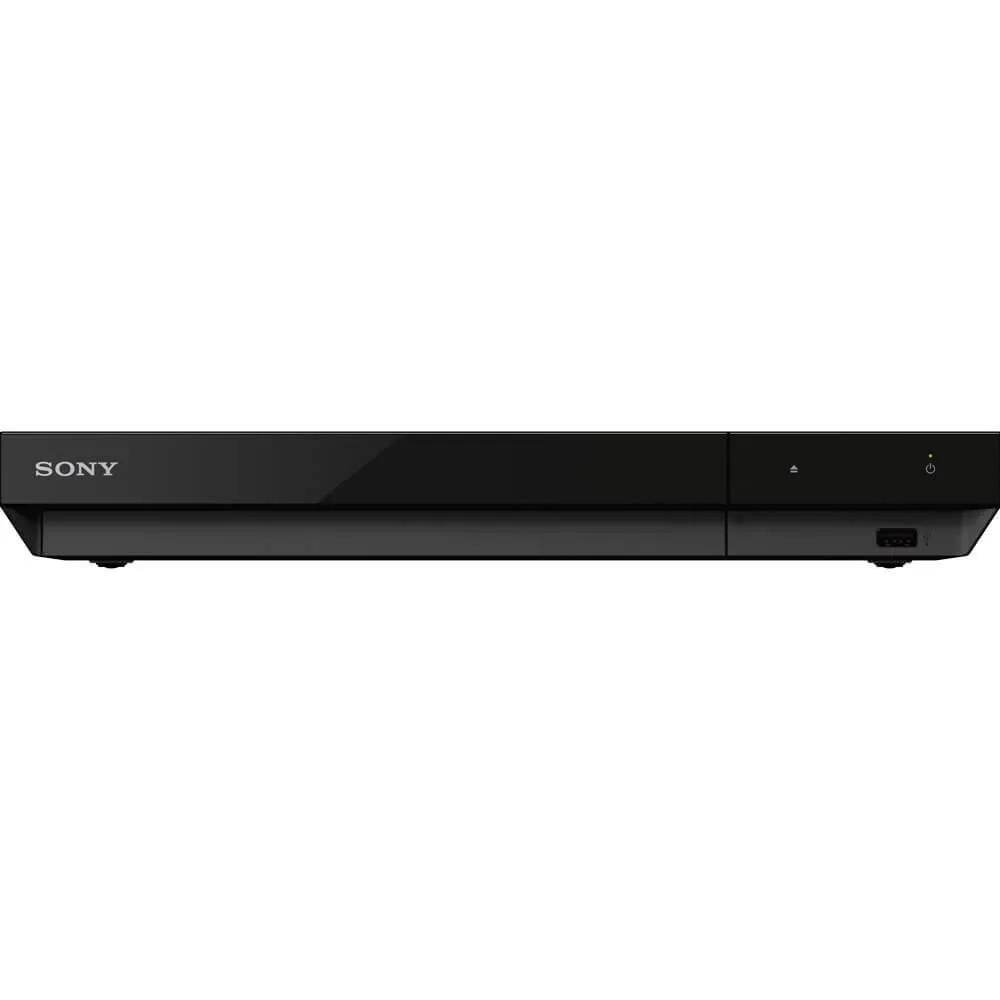
MYPIN 4K Media Player (Black)
Plays 4K@30Hz video from USB drives up to 8TB, TF cards to 128GB, with H.265 decoding, HDMI 7.1 audio and USB mouse/keyboard control
- 4K@30 Hz playback on compatible TVs via HDMI up to 7.1 surround sound
- H.265 decoding halves buffering time and bandwidth versus H.264
- Dual USB ports read flash drives to 128 GB and hard drives to 8 TB
- USB mouse or keyboard control turns any TV into a smart media hub
- Supports vertical screen orientation plus PPT document display for signage use
4K Media Player for Home Entertainment
The MYPIN 4K Media Player plays 4K video at 30 Hz on compatible televisions. It accepts USB flash drives up to 128 GB, USB hard drives up to 8 TB and TF cards. A USB mouse or keyboard can be connected for on-screen navigation. The aluminium alloy chassis provides durable protection.
Capacity and Headroom
Single files up to 4 GB on FAT32 or 30 GB on NTFS are supported. H.265 decoding reduces bandwidth and loading time compared with H.264. The player cannot read two USB devices simultaneously; only one drive is active at a time. Internal 3 GB storage is available for system use.
HDMI 7.1 and Format Limits
HDMI output carries up to 7.1 surround sound and resolutions up to 3840 x 2160 at 30 Hz. Supported video containers include MKV, MP4, AVI, MOV, TS and more. Audio formats cover MP3, FLAC, AC3, DTS and Dolby. Subtitles in SRT or SUB are displayed in multiple languages.
Highlights
- 4K@30 Hz playback on compatible TVs via HDMI up to 7.1 surround sound
- H.265 decoding halves buffering time and bandwidth versus H.264
- Dual USB ports read flash drives to 128 GB and hard drives to 8 TB
- USB mouse or keyboard control turns any TV into a smart media hub
- Supports vertical screen orientation plus PPT document display for signage use
Specifications
| Brand | MYPIN |
|---|
Questions about this item
Will this media player work with my older TV that only has 1080p resolution?
Yes, it outputs 1080p and 720p in addition to 4K@30Hz, so it will display correctly on a 1080p television via HDMI.
How can I confirm the unit is decoding H.265 video properly after I connect it?
Play an H.265 encoded MKV or MP4 file; smooth playback without buffering and the on-screen information showing 3840x2160 resolution confirms the decoder is active.
Does the package include an HDMI cable or must I buy one separately?
The box contains the player, a remote control, a power adapter, and a user manual; an HDMI cable is not included and must be purchased separately.
Also in this aisle
People compared these
Same shelf, same checkout — eight coins and a 30-minute rate lock.