


morpheus 360
Morpheus 360 HP5500G Bluetooth 5.0 headphone
Wireless over-ear headphones with Bluetooth 5.0, 40 mm drivers, built-in microphone and a 3.5 mm cable for wired use
- ColorBlack
- Bluetooth 5.0 gives stable wireless calls and music
- 40 mm neodymium drivers deliver deep bass and clear mids
- Protein-leather cushions and adjustable band stay comfortable all day
- 5 mm cable adds wired listening when needed
- Built-in microphone handles Zoom, Teams and conference calls
Morpheus 360 Bluetooth 5.0 headphones
These wireless over-ear headphones use the Bluetooth 5.0 platform for cable-free audio and calls. They suit home office workers, students and commuters who want a single headset for music, video streaming and conference platforms.
Wired-to-wireless upgrade with 3.5mm fallback
The included 3.5mm cable lets you switch to a wired connection when the battery is flat or when a device lacks Bluetooth. The jump is worth it if you regularly move between a phone, a laptop and an in-flight entertainment system.
40mm drivers and protein leather cushions
Custom-tuned 40mm neodymium drivers deliver stereo sound with deep bass, clear mids and highs for movies and music. Long sessions stay comfortable thanks to soft protein leather ear pads and headband, though the design does not add active noise cancellation.
Highlights
- Bluetooth 5.0 gives stable wireless calls and music
- 40 mm neodymium drivers deliver deep bass and clear mids
- Protein-leather cushions and adjustable band stay comfortable all day
- 5 mm cable adds wired listening when needed
- Built-in microphone handles Zoom, Teams and conference calls
Specifications
| Color | Black |
|---|---|
| Shipping weight | 0.33 kg |
| Package size | 229 × 178 × 76 mm |
Questions about this item
What size are the drivers inside the HP5500G headphones?
The headphones use custom tuned 40mm Neodymium drivers for HiFi stereo sound with deep bass.
How do I pair the headphones for the first time using Bluetooth 5.0?
Enable Bluetooth on your device, put the headphones in pairing mode, then select HP5500G from the list; the step often missed is holding the power button long enough to enter pairing mode.
When should I replace the protein leather ear cushions on the Morpheus 360 headphones?
Replace the cushions when they show cracking, flattening or reduced isolation, typically after extended daily use.
Also in this aisle
People compared these
Same shelf, same checkout — eight coins and a 30-minute rate lock.



Zoom
Zoom H5studio 4-Track Handy Recorder with Sony MDR-7506 Stereo Headphones
$439.99
0.00511004BTC
In stock
Zoom
Zoom H5studio 4-Track Handy Recorder with Bluetooth Adapter and Memory Card
$340.99
0.00396026BTC
In stock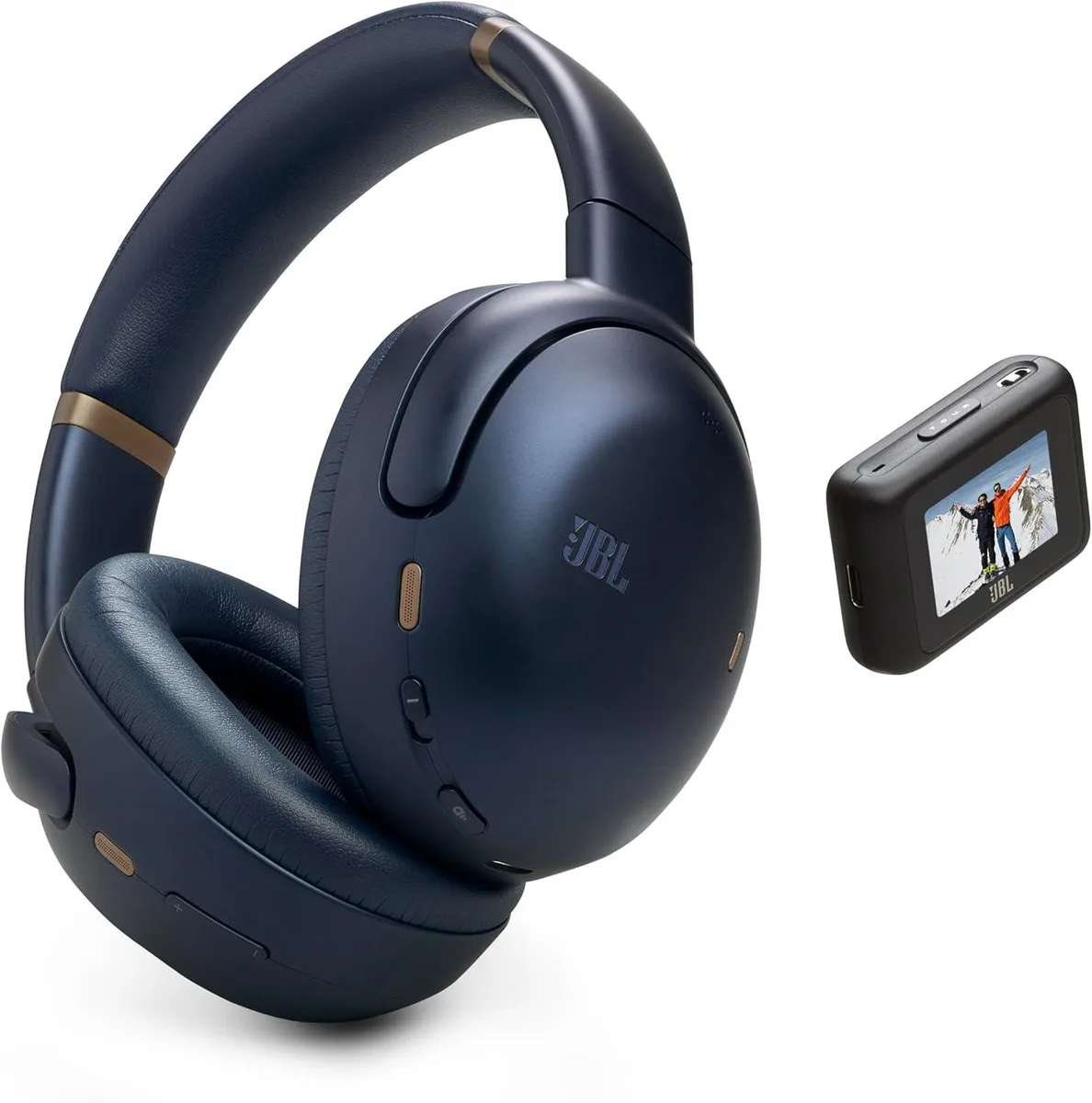
JBL
JBL Tour One M3 Smart Tx Wireless Over-Ear Noise Cancelling Headphones (Blue)
$129.99
0.0015097BTC
In stock