


Monoprice Inc.
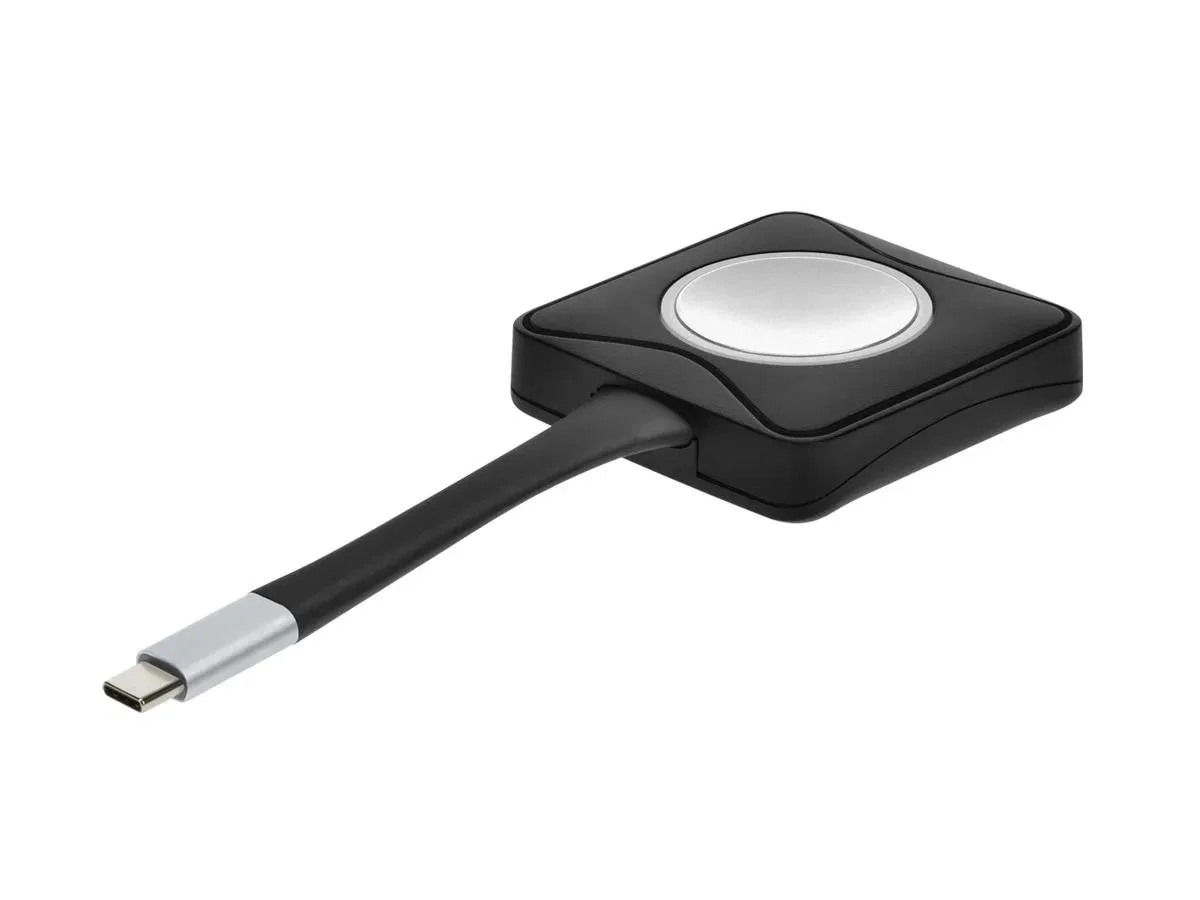
Monoprice Inc. 145044 OneClick USB-C Wireless Button conferencing device
An additional USB-C wireless button pairs with the 45008 presenter to share 4K content at 60 Hz from up to fifteen devices
- TypeOffice Supplies & Gadgets
- Weight0.22
- Instant meeting launch with single click
- Add up to 15 buttons to one 45008 presenter
- Wireless 4K screen sharing at 60Hz
- Works with Windows, Mac and Miracast
- Lightweight USB-C transmitter weighs .22
Additional transmitter for wireless presenting
The Monoprice OneClick USB-C Wireless Button works as an extra transmitter for the 45008 Wireless Presenter. Up to 15 buttons can pair with a single presenter unit. It enables wireless screen sharing from a laptop to a conference room display.
USB-C connector for simple laptop pairing
The button connects to a laptop through a USB-C port and requires the 45008 Wireless Presenter to operate. Weighing 0.22 units, it is light enough to carry between meeting spaces. No cables run between the button and the room display.
Wireless 4K at 60 Hz with no software install
Content mirrors to a TV, monitor or projector at up to 4K resolution and 60 Hz. The link uses a wireless connection that supports Windows, Mac and Miracast devices. A single press starts sharing without driver installation.
Highlights
- Instant meeting launch with single click
- Add up to 15 buttons to one 45008 presenter
- Wireless 4K screen sharing at 60Hz
- Works with Windows, Mac and Miracast
- Lightweight USB-C transmitter weighs .22
Specifications
| Brand | Monoprice |
|---|---|
| Model | 145044 |
| Type | Office Supplies & Gadgets |
| Part Number | 145044 |
| Weight | 0.22 |
Questions about this item
What resolution and frame rate does the OneClick USB-C Wireless Button support?
It supports wireless screen sharing at up to 4K resolution and 60 Hz frame rate when used with the required 45008 Wireless Presenter.
What host device is required for the OneClick USB-C Wireless Button to function?
The button is an additional transmitter that requires the Monoprice 45008 OneClick USB-C Wireless Presenter to operate; it cannot function as a standalone device.
How do I add this button to an existing 45008 Wireless Presenter setup?
Connect the USB-C button to your laptop, then press the button to pair and connect wirelessly to the 45008 presenter; up to 15 buttons can be added to one presenter.
Also in this aisle
People compared these
Same shelf, same checkout — eight coins and a 30-minute rate lock.


AT&T
AT&T CL2940 corded phone with caller ID and speakerphone
- Black
- 1-line Operation
$33.99
0.00039032BTC
In stock
