


Microsoft
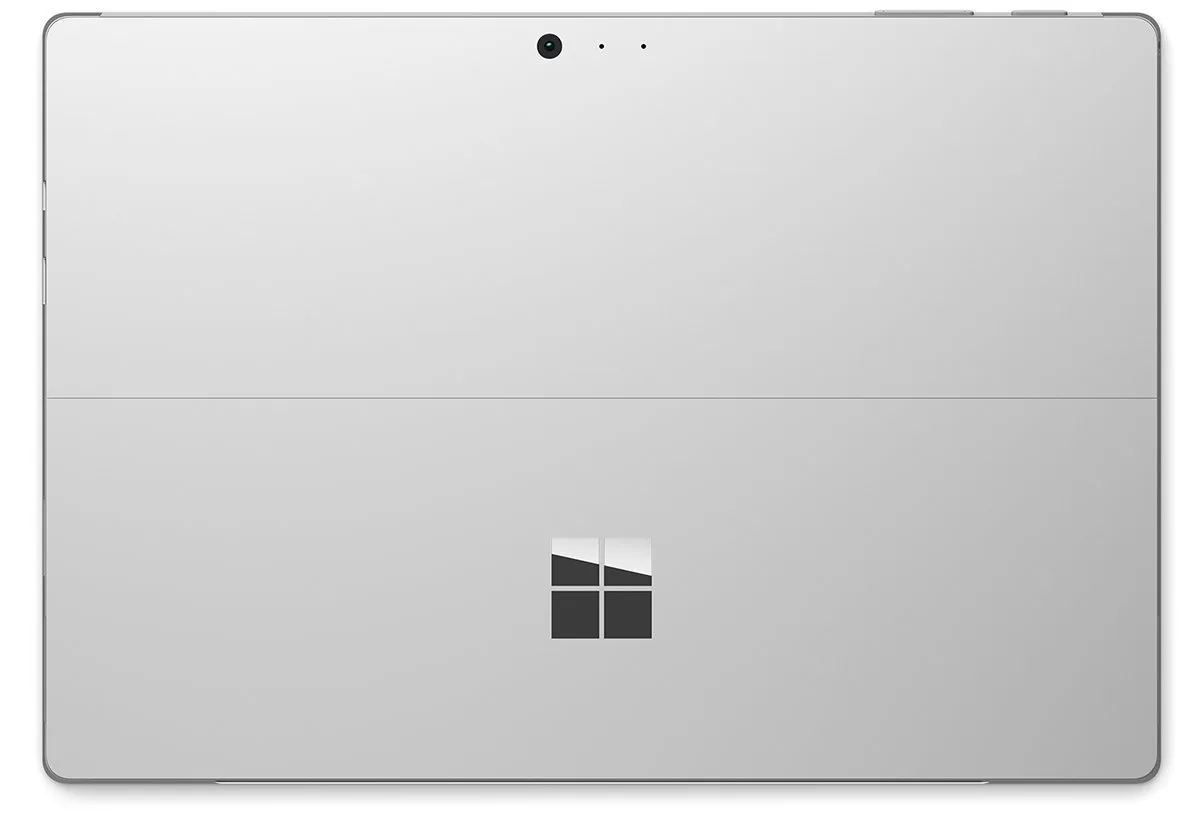
Microsoft Surface Pro 4 CR3-00027 2-in-1 laptop Core i5-6300U 8GB 256GB 12.3
Detachable 12.3" Windows 10 Pro tablet with Core i5-6300U, 8GB RAM and 256GB SSD
- ColorSilver
- StyleDetachable
- TypeMainstream
- UsageConsumer
- Operating SystemWindows 10 Pro 64-Bit
- CPU TypeIntel Core i5 6th Gen
- Detachable design enables tablet or laptop use with Type Cover
- 3 inch PixelSense display delivers 2736 x 1824 resolution at 267 ppi
- Intel Core i5-6300U dual-core processor with 3 MB cache powers everyday tasks
- 8GB RAM and 256GB SSD provide responsive multitasking and fast storage
- 10-point multi-touch and Surface Pen with 1024 pressure levels support natural input
Microsoft Surface Pro 4 12.3" 2-in-1
The Microsoft Surface Pro 4 is a 12.3 inch detachable 2-in-1 laptop running Windows 10 Pro 64-Bit. It uses an Intel Core i5-6300U dual-core processor with Intel HD Graphics 520, 8GB of memory and a 256GB solid-state drive. The 10-point multi-touch PixelSense display has a 2736 x 1824 resolution and 3:2 aspect ratio. Weighing 1.73 lbs and measuring 0.33 inches thin, it includes a Surface Pen with 1024 pressure levels.
Suits mobile professionals needing pen input
This device suits users who want a lightweight detachable tablet with active pen support for note-taking and annotation on a high-resolution 3:2 screen. It includes Bluetooth 4.0, dual cameras (5MP front, 8MP rear with 1080p video), microSD slot and mini DisplayPort for external displays. Buyers who need user-upgradeable memory or storage, discrete graphics performance, or more than one USB port should look at other form factors.
Fixed 8GB RAM and 256GB SSD capacity
The single specification that decides fit is the soldered 8GB memory paired with a 256GB SSD, neither of which can be upgraded after purchase. The Skylake dual-core CPU with 3MB L3 cache and shared graphics memory handles mainstream productivity and web workloads. Verify that 8GB RAM and 256GB storage meet your workload before buying.
Highlights
- Detachable design enables tablet or laptop use with Type Cover
- 3 inch PixelSense display delivers 2736 x 1824 resolution at 267 ppi
- Intel Core i5-6300U dual-core processor with 3 MB cache powers everyday tasks
- 8GB RAM and 256GB SSD provide responsive multitasking and fast storage
- 10-point multi-touch and Surface Pen with 1024 pressure levels support natural input
Specifications
| Brand | Microsoft |
|---|---|
| Series | Surface Pro 4 |
| Model | CR3-00027 |
| Color | Silver |
| Style | Detachable |
| Type | Mainstream |
| Usage | Consumer |
| Operating System | Windows 10 Pro 64-Bit |
| CPU Type | Intel Core i5 6th Gen |
| Processor Name | Intel Core i5-6300U |
| Number of Cores | Dual-core Processor |
| Core Name | Skylake |
| CPU L3 Cache | 3 MB |
| Screen Size | 12.3" |
| Touchscreen | Touch Screen |
| Resolution | 2736 x 1824 |
| Display Features | Aspect Ratio: 3:2 Touch: 10 point multi-touch |
| GPU/VPU | Intel HD Graphics 520 |
| Video Memory | Shared system memory |
| Graphic Type | Integrated Card |
| SSD | 256GB |
| Memory | 8GB |
| WLAN | 802.11ac Wireless LAN |
| Service | Wi-Fi Only |
| Bluetooth | Bluetooth 4.0 |
| USB | Full-size USB 3.0 |
| Docking Connector | Surface Connect |
| Audio Ports | Headset jack |
| Audio | Stereo microphones Stereo speakers with Dolby audio |
| Keyboard | Sold Separately |
| Card Reader | Micro SD |
| Webcam | Yes |
| Battery Life | Up to 9 Hour(s) of video playback |
| Package Content | Surface Pen |
| Dimensions (W x D x H) | 11.50" x 7.93" x 0.33" |
| Weight | 1.73 lbs. |
| Shipping weight | 2.27 kg |
| Package size | 203 × 203 × 203 mm |
Questions about this item
Will the Core i5-6300U and 8 GB of RAM handle my existing USB 3.0 dock and dual 1080p monitors without bottlenecks?
The dual-core Skylake processor with Intel HD Graphics 520 drives the mini DisplayPort for one external display; a second monitor would need a USB video adapter, and the dock connects via the single USB 3.0 port.
How can I verify the 12.3" PixelSense screen and 10-point multi-touch are working correctly after first boot?
Open Settings > Devices > Touch and run the calibration tool; all 10 touch points should register, and the 2736×1824 resolution will be shown under Display settings.
Does the box include the Type Cover keyboard and Surface Pen, or must I buy them separately?
The Surface Pen with 1024 pressure levels is included; the Type Cover and Surface Dock are sold separately.
Also in this aisle
People compared these
Same shelf, same checkout — eight coins and a 30-minute rate lock.


