

Astro Gaming
Astro Gaming Wireless Keyboard Mouse Combo Silver White 2 in 1 Accessories
$43.99
0.00052279BTC
In stockWe take cryptocurrency — so the coins you hold can buy real hardware.Pay in crypto, spend it on real hardware. Free insured shipping worldwide over $399. Plain, unbranded boxes, sent from Germany.Free insured shipping over $399. Your rate is locked for 30 minutes once checkout opens.Rate locked 30 minutes. Every item sealed, serial-checked and covered by a 24-month warranty.Sealed, 24-month warranty.

Microsoft
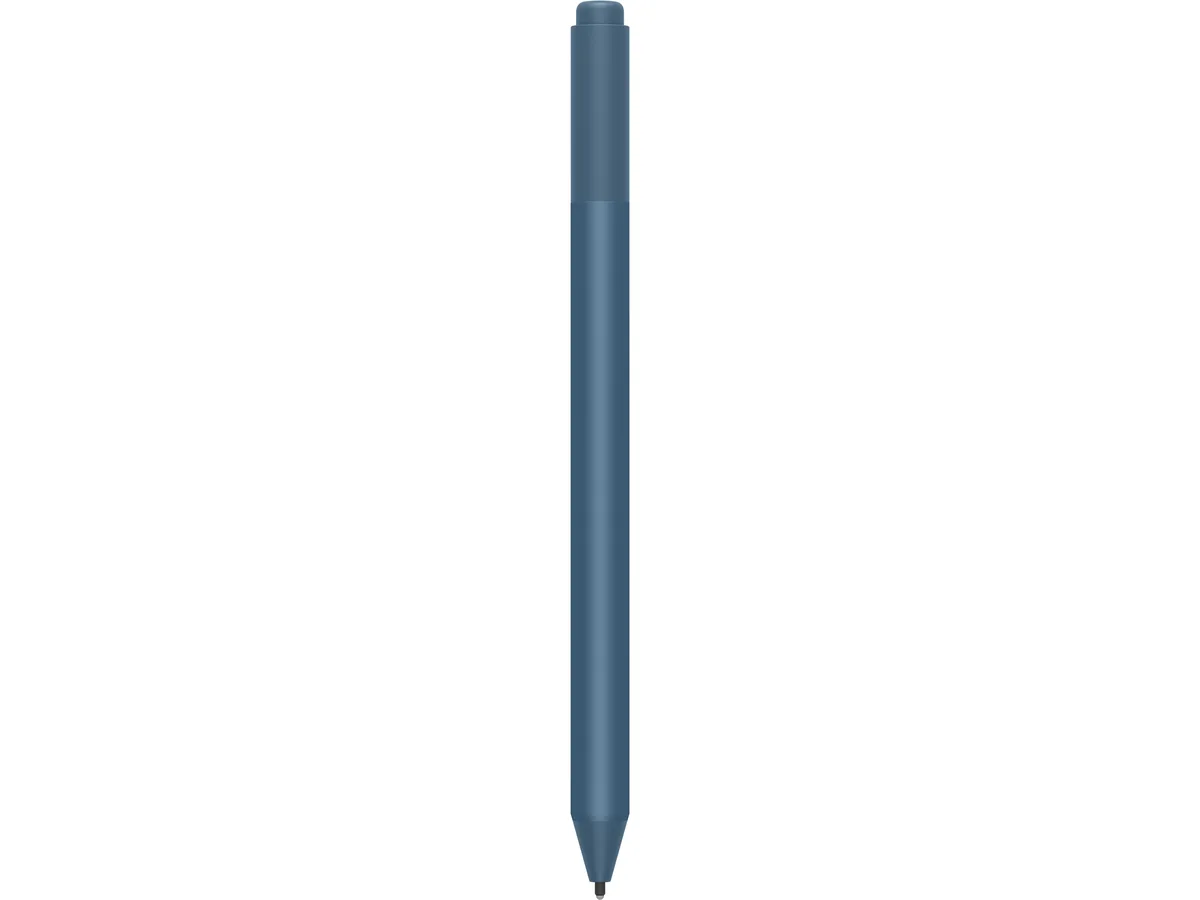
A Surface Pen in Ice Blue for writing and drawing on compatible devices
The Microsoft Surface Pen EYU-00049 in Ice Blue is a 2 in 1 accessory designed for compatible Surface devices. It supports natural handwriting, drawing and navigation for students, creatives and professionals who work directly on the screen.
The pen operates without fans, radiators or external power, so it produces no audible noise and adds no thermal load to the system. It draws energy only from its internal replaceable battery during normal use.
Under continuous writing or sketching sessions the pen maintains consistent responsiveness because there is no processor to throttle and no heat to dissipate. It is not suited for users who need an active stylus with built-in shortcut buttons or pressure-sensitive eraser tips.
| Brand | Microsoft |
|---|---|
| Model | M1776 (EYU-00049) |
| Accessory Type | Surface Pen |
| Color | Ice Blue |
| Shipping weight | 0.20 kg |
| Package size | 177 × 51 × 24 mm |
Press and hold the top button for seven seconds until the LED flashes, then add the pen in Windows Bluetooth settings; the step often missed is holding the button long enough to enter pairing mode.
The AAAA battery inside the barrel powers the pen and will need replacing when pressure sensitivity or button response becomes inconsistent.
The single AAAA cell provides the only power source, so battery depletion is the first limit that stops the pen from working during sustained use.
Also in this aisle
Same shelf, same checkout — eight coins and a 30-minute rate lock.
What you pay in, and what you read prices in.
Sent from your wallet at checkout
Display only — the catalogue is priced in USD
No currency matches that.
Pick the language the site speaks to you in.
No language matches that.
New here?
Already have one?
There is no automatic reset: this shop sends no mail, so there is no one-time link to ask for. Leave the address on the account and it gets picked up by hand.
Request noted
Nothing is on its way to your inbox — this shop sends no mail at all. Someone picks these up by hand.
Remembered it?


