


MCHOSE
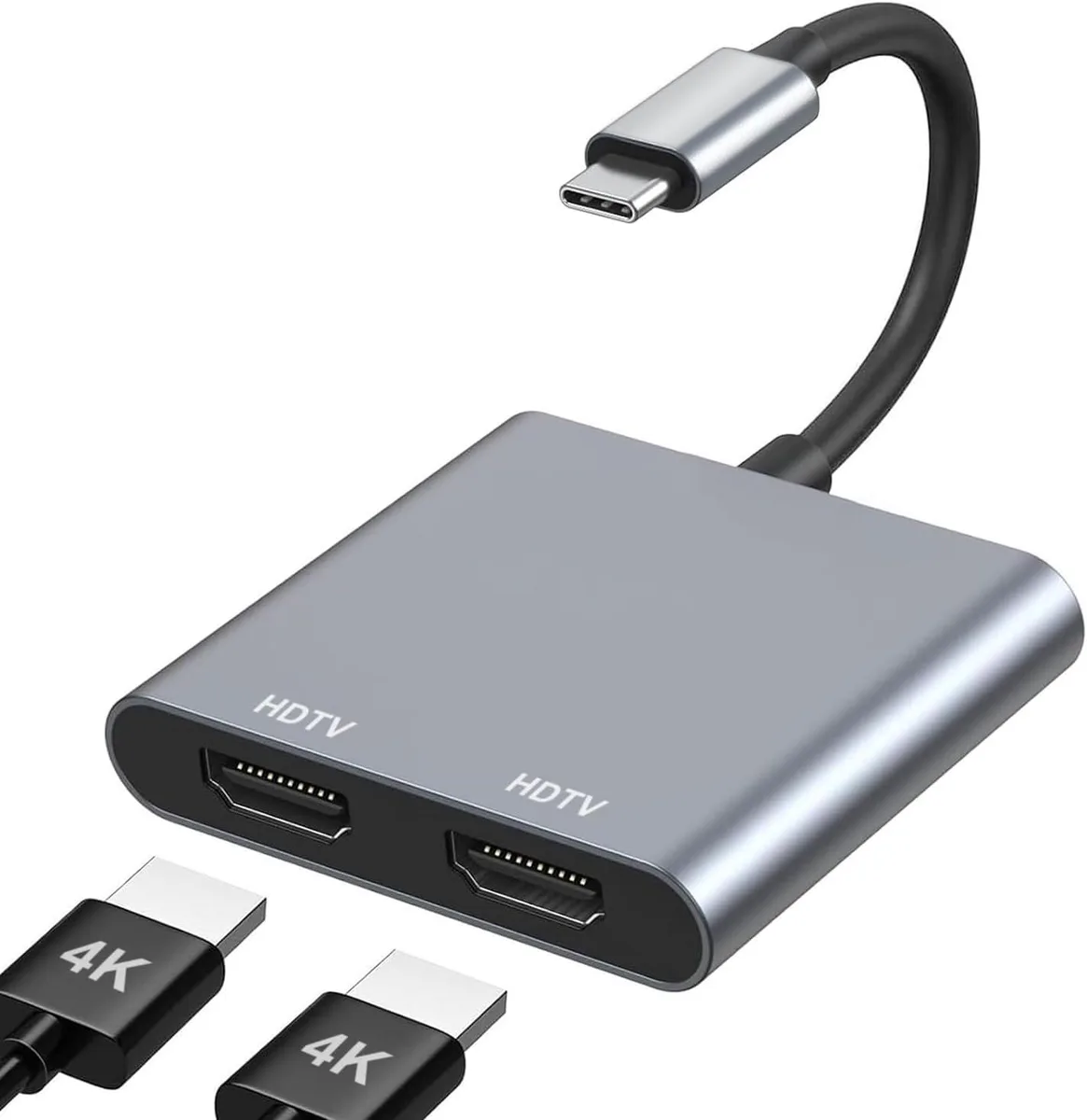
MCHOSE USB C to Dual HDMI Adapter 4K 60Hz Hub MacBook Air Pro XPS HP Surface Chromebook
Connects a USB-C laptop to two HDMI displays at up to 4K 60 Hz each or dual 4K 30 Hz
- TypeUSB Hubs
- Extend workspace across two monitors simultaneously
- Stream 4K 60Hz content through a single HDMI port
- Run dual displays at 3840x2160 30Hz each
- Connect instantly with no drivers or software needed
- Works with MacBook Air Pro XPS HP Surface Chromebook
Dual 4K extended display
This USB-C to dual HDMI adapter lets you connect two external monitors to a single USB-C port on laptops such as MacBook Air, MacBook Pro, XPS, HP, Surface or Chromebook. It extends the desktop across both screens for multitasking, content creation or media playback without mirroring.
4K 60 Hz single or 30 Hz dual
One HDMI port delivers up to 3840x2160 at 60 Hz; when both ports are used each monitor runs at 3840x2160 at 30 Hz. A HDMI 2.0 cable is required on each link and the host device must support 4K output for the adapter to reach these resolutions.
Plug-and-play USB-C host
The adapter draws power and video from the host USB-C port and needs no drivers or external supply. Audio routing may require a manual output-device change in system settings. It suits users who need two HDMI displays from one port; buyers who need more than two screens or higher dual-monitor refresh rates should look elsewhere.
Highlights
- Extend workspace across two monitors simultaneously
- Stream 4K 60Hz content through a single HDMI port
- Run dual displays at 3840x2160 30Hz each
- Connect instantly with no drivers or software needed
- Works with MacBook Air Pro XPS HP Surface Chromebook
Specifications
| Type | USB Hubs |
|---|
Questions about this item
What resolution can I expect on each monitor when both HDMI ports are in use?
Each display runs at 3840x2160 at 30 Hz when both ports are active.
Which HDMI cable standard is needed to reach 4K at 60 Hz on a single port?
An HDMI 2.0 cable or better is required for 4K at 60 Hz on one port.
Does the adapter need an external power supply or mounting hardware?
No external power or mounting hardware is needed; it draws power from the USB-C port.
New to this? Which coin should you pay with — what to check, what it costs to pay, and what is never asked for.
Also in this aisle
People compared these
Same shelf, same checkout — eight coins and a 30-minute rate lock.



Black Box Corporation
Black Box Corporation CAT6 EZ-RJ45 Modular Plugs 100-Pack
$95.99
0.00114986BTC
In stock
