

Accsoon
Accsoon CineView SE Multi-Spectrum Wireless Video Transmitter 1200ft 1080p HDMI SDI
$181.99
0.00215917BTC
In stockWe take cryptocurrency — so the coins you hold can buy real hardware.Pay in crypto, spend it on real hardware. Free insured shipping worldwide over $399. Plain, unbranded boxes, sent from Germany.Free insured shipping over $399. Your rate is locked for 30 minutes once checkout opens.Rate locked 30 minutes. Every item sealed, serial-checked and covered by a 24-month warranty.Sealed, 24-month warranty.


MCHOSE
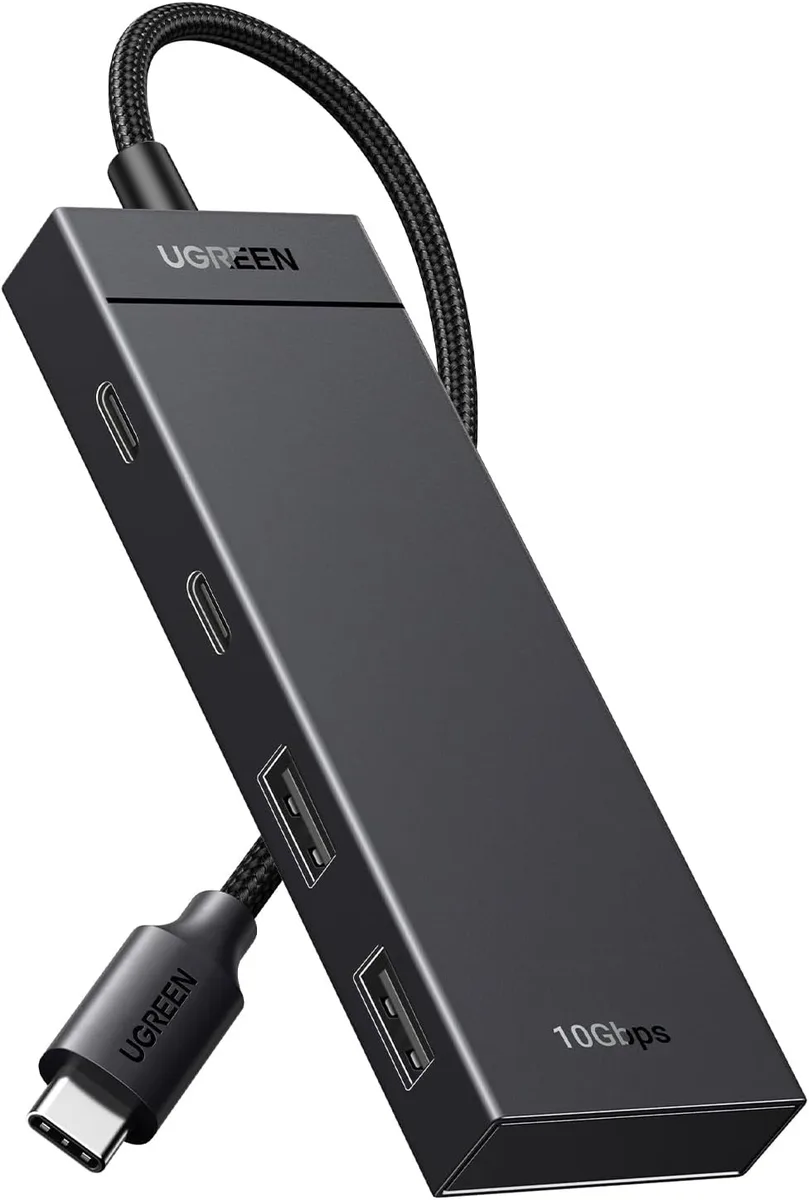
A compact four-port hub turns one USB-C socket into two USB-C 3.2 and two USB-A 3.2 connections with 10 Gbps transfer speed
The MCHOSE USB-C hub expands a single USB-C port into two USB-C 3.2 and two USB-A 3.2 data ports. It delivers up to 10 Gbps transfer speed, moving a 20 GB file in 16.4 seconds. The adapter works plug-and-play with Windows 11, 10, 8.1, 8, 7, Vista, XP, macOS, Linux, iPadOS, iOS and Android. No drivers or external power are required.
It fits users who need extra high-speed data ports for flash drives, external SSDs or peripherals on a MacBook Pro, MacBook Air, iPad Pro, iPhone 15 series, Surface, XPS or Galaxy S23/S22/S21. Buyers who require video output or power delivery through the USB-C ports should look elsewhere, as those functions are not supported.
The package includes only the hub itself; no cables, adapters or software are supplied. The compact 4 x 1.5 x .5 inch, 50 g form factor makes it easy to carry for travel or office use.
| Type | USB Hubs |
|---|
Yes, the host USB-C port must run USB 3.2 Gen 2 to deliver the rated 10Gbps across the hub's four ports.
The hub is backward compatible, so USB 3.0 devices operate at up to 5Gbps on any of the four 3.2 ports.
Transfer a large file between two 10Gbps-capable drives attached to the hub and verify the throughput approaches 10Gbps in the OS copy dialog.
Also in this aisle
Same shelf, same checkout — eight coins and a 30-minute rate lock.
What you pay in, and what you read prices in.
Sent from your wallet at checkout
Display only — the catalogue is priced in USD
No currency matches that.
Pick the language the site speaks to you in.
No language matches that.
New here?
Already have one?
There is no automatic reset: this shop sends no mail, so there is no one-time link to ask for. Leave the address on the account and it gets picked up by hand.
Request noted
Nothing is on its way to your inbox — this shop sends no mail at all. Someone picks these up by hand.
Remembered it?



