


Magewell
Magewell USB Capture HDMI Plus video capturing device
Captures HDMI video with loop-through output and provides 3.5 mm jacks for microphone input and headphone audio extraction
- Loop-through HDMI keeps the signal flowing to a display
- 5 mm microphone jack adds live commentary audio
- 5 mm headphone jack extracts embedded HDMI audio for monitoring
- USB interface enables plug-and-play capture on any computer
- Compact form factor suits portable streaming setups
USB Capture HDMI Plus overview
The Magewell USB Capture HDMI Plus is a video capturing device built for streamers and creators who need to bring an external HDMI source into a computer over USB. It accepts an HDMI signal and provides a loop-through output so the same feed can reach a local display without extra splitters.
Loop-through and audio I/O
A built-in loop-through HDMI port passes the incoming signal onward, letting you monitor or record simultaneously. Audio can be injected through a 3.5 mm microphone jack, and embedded HDMI audio is extracted to a separate 3.5 mm headphones jack for independent monitoring or capture.
Compatibility check before ordering
Verify that your source outputs an HDMI signal the device can accept and that your computer has a free USB port with enough bandwidth for the capture stream. Confirm the 3.5 mm jacks match your microphone and headphone plugs, and ensure your recording or streaming software recognises UVC-class video devices.
Highlights
- Loop-through HDMI keeps the signal flowing to a display
- 5 mm microphone jack adds live commentary audio
- 5 mm headphone jack extracts embedded HDMI audio for monitoring
- USB interface enables plug-and-play capture on any computer
- Compact form factor suits portable streaming setups
Specifications
No published specifications for this item yet.
Questions about this item
Does the Magewell USB Capture HDMI Plus need a separate power supply or does it draw power from the USB connection?
The device is bus-powered over USB so no external power adapter is required; simply connect it to a free USB port and it will start up automatically.
Which cables and ports must be connected first to get a clean signal through the loop-through HDMI output?
Plug the source into the HDMI input, then run a second HDMI cable from the loop-through output to your display; the USB link to the PC can be attached last.
If the 3.5 mm microphone or headphone jack stops passing audio, can the port be repaired or must the whole unit be replaced?
The audio jacks are soldered to the main board so a failed jack normally means sending the unit in for service rather than a simple user swap.
Also in this aisle
People compared these
Same shelf, same checkout — eight coins and a 30-minute rate lock.


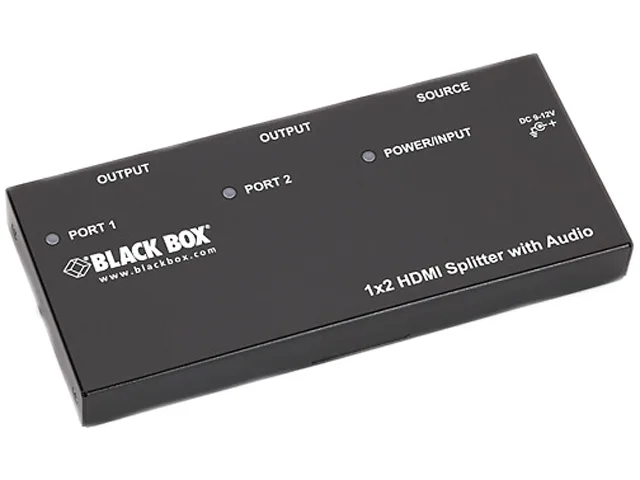
Black Box Corporation
Black Box AVSP-HDMI1X2 HDMI splitter 1×2 with audio
- HDMI
- Approvals: CE, RoHS…
$104.99
0.00121163BTC
In stock