
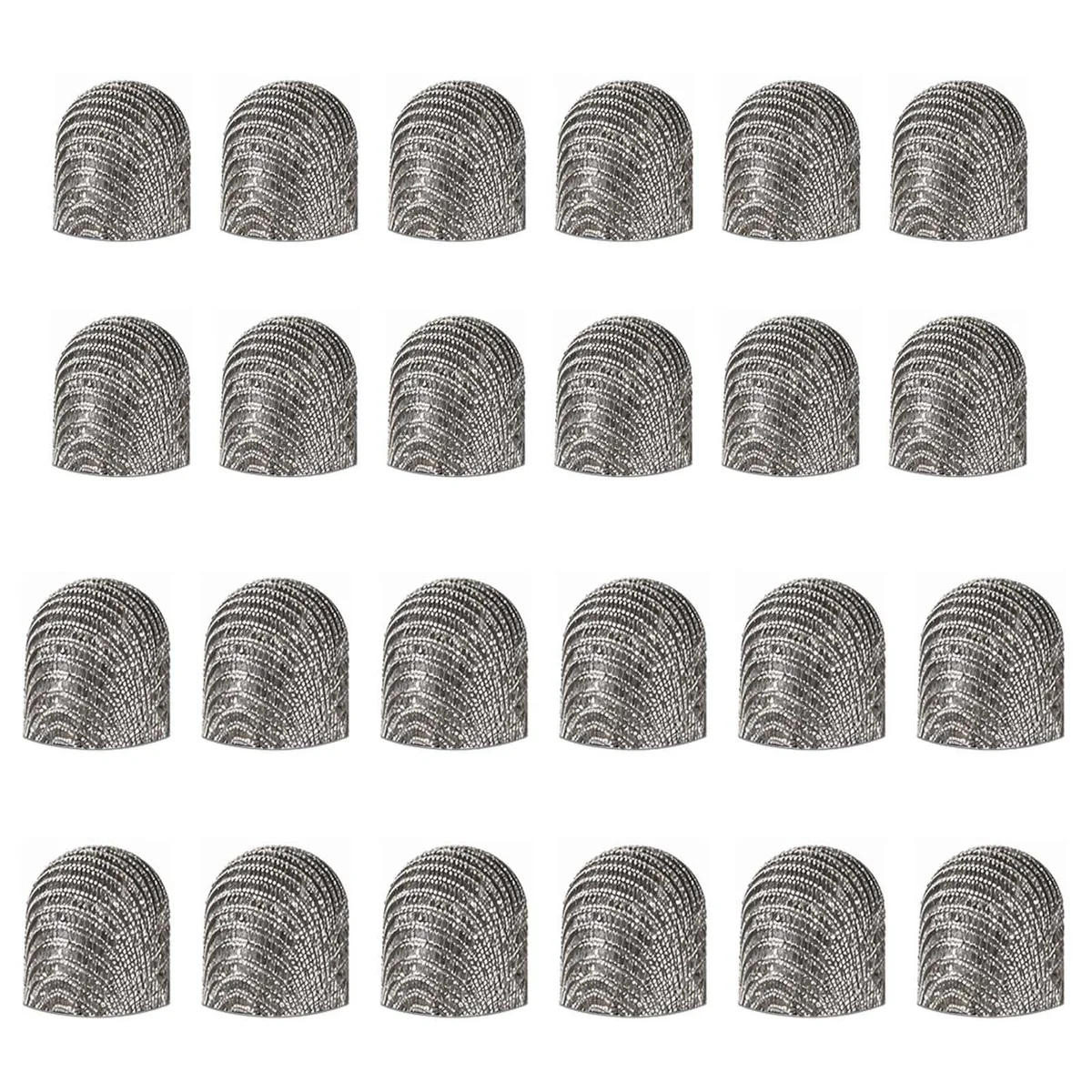


Lusofie Stylus Replacement Tips 24pcs 0.2in 0.24in
A pack of 24 black silicone and conductive-fabric replacement tips in 0.2in and 0.24in sizes for capacitive stylus pens used on tablets, smartphones and laptops
- Compatible Phone ManufacturerSmartphones
- Compatible Capacitive ScreenTablets, Smartphones, Laptops
- Length15.0 in x 10.5 in x 1.0 in
- Precise touch on tablets and smartphones with conductive fabric tips
- Smooth, scratch-free interaction from high-quality silicone material
- Tool-free swap extends stylus life in seconds
- 24 pieces cover both .2 and .24 inch tip sizes
- Compact 15.0 x 10.5 x 1.0 in pack keeps spares organised
Universal Stylus Tip Kit
This 24-piece set supplies replacement tips for capacitive stylus pens used with smartphones, tablets and laptops. Two diameters are included so owners of different pen models can find a matching fit without buying separate packs.
Materials and Screen Feel
Tips are moulded from black silicone bonded to conductive fabric, giving a smooth glide that protects glass from scratches. The soft compound keeps friction low during long writing or drawing sessions while maintaining consistent contact with the screen.
Two Sizes in One Pack
Twelve tips measure 5 mm (0.2 in) and twelve measure 6 mm (0.24 in), covering the most common stylus barrel sizes. The mixed assortment lets users swap worn tips instantly and keep a spare set on hand for multiple devices.
Highlights
- Precise touch on tablets and smartphones with conductive fabric tips
- Smooth, scratch-free interaction from high-quality silicone material
- Tool-free swap extends stylus life in seconds
- 24 pieces cover both .2 and .24 inch tip sizes
- Compact 15.0 x 10.5 x 1.0 in pack keeps spares organised
Specifications
| Brand | Lusofie |
|---|---|
| Model | 1 |
| Part Number | 653587_1_fdEIsvIw |
| Compatible Phone Manufacturer | Smartphones |
| Compatible Capacitive Screen | Tablets, Smartphones, Laptops |
| Length | 15.0 in x 10.5 in x 1.0 in |
Questions about this item
How do I install the 5mm or 6mm tip onto my stylus, and what step causes problems?
Pull the old tip straight off, align the new silicone tip with the pen barrel, and press firmly until it seats; the common mistake is twisting during removal, which can damage the internal spring.
When will the conductive-fabric mesh wear out and need replacing?
The mesh surface degrades with heavy daily use; expect to swap tips when the fabric frays or the stylus begins skipping on capacitive screens.
What is the first limitation I hit during long drawing sessions?
The soft silicone compresses over time, reducing pressure sensitivity and causing the tip to feel mushy on glass surfaces.
Also in this aisle
People compared these
Same shelf, same checkout — eight coins and a 30-minute rate lock.


MCHOSE
MCHOSE Adjustable Tablet/Phone Stand Aluminum Black 4-13 inch
- Tablet Stands
$33.99
0.00039792BTC
In stock