


LUOM
LUOM PQ005 USB4 cable 3.3FT 40Gbps 240W 8K 90°
A 3.3 ft USB4 cable delivering 40 Gbps data, 240 W charging and 8K@60 Hz video with a 90° connector
- TypeUSB4
- Connector TypeUSB C to USB C
- ColorBlack
- Thunderbolt 3Yes
- Terminal GenderMale to Male
- Apple CompatibleUSB-C port
- Up to 40 Gbps data transfer with USB4 Gen 3x2
- 240 W fast charging via PD 3.1 PPS
- 8K 60 Hz or dual 4K 60 Hz video output
- 90° right-angle USB-C connectors for tight spaces
- Backward compatible with Thunderbolt 3 and USB 3.2 devices
What this cable does
The LUOM PQ005 is a USB4 Gen 3x2 cable with USB C male connectors on both ends. It moves data at up to 40 Gbps and delivers up to 240 W of power when paired with a compatible charger. The cable also carries video signals up to 8K at 60 Hz or 4K at 144 Hz and works with Thunderbolt 3 and 4 hosts.
Build and connector notes
A nylon braided jacket protects the conductors and the right‑angled plug reduces strain on tight ports. Both ends are reversible USB C males so orientation does not matter. The cable is backward compatible with USB 3.2, 3.1 and 2.0 devices, though speeds and power will fall to the lowest common standard.
Check before you buy
Your host port must support USB4 Gen 3x2 or Thunderbolt 3 or 4 to reach 40 Gbps and 240 W. For video output the port needs DisplayPort Alternate Mode. If your device only offers USB 3.2 or 2.0 the cable will still work but at lower data rates and power levels.
Highlights
- Up to 40 Gbps data transfer with USB4 Gen 3x2
- 240 W fast charging via PD 3.1 PPS
- 8K 60 Hz or dual 4K 60 Hz video output
- 90° right-angle USB-C connectors for tight spaces
- Backward compatible with Thunderbolt 3 and USB 3.2 devices
Specifications
| Brand | LUOM |
|---|---|
| Model | PQ005 |
| Type | USB4 |
| Connector Type | USB C to USB C |
| Color | Black |
| Thunderbolt 3 | Yes |
| Terminal Gender | Male to Male |
| Apple Compatible | USB-C port |
| Specifications | 240W USB4 Cable USB Standard: The Latest USB4 Gen 3x2 Connector Gender & Type: USB C Male to USB C Male, Bi-directional & Reversible. Power Delivery: PD 3.1/PD 3.0 PPS/PD2.0, QC4.0/3.0, and AFC, SCP, FCP, etc. Extended Power Range: Fully Supported, Backwards compatible with lower power requirements like 180W/140W/100W/60W and below. Supported Maximum Wattage: 240W, Compatible with Apple 140W USB-C EPR Charger to power MacBook Pro 16'' with a full load of 140W (Requires a 240W EPR PD 3.1 charger and device to load 240W). Supported Maximum Voltage: 48V, Voltage rating according to PD 3 |
| Refresh Rate | 8K@60Hz |
| Features | 240W, Leading Fast Charging Tech: When our USB C to USB C cable paired with a compatible charger, it reaches the maximum power supported by the device, supporting up to 240W (48V/5A) power supply. Within the next 5 to 10 years, this USBC to USBC fast charging cable can completely meet the demands of fast charging, and could charge virtually any USB-C device from phones and accessories to gaming laptops. Support 8K UHD Display: Support ultra HD video resolution, 40Gbps bandwidth allows single 8K@60Hz outputs or dual 4K@60Hz video, 40Gbps speed cables are suitable for eGPU and dual 4K |
Other versions of this model
5 more in the same range
Same family, different memory, cooler or clock — compare before you commit.


LUOM
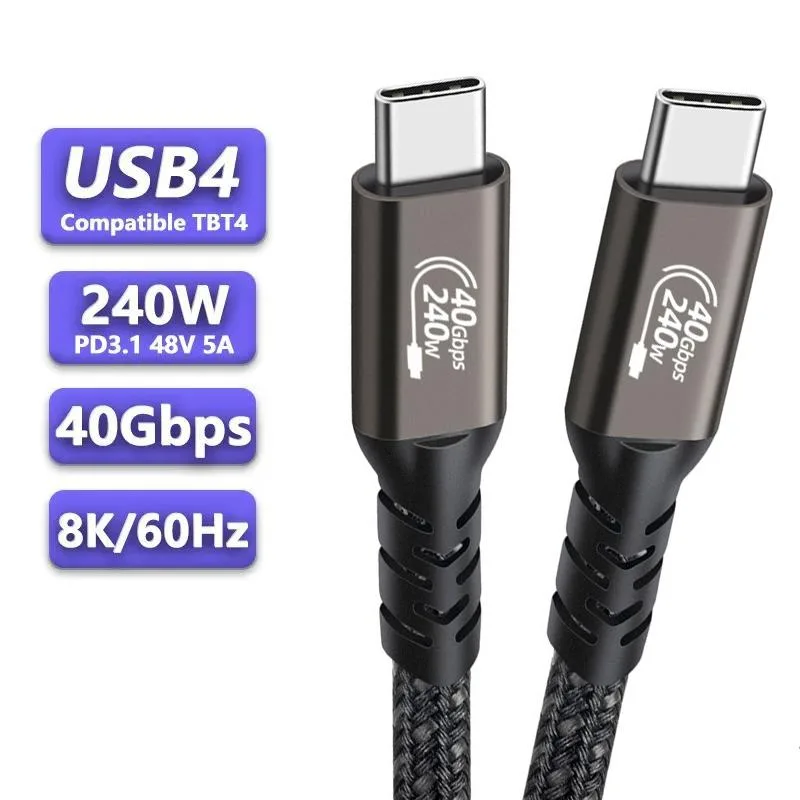
LUOM PQ001 USB4 cable USB C to C 3.3FT copper 40 Gbps 240W 8K@60Hz
- USB4
- USB C to USB C
$13.99
0.00016529BTC
In stock
LUOM
LUOM PQ005 USB4 cable right angle 240W 40Gbps 8K 3.3ft
- USB4
- USB C to USB C
$13.99
0.00016529BTC
In stock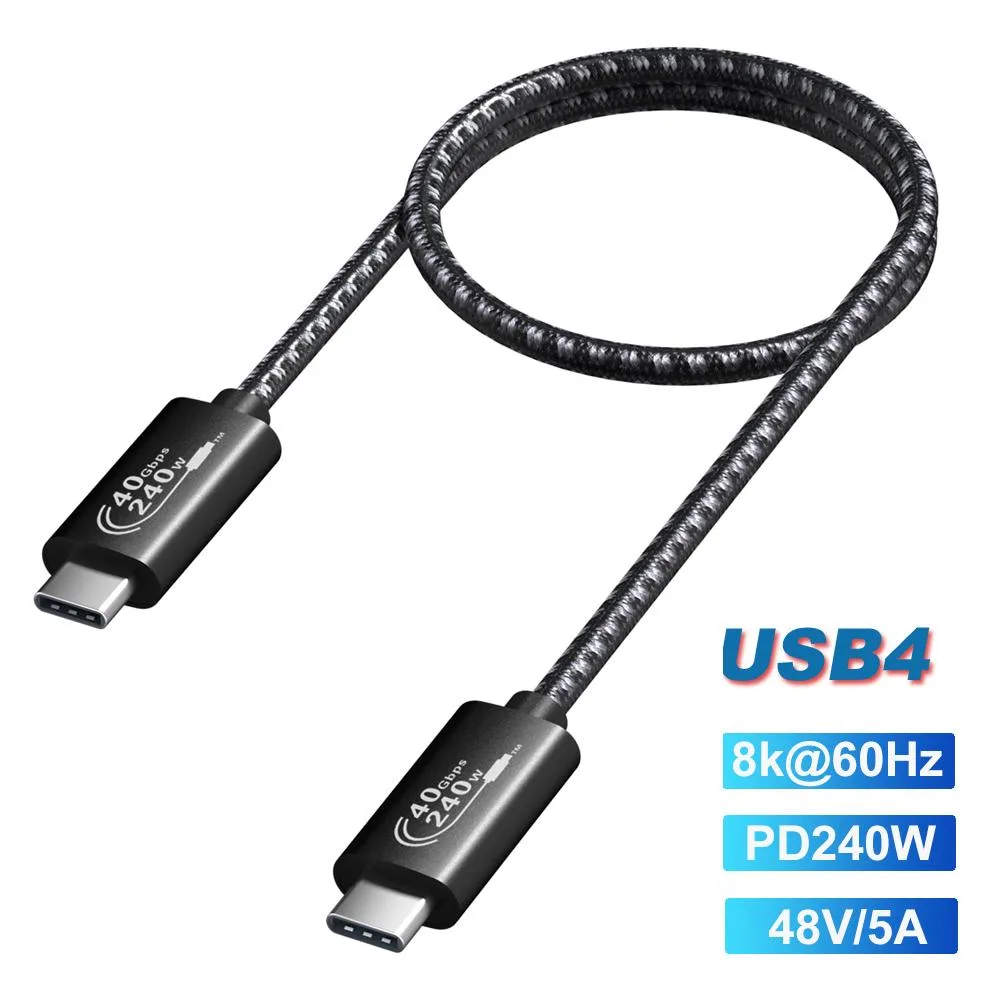
LUOM
LUOM PQ006 USB4 cable USB C to USB C 240W 40Gbps 8K 1.5FT Black
- USB4
- USB C to USB C
$13.99
0.00016529BTC
In stock
LUOM
LUOM PQ001 USB4 cable 3.3FT 40Gbps 240W 8K@60Hz Copper
- USB4
- USB C to USB C
$13.99
0.00016529BTC
In stockQuestions about this item
What USB standard does this cable use, and what data rate does it cap at in practice?
It uses USB4 Gen 3x2 and delivers up to 40 Gbps bi-directional with compatible devices.
What physical clearance does the 90-degree connector need to fit?
The right-angle USB-C male plug requires enough side room for the bend radius; check your port spacing before ordering.
How is this cable installed, and what step do people often miss?
Plug both USB-C ends in; the step often missed is confirming the host port supports DisplayPort Alt Mode for 8K@60Hz video.
Also in this aisle
People compared these
Same shelf, same checkout — eight coins and a 30-minute rate lock.



CHIEF MANUFACTURING
CHIEF MANUFACTURING CMS018 18" 457 mm Fixed Extension Column projector accessory
- Extension Column
- Projector
$22.99$22.99
0.00027162BTC
In stock