


LORDWORLD
LORDWORLD Wormhole Switch KVM Docking Station JCH462
Controls two Windows PCs with one keyboard and mouse, shares screens in duplicate or extend modes, transfers files by drag-and-drop, and adds two USB-A 5 Gbps and one USB-C 5 Gbps ports
- Control two Windows PCs with one keyboard and mouse
- Share screens in duplicate or extend modes with picture-in-picture
- Drag-and-drop files between computers across displays
- Use touchscreen gestures and stylus on connected tablet
- Connect peripherals via two USB-A and one USB-C 5 Gbps ports
Dual-PC Wormhole Switch KVM Dock
The LORDWORLD Wormhole Switch JCH462 connects two Windows computers so one keyboard and mouse control both systems. It supports Windows 10 and 11, letting you move the cursor across screens and switch tasks without extra hardware. The dock creates a virtual second display for the secondary PC.
USB 3.1 Connection and Peripheral Limits
Installation uses a USB 3.1 link between the two PCs; no driver install is described in the supplied data. The three downstream ports — two USB-A 5 Gbps and one USB-C 5 Gbps — function only with the PC1 host, so peripherals attached to them will not follow the cursor to PC2. Buyers who need shared USB devices on both machines should note this constraint.
File Transfer and Touchscreen Headroom
Drag-and-drop or copy-and-paste moves files across the virtual display or the picture-in-picture window, handling typical documents and media. Touchscreen tablets gain virtual multi-touch, gestures and stylus support in extended mode, with automatic rotation and resize adaptation. The single 5 Gbps upstream link sets the bandwidth ceiling for combined video, input and file traffic.
Highlights
- Control two Windows PCs with one keyboard and mouse
- Share screens in duplicate or extend modes with picture-in-picture
- Drag-and-drop files between computers across displays
- Use touchscreen gestures and stylus on connected tablet
- Connect peripherals via two USB-A and one USB-C 5 Gbps ports
Specifications
| Brand | LORDWORLD |
|---|
Questions about this item
How do I confirm the JCH462 is sharing the screen correctly between my two Windows PCs after setup?
Verify that both Windows 10 and 11 machines show the virtual second display in display settings and that the Picture-in-Picture window appears movable and resizable in Duplicate mode.
Which cables or adapters must I buy separately to connect two PCs and peripherals to the JCH462?
The hub provides two USB-A 5 Gbps ports and one USB-C 5 Gbps port for peripherals on the PC1 host; you must supply the USB 3.1 cables to link each PC to the switch.
Should I choose the JCH462 for a Windows 11 tablet with stylus or a legacy Windows 10 desktop?
The JCH462 supports Windows 11 and 10, adding virtual multi-touch, gestures and stylus pen support when a touchscreen tablet is used in Extended mode.
Also in this aisle
People compared these
Same shelf, same checkout — eight coins and a 30-minute rate lock.


Kensington
Kensington HC156A1610A 15.6" 16:10 privacy screen filter accessory
$49.99
0.00057635BTC
In stock
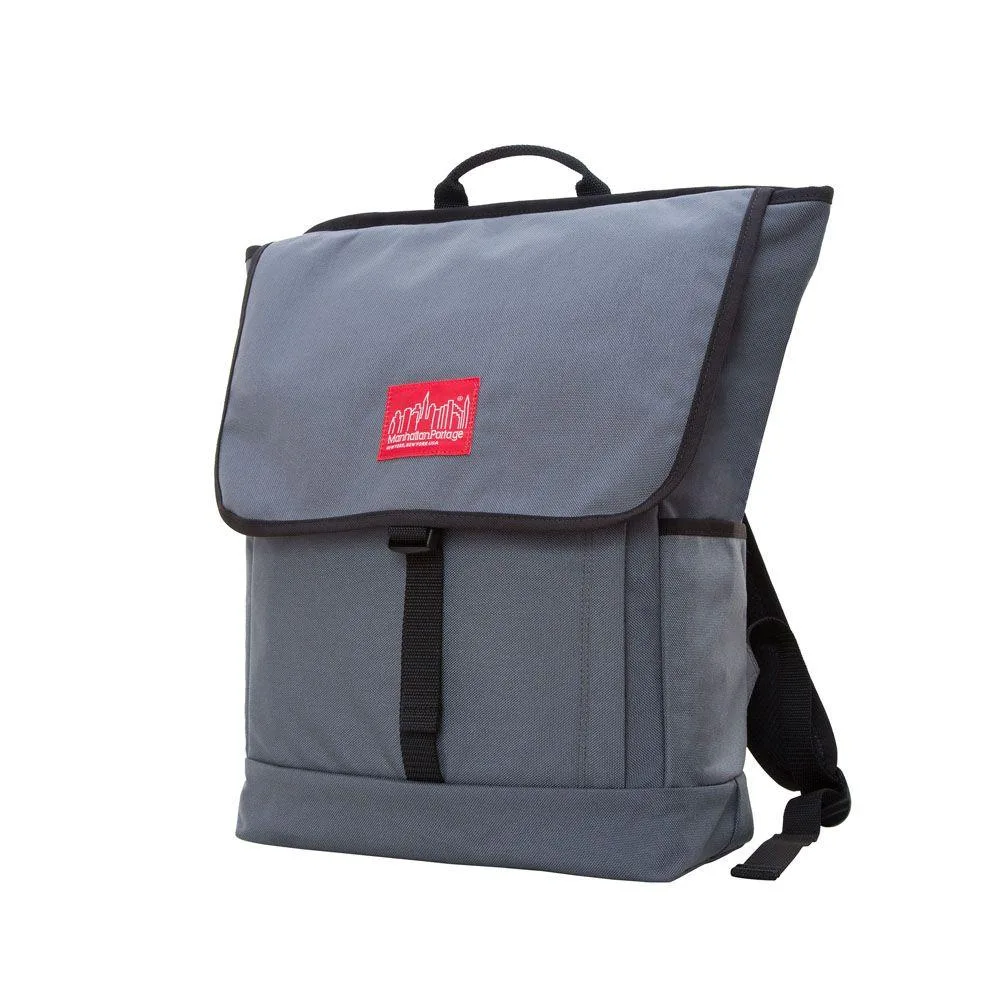
Manhattan Portage
Manhattan Portage Washington Square Backpack laptop case
- Backpack
$135.99
0.00156786BTC
In stock