LORDWORLD
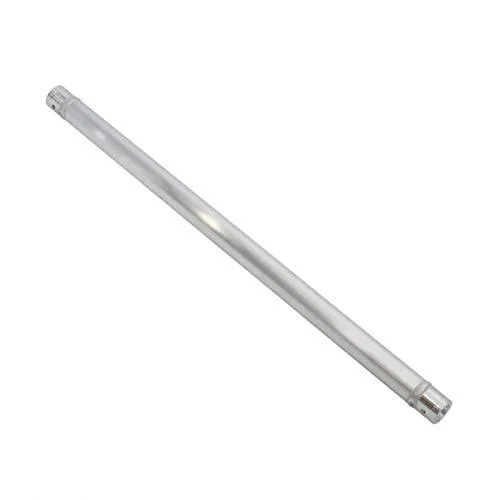
LORDWORLD Remote PC Fan Speed Controller Aluminum Stand
Aluminium stand holds PC fans and adjusts their speed with a remote control
- Remote fan speed control without opening the case
- Sturdy aluminium stand keeps fans stable on the desk
- Supports multiple fans from a single controller unit
- Fans not included so you choose the models you prefer
Remote Fan Speed Controller
The LORDWORLD aluminium stand provides manual speed control for compatible PC cooling fans via an included remote handset. It is intended for system builders and enthusiasts who want to adjust airflow without opening the case or using software utilities. Fans must be purchased separately.
Remote Operation
The defining feature is the wireless remote that lets you change fan RPM from a distance, so you can balance noise and cooling while seated at the desk. Buyers who need PWM motherboard headers or software-based fan curves will not find those functions here.
Highlights
- Remote fan speed control without opening the case
- Sturdy aluminium stand keeps fans stable on the desk
- Supports multiple fans from a single controller unit
- Fans not included so you choose the models you prefer
Specifications
| Brand | LORDWORLD |
|---|
Questions about this item
How does the remote let me change fan speeds once the stand is connected to my PC?
The handheld remote sends signals to the controller on the stand, which adjusts the voltage or PWM duty cycle sent to each connected fan header so the fans spin faster or slower without opening the case.
What type of fan headers does the aluminium stand provide, and what limits the number of fans I can plug in?
The stand offers standard 3-pin or 4-pin fan headers; the total number of fans is limited by the headers on the board and the combined current rating of the controller’s power input.
Also in this aisle
People compared these
Same shelf, same checkout — eight coins and a 30-minute rate lock.