


LORDWORLD
LORDWORLD M.2 2242 to 2280 NVME Adapter for Legion Go
Adds a full-size 2280 NVME drive to the Legion Go using a PCI-Express 4.0 x4 adapter
- Fits a full-size 2280 NVME SSD inside the Legion Go using a PCIe 4.0 x4 adapter
- Replacement drive must be 2 mm tall or less so the back cover closes properly
- Converts the console's 2242 NVME slot to accept 2280 NVME drives only
- Does not convert NVME to SATA or SATA to NVME
- Clone the system to the new 2280 SSD before swapping out the original 2242 drive
Legion Go storage upgrade adapter
This adapter lets Legion Go owners replace the factory 2242 NVME drive with a longer 2280 NVME SSD. It targets handheld gamers who need more capacity for large game libraries. The board carries the PCI-Express 4.0 x4 signals through without protocol conversion.
Screw-less retention and 2 mm height limit
The replacement SSD cannot be secured with a screw, so the drive sits in place by friction alone. Any SSD taller than 2 mm will prevent the console back cover from closing. The adapter does not support NVME-to-SATA or SATA-to-NVME translation, so only NVME drives are usable.
PCI-Express 4.0 x4 M-key pass-through
The single specification that decides fit is the PCI-Express 4.0 x4 M-key interface, which matches the Legion Go slot and a standard 2280 NVME SSD. Buyers who need SATA protocol support or a screw-down mount cannot use this adapter.
Highlights
- Fits a full-size 2280 NVME SSD inside the Legion Go using a PCIe 4.0 x4 adapter
- Replacement drive must be 2 mm tall or less so the back cover closes properly
- Converts the console's 2242 NVME slot to accept 2280 NVME drives only
- Does not convert NVME to SATA or SATA to NVME
- Clone the system to the new 2280 SSD before swapping out the original 2242 drive
Specifications
| Brand | LORDWORLD |
|---|
Questions about this item
Does the PCI-Express 4.0 x4 interface cap SSD speeds in practice?
The adapter passes through PCI-Express 4.0 x4, so any speed limit comes from the Legion Go slot or the SSD itself, not the adapter.
What physical clearance does the adapter need inside the Legion Go?
The installed 2280 SSD must be 2 mm or lower in height, otherwise the back cover will not close.
What is the correct installation sequence to avoid a non-booting drive?
Install the new 2280 SSD into the adapter, clone the system to it, then swap it for the original 2242 SSD.
Also in this aisle
People compared these
Same shelf, same checkout — eight coins and a 30-minute rate lock.


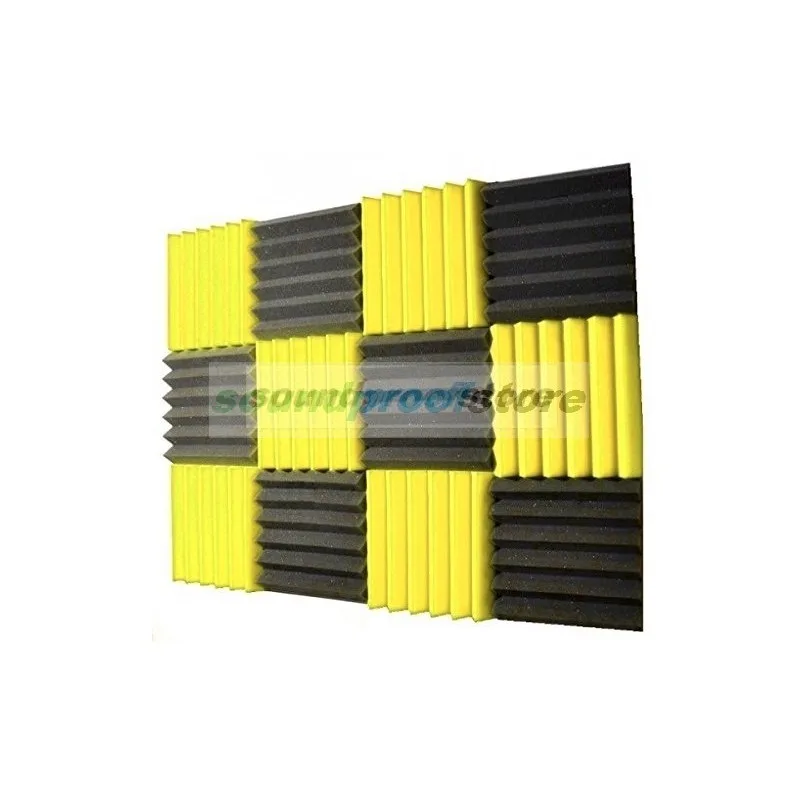
Soundproof Store
Soundproof Store Acoustic Wedge Foam Yellow Charcoal 12pk NRC .65
$27.99
0.00033762BTC
In stock
SoundTube Entertainment
SoundTube Entertainment RS42-EZ replacement grille, black
$9.99
0.0001205BTC
In stock