
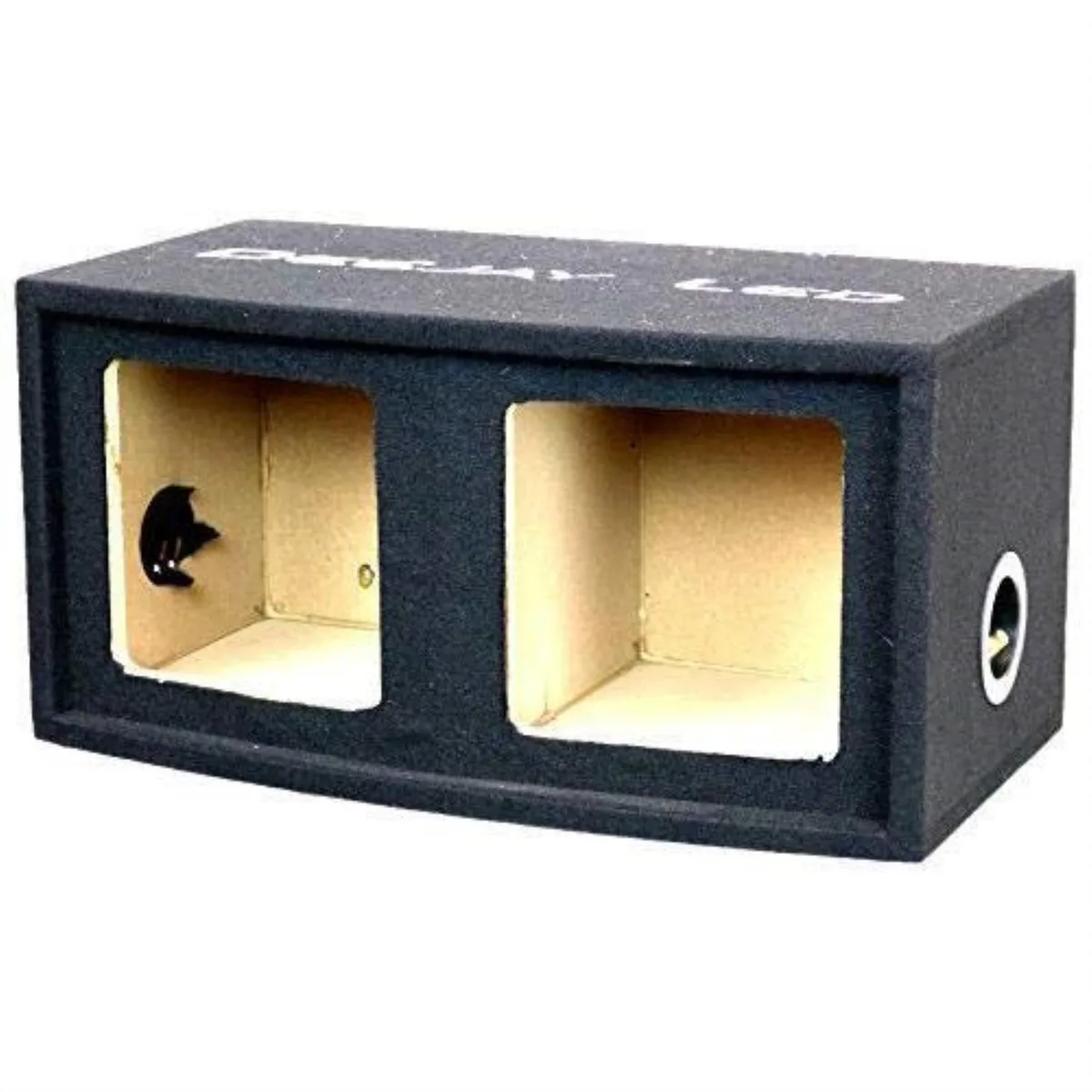
Deejay LED
Deejay LED Double Heavy Duty 10-in Square Woofer Empty Car Speaker Box
$91.99
0.00107422BTC
In stockWe take cryptocurrency — so the coins you hold can buy real hardware.Pay in crypto, spend it on real hardware. Free insured shipping worldwide over $399. Plain, unbranded boxes, sent from Germany.Free insured shipping over $399. Your rate is locked for 30 minutes once checkout opens.Rate locked 30 minutes. Every item sealed, serial-checked and covered by a 24-month warranty.Sealed, 24-month warranty.
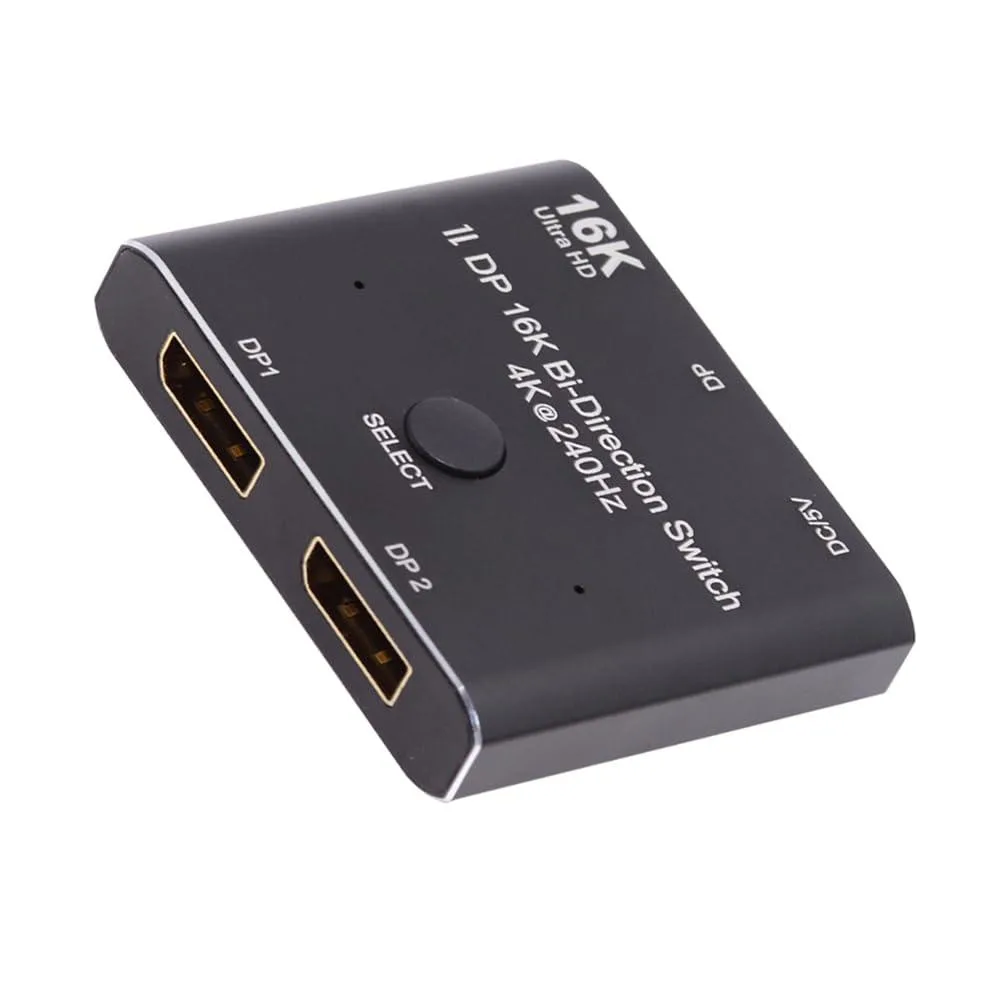


LORDWORLD
A bi-directional DisplayPort 2.0 switch connects two sources to one display or one source to two displays at up to 16K 60 Hz and 80 Gbps
The LORDWORLD DP 2.0 unit lets you route two DisplayPort sources to one display or one source between two displays. It supports resolutions up to 16K at 60 Hz, 8K at 60 Hz, 4K at 240 Hz and 1080p at 240 Hz with 80 Gbps bandwidth. HDCP and SST are supported for protected content. A standard DP 2.0 cable is required to reach the highest modes.
The selector draws power from an external supply but adds no active cooling, so it runs silently. Pressing the front button switches the active channel in roughly one second and LEDs indicate the current path. No fan noise or thermal throttling occurs because the device only passes the signal through.
Two upstream and one downstream DP 2.0 connectors handle the bi-directional topology; only one output is live at a time. The metal shell resists EMI and the push-button feels positive for daily switching. Users needing simultaneous dual-monitor output or a purely bus-powered solution should look elsewhere.
| Brand | LORDWORLD |
|---|
Connect each DisplayPort source and display with certified DP 2.0 cables, plug in the external power adapter, then press the button to select the active input; the step most people miss is supplying external power, because the unit will not switch without it.
No internal parts require scheduled replacement; keep the ventilation slots clear of dust and verify that the external power adapter and DP 2.0 cables remain firmly seated and undamaged over time.
Only one display can be active at a time, so the bi‑directional design prevents simultaneous output to two monitors even though the hardware supports 16K at 60 Hz and 4K at 240 Hz bandwidth.
Also in this aisle
Same shelf, same checkout — eight coins and a 30-minute rate lock.
What you pay in, and what you read prices in.
Sent from your wallet at checkout
Display only — the catalogue is priced in USD
No currency matches that.
Pick the language the site speaks to you in.
No language matches that.
New here?
Already have one?
There is no automatic reset: this shop sends no mail, so there is no one-time link to ask for. Leave the address on the account and it gets picked up by hand.
Request noted
Nothing is on its way to your inbox — this shop sends no mail at all. Someone picks these up by hand.
Remembered it?


