

LORDWORLD
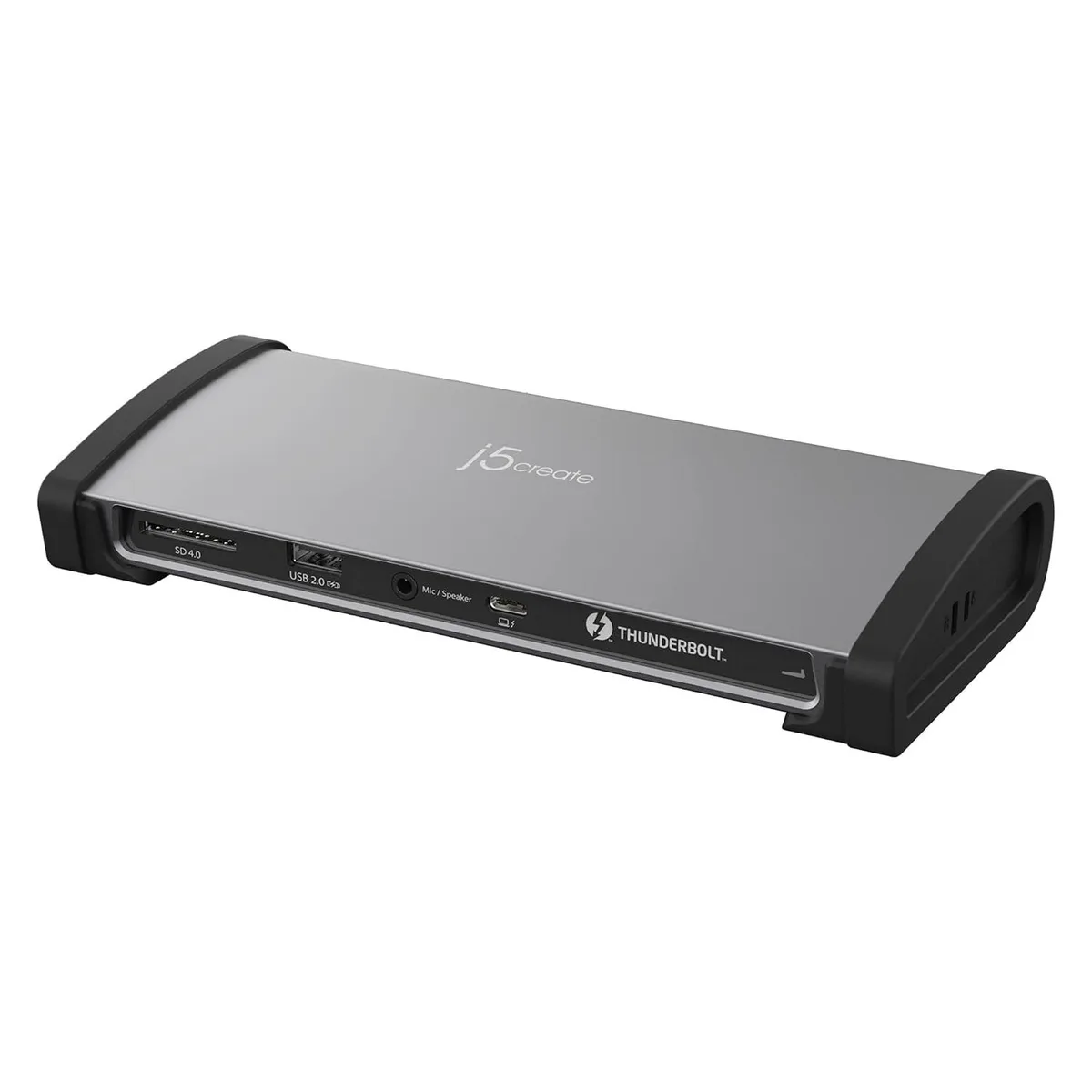
LORDWORLD 8K Thunderbolt 4 Docking Station JTD562
Adds three Thunderbolt 4 ports, 96 W charging, dual 4K or single 8K video, Gigabit Ethernet, SD 4.0 reader and audio to a laptop
- Turn one cable into three Thunderbolt 4 ports
- Drive one 8K 60 Hz or two 4K 60 Hz screens
- Charge a laptop at up to 96 W while docked
- Connect wired network, SD 4.0 cards and headset via one hub
- Add ten Gbps USB 3.2 ports plus a USB-C port
Thunderbolt 4 Docking Station JTD562
This Thunderbolt 4 docking station expands a compatible MacBook or Windows laptop into a full workstation with eleven ports. It provides three Thunderbolt 4 outputs at 40 Gbps, three USB 3.2 ports, one USB-C 10 Gbps port, Gigabit Ethernet, an SD 4.0 card reader, and a combo audio jack. Up to 96 W Power Delivery charges the host laptop while all peripherals remain connected.
Who this suits and who should look elsewhere
Creators and professionals needing one 8K 60 Hz display or two 4K 60 Hz monitors from a single Thunderbolt 4 laptop will benefit. Users whose laptops lack Thunderbolt 4 support cannot use the video or 40 Gbps data features. Buyers requiring more than three Thunderbolt 4 down-stream ports or a second SD card slot should consider a larger desktop hub.
Display bandwidth decides fit
The single 8K 60 Hz or dual 4K 60 Hz limit is set by the Thunderbolt 4 40 Gbps link and the host GPU capabilities. If your workflow demands higher refresh rates at 8K or more than two external screens, this dock will not meet that need.
Highlights
- Turn one cable into three Thunderbolt 4 ports
- Drive one 8K 60 Hz or two 4K 60 Hz screens
- Charge a laptop at up to 96 W while docked
- Connect wired network, SD 4.0 cards and headset via one hub
- Add ten Gbps USB 3.2 ports plus a USB-C port
Specifications
| Brand | LORDWORLD |
|---|
Questions about this item
Does the JTD562 get noisy or hot when driving an 8K60 display all day?
The dock has no internal fan, so it runs silently; heat is dissipated through its aluminium chassis during continuous 8K60 output.
Which port must my laptop provide to use the JTD562 and its 96 W charging?
Your laptop needs a Thunderbolt 4 port that supports 40 Gbps data and Power Delivery input.
Can I keep my older 10 Gbps USB-A peripherals on the JTD562's three USB 3.2 ports?
Yes, the three USB 3.2 ports are backward compatible with older USB-A devices at their native speeds.
Also in this aisle
People compared these
Same shelf, same checkout — eight coins and a 30-minute rate lock.


IXJYLCPC
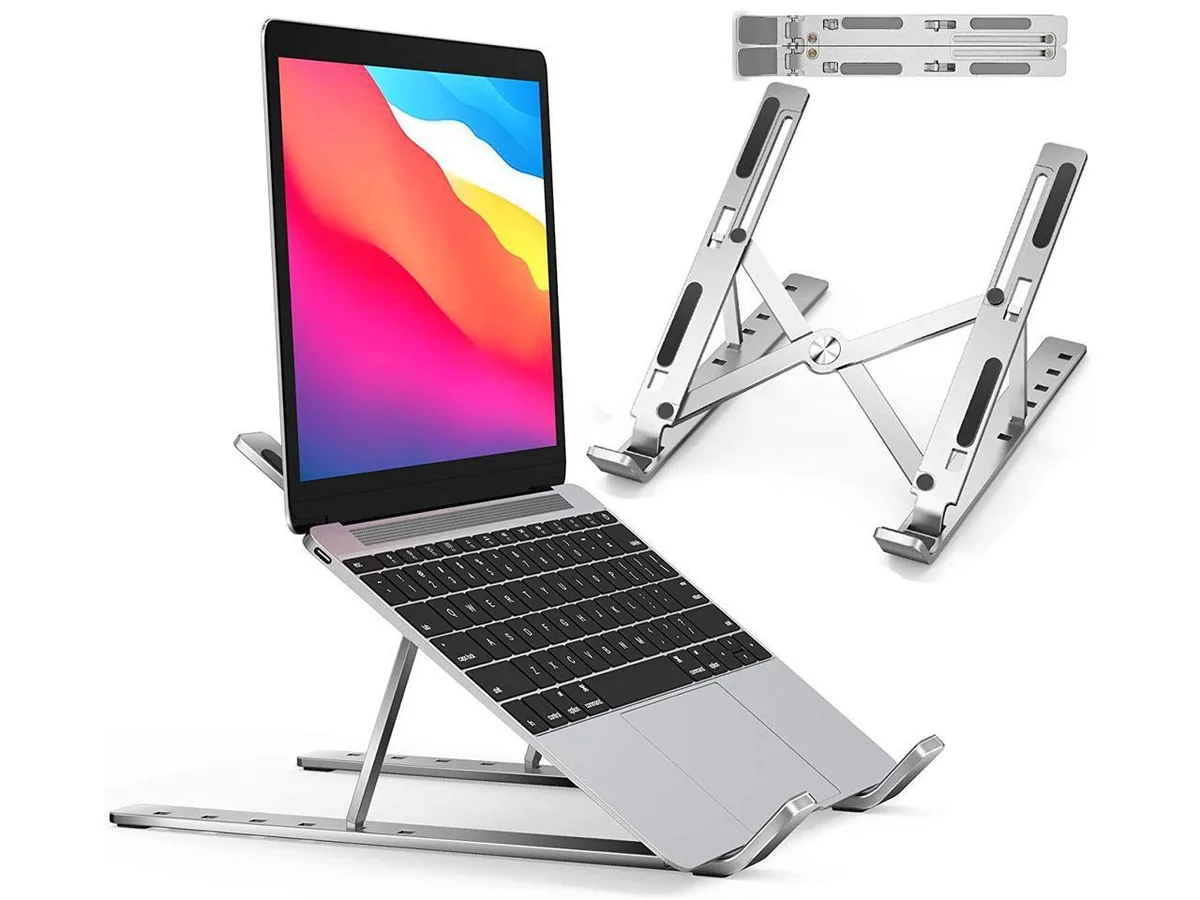
IXJYLCPC C08LS Adjustable Ergonomic Riser Stand Black 10-15.6
- Stand
$31.99
0.00036735BTC
In stock