

Accsoon
Accsoon CineView SE Multi-Spectrum Wireless Video Transmitter 1200ft 1080p HDMI SDI
$181.99
0.00215495BTC
In stockWe take cryptocurrency — so the coins you hold can buy real hardware.Pay in crypto, spend it on real hardware. Free insured shipping worldwide over $399. Plain, unbranded boxes, sent from Germany.Free insured shipping over $399. Your rate is locked for 30 minutes once checkout opens.Rate locked 30 minutes. Every item sealed, serial-checked and covered by a 24-month warranty.Sealed, 24-month warranty.


LORDWORLD
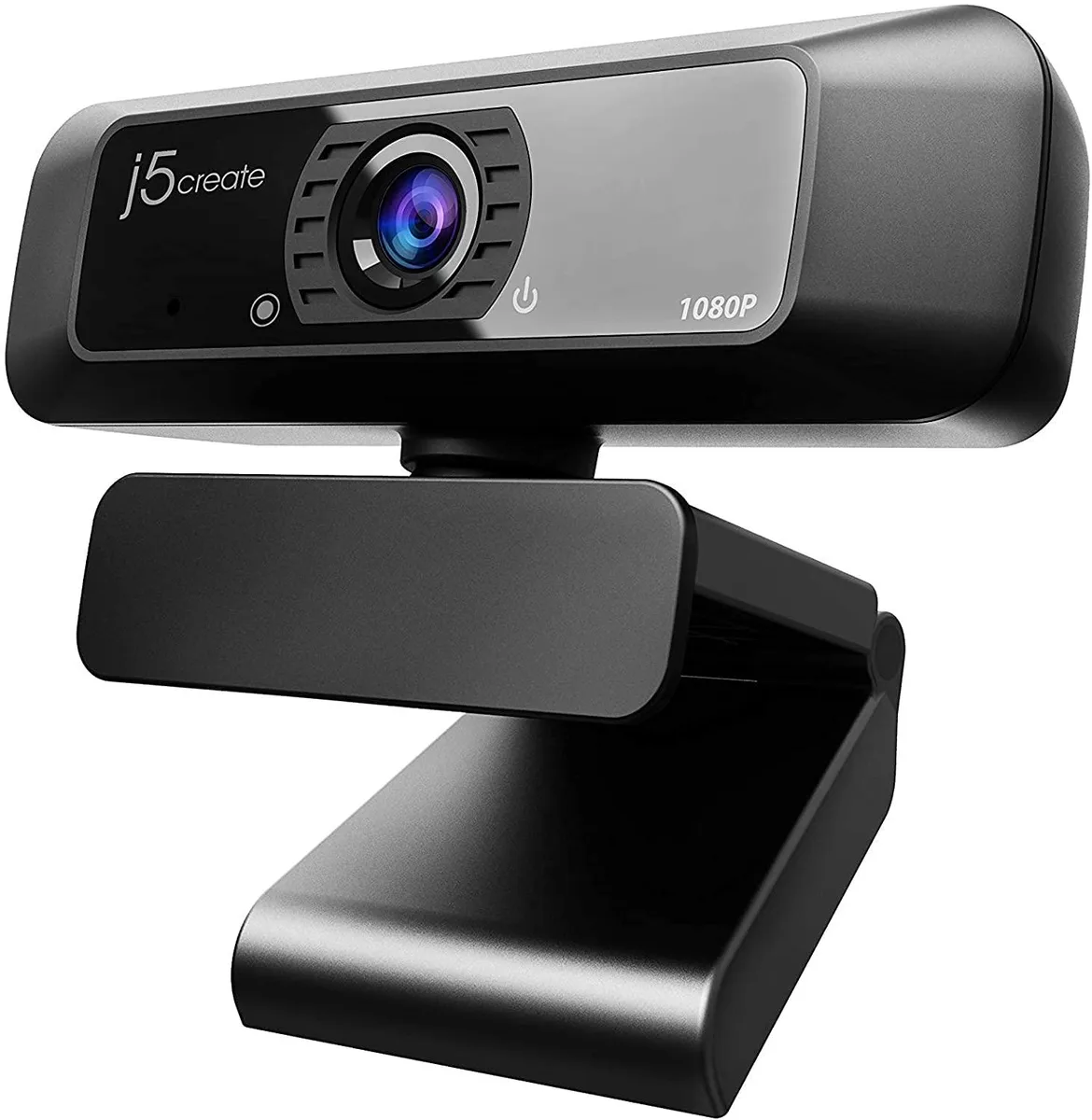
A 1080p webcam with 360° rotation, built-in microphone and USB plug-and-play for Windows, macOS and Chrome OS
The LORDWORLD JVCU100 is a USB webcam that captures 1080p video at up to 30 frames per second. It is built for anyone who needs a straightforward camera for video calls, streaming or recording on a PC, Mac or Chromebook. The wide-angle lens and 360° rotation let you frame the shot without moving the whole device.
A clip-style mount with full 360° swivel attaches to a monitor, laptop lid or flat surface, so you can point the lens up, down or sideways in seconds. The fixed F/2.4 aperture lens includes low-light enhancement to keep the picture usable in dim rooms. A built-in high-fidelity microphone handles voice pickup, though it does not function with Discord on Chrome OS.
The camera tops out at 1920 by 1080 resolution and 30 FPS using H.264 or MJPEG compression over a standard USB connection. It works with Windows, macOS and Chrome OS and is certified for Zoom, Teams, Skype and Facebook Messenger, but it is not compatible with the PS5. App permissions must be granted on the host system before the camera will activate.
| Brand | LORDWORLD |
|---|
It uses a USB plug-and-play connection and outputs a maximum of 1920 x 1080 at 30 FPS using H.264 or MJPEG encoding.
The unit rotates a full 360 degrees and includes a wide-angle lens with an F/2.4 aperture for flexible positioning on monitors or desks.
Connect the USB cable to a Windows, macOS or Chrome OS device, then authorise camera access in the application settings; the microphone will not work with Discord on Chromebook.
Also in this aisle
Same shelf, same checkout — eight coins and a 30-minute rate lock.
What you pay in, and what you read prices in.
Sent from your wallet at checkout
Display only — the catalogue is priced in USD
No currency matches that.
Pick the language the site speaks to you in.
No language matches that.
New here?
Already have one?
There is no automatic reset: this shop sends no mail, so there is no one-time link to ask for. Leave the address on the account and it gets picked up by hand.
Request noted
Nothing is on its way to your inbox — this shop sends no mail at all. Someone picks these up by hand.
Remembered it?



