Logitech
Logitech Logi Dock 986-000031 Docking Station 100 W
All-in-one docking station charges laptops up to 100 W, drives two 4K displays and connects five USB peripherals
- One-cable desk: 100 W charging plus dual 4K monitors
- Meeting-ready audio: built-in speakers and noise-cancelling mic array
- Five USB ports: three USB 3.1 Type-C plus two Type-A
- Works with Mac, PC and Chromebook via USB-C DisplayPort Alt Mode
- Certified for major video platforms with one-touch join button
All-in-one docking station for remote work
The Logitech Logi Dock 986-000031 is an all-in-one docking station designed to simplify home office setups for remote workers. It connects and charges up to five USB peripherals and supports two external displays. The unit replaces multiple chargers and power cords to reduce desktop clutter. It is built for professionals who need a single, tidy connection point for laptops, tablets, or smartphones.
USB-C connectivity with 100 W power delivery
The dock connects via USB Type-C with DisplayPort Alt Mode to deliver up to 100 W of charging power to a host laptop. It provides three USB 3.1 Type-C ports and two USB Type-A ports for peripheral expansion. This wired and wireless connectivity hub supports a maximum display resolution of 3840 x 2160 across two monitors. It works with Mac, PC, and Chromebook devices that support the required USB-C standard.
Integrated audio with stereo speakers
Built-in speakers deliver immersive stereophonic audio with audible bass for music playback during the workday. The system is certified for leading video conferencing platforms to streamline meeting joins and call controls. A single USB-C cable handles video, data, and power to keep the desktop free of cable tangles. The design focuses on reducing the need for separate audio peripherals.
Highlights
- One-cable desk: 100 W charging plus dual 4K monitors
- Meeting-ready audio: built-in speakers and noise-cancelling mic array
- Five USB ports: three USB 3.1 Type-C plus two Type-A
- Works with Mac, PC and Chromebook via USB-C DisplayPort Alt Mode
- Certified for major video platforms with one-touch join button
Specifications
No published specifications for this item yet.
Questions about this item
What resolution does the USB-C DisplayPort Alt Mode support on this Logi Dock?
It supports up to 3840 x 2160 at 4K across two external monitors.
What physical connections does the Logi Dock 986-000031 require on the host laptop?
It requires a single USB-C port with DisplayPort Alt Mode and power delivery.
How is the Logi Dock installed and what step is often missed?
Connect the dock to the laptop USB-C port, attach monitors and peripherals, then select the dock as audio device in OS sound settings.
Also in this aisle
People compared these
Same shelf, same checkout — eight coins and a 30-minute rate lock.


IXJYLCPC
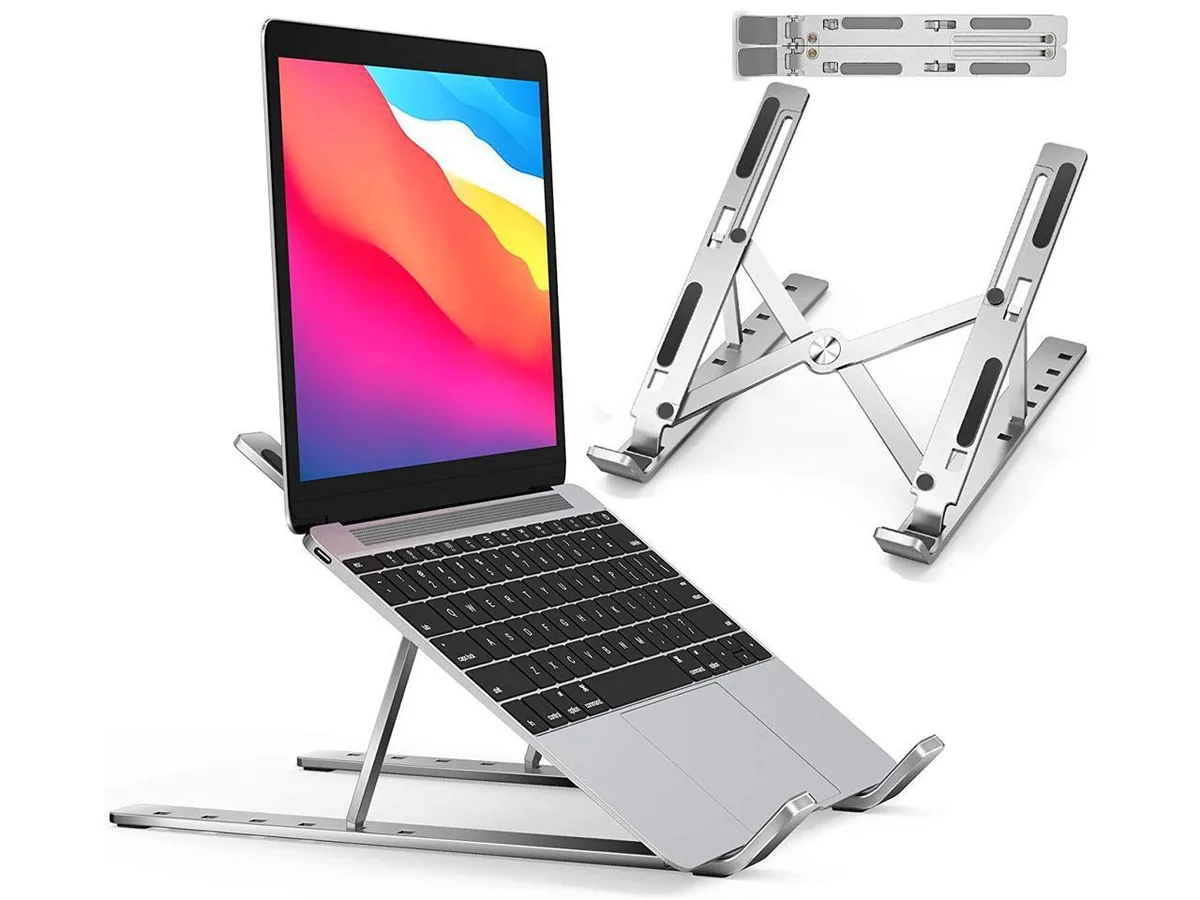
IXJYLCPC C08LS Adjustable Ergonomic Riser Stand Black 10-15.6
- Stand
$31.99
0.00036795BTC
In stock