


Logitech
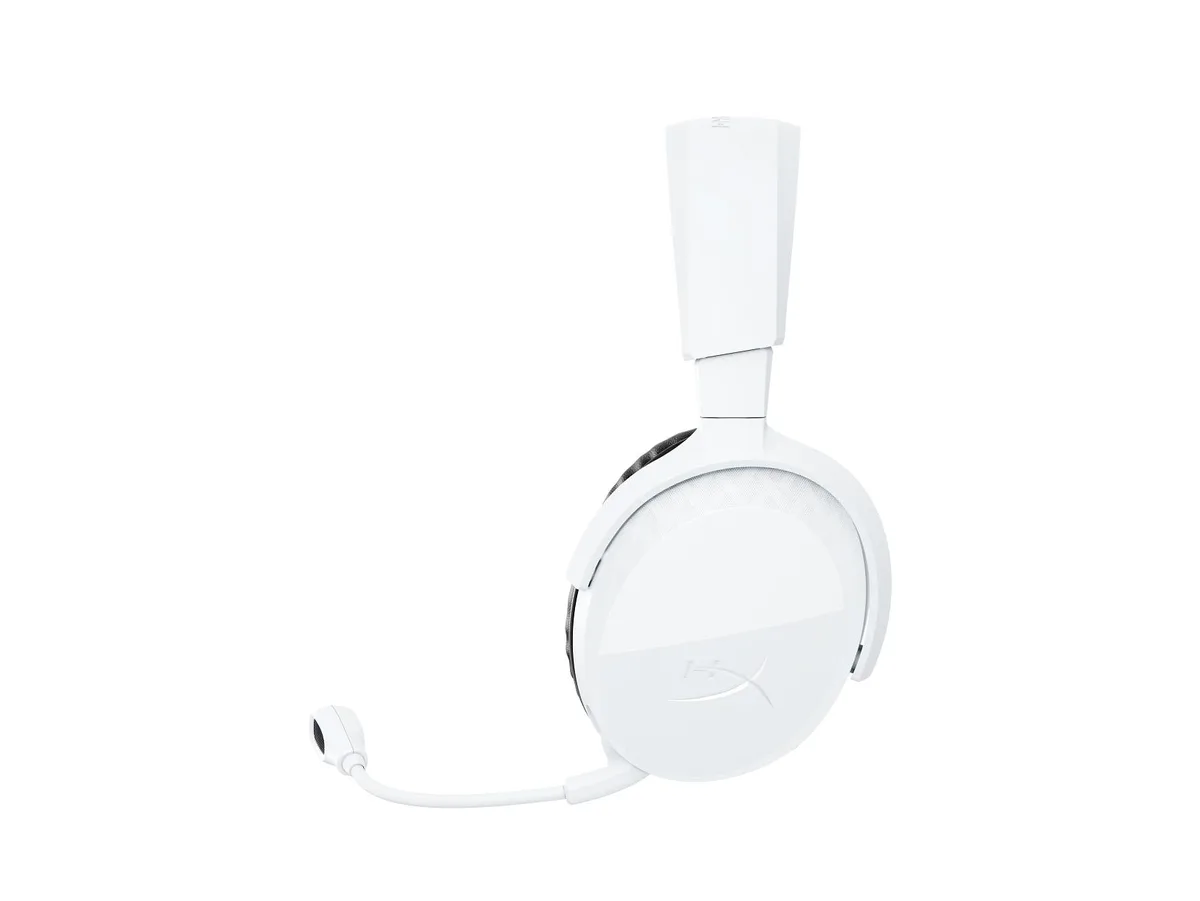
Logitech G321 Lightspeed Bluetooth Gaming Headset Black
Lightweight wireless headset with 40 mm drivers, 16 kHz boom mic, 20-hour battery and Bluetooth for PC, consoles and mobile
- ColorBLACK
- Lightweight 210 g build with memory-foam ear cups for lasting comfort
- LIGHTSPEED 2.4 GHz wireless with 20+ hour battery life
- Flip-to-mute boom mic at 16 kHz sampling for clear comms
- Bluetooth pairing for mobile, Discord and music on the go
- 40 mm drivers deliver rich, detailed in-game audio
Lightweight Wireless Gaming Headset
The Logitech G321 Lightspeed weighs 210 g and uses a 40 mm driver to deliver 2020 kHz frequency response. A 2.4 GHz wireless link and Bluetooth give cable-free play on PC, PlayStation, Switch and mobile devices.
Suited for marathon sessions
The 20+ hour battery and 16 kHz boom mic serve gamers who want long wireless stints and clear chat. Buyers needing simultaneous dual-device audio or active noise cancellation should look elsewhere.
Stable output through extended play
At 78 dB SPL the headset sustains its rated 20+ hour runtime on a full 100 % charge via USB-C. The omnidirectional mic maintains 16-bit 16 kHz capture without degradation during lengthy sessions.
Highlights
- Lightweight 210 g build with memory-foam ear cups for lasting comfort
- LIGHTSPEED 2.4 GHz wireless with 20+ hour battery life
- Flip-to-mute boom mic at 16 kHz sampling for clear comms
- Bluetooth pairing for mobile, Discord and music on the go
- 40 mm drivers deliver rich, detailed in-game audio
Specifications
| Brand | Logitech Video Collaboration |
|---|---|
| Series | G321 black |
| Model | G321 black |
| Part Number | G321 black |
| Color | BLACK |
Questions about this item
What device port is needed to use the 2.4 GHz wireless dongle on a PC or console?
The 2.4 GHz dongle plugs into a standard USB-A port on the PC, PS4 or PS5 to enable the Lightspeed wireless link.
Can the headset stay paired to a phone over Bluetooth while the 2.4 GHz dongle is active on a PC?
Yes, Bluetooth and the 2.4 GHz link operate independently, so you can take a Discord call on your phone while gaming on the PC.
How can I confirm the microphone is capturing my voice at the specified 16 kHz sampling rate after setup?
Open your operating system sound panel or a voice-recorder app, speak into the boom mic and verify the input level moves and the recording plays back clearly.
Also in this aisle
People compared these
Same shelf, same checkout — eight coins and a 30-minute rate lock.




GAMEPOWER
GAMEPOWER Mihawk USB Gaming Headset 7.1 Virtual Surround 16-Pack
$86.99
0.00100449BTC
In stock