Yealink Network Technology Co., Ltd
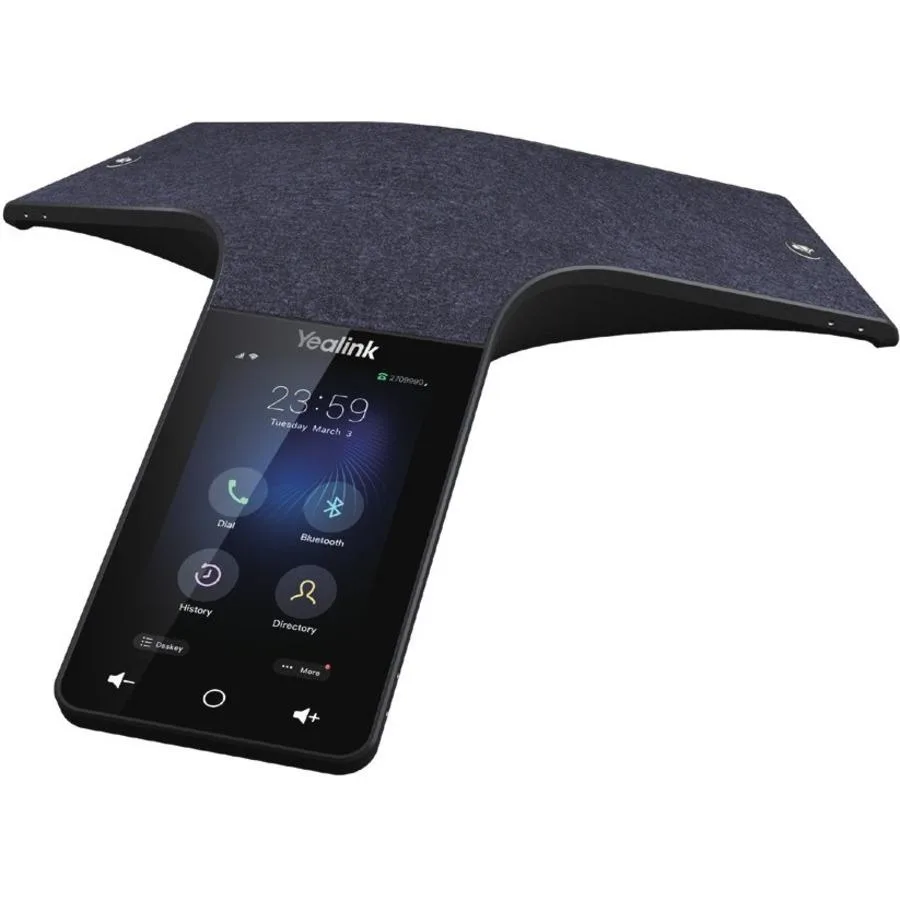
Yealink Network Technology Co., Ltd Optima HD IP Conference CPW65 1204612
- Voice Conferencing…
$690.99
0.00819689BTC
In stockWe take cryptocurrency — so the coins you hold can buy real hardware.Pay in crypto, spend it on real hardware. Free insured shipping worldwide over $399. Plain, unbranded boxes, sent from Germany.Free insured shipping over $399. Your rate is locked for 30 minutes once checkout opens.Rate locked 30 minutes. Every item sealed, serial-checked and covered by a 24-month warranty.Sealed, 24-month warranty.


Logitech
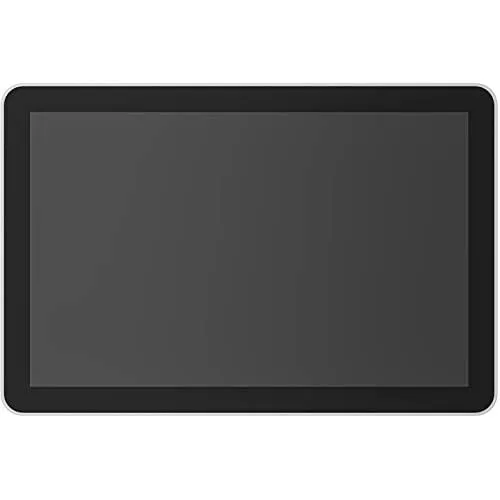
A 10.1-inch touchscreen room scheduler with 1280 x 800 IPS display, PoE power and Microsoft Teams or Zoom Rooms compatibility
The Logitech Tap Scheduler is a 10.1-inch touchscreen designed for meeting-room booking. It integrates with Microsoft Teams, Zoom Rooms, Robin and Meetio platforms. The IPS LCD panel offers 1280 x 800 resolution, 400 nits brightness and a 1000:1 contrast ratio. Capacitive multi-touch supports up to ten simultaneous touch points for quick interaction.
The device operates silently with no moving parts and draws power through Power over Ethernet (IEEE 802.3af Type 1, Class 3). A PoE-enabled network or injector supplies both data and electricity over a single cable. An integrated ambient light sensor adjusts screen brightness automatically. The oleophobic coating reduces fingerprints during daily scheduling tasks.
An integrated accelerometer detects orientation while the panel runs continuously on the mounting surface. Connectivity includes 10/100 Mbps Ethernet, 802.11a/b/g/n/ac Wi-Fi and Bluetooth 5.0 reserved for future use. The 700 g unit mounts via VESA 100 x 100 mm with horizontal, vertical or centre cable exits. Multi-surface, corner and mullion hardware is included for flexible installation.
| Brand | Logitech |
|---|---|
| Model | 952-000094 |
| Type | Tap Scheduler |
| Specification | Screen Size: 10.1" (256.54 mm) diagonal IPS (In-Plane Switching) LCD Panel with LED Backlighting Resolution: 1280 x 800 resolution Touch: Capacitive, 10 points multi-touch Brightness: 400 nits Contrast: 1000:1 Anti Fingerprint: Oleophobic coating Viewing angle: 85 degrees (U/D/L/R) Position angle: 0 degrees (flat on mounting surface) General Integrated accelerometer Integrated ambient light sensor 100 mm x 100 mm VESA FDMI Cable exits: horizontal / vertical / center Compatibility and Certifications Logitech Tap Scheduler integrates with leading room scheduling solutions as a Microsof |
| Display Size | 10.1" |
| Resolution | 1280 x 800 |
| Power | Power and Cables Power over Ethernet (PoE), IEEE 802.3af Type 1, Class 3 device* *Requires PoE enabled network or PoE Injector and ethernet cable (Not included) |
| Connections | Ethernet: 10/100 Mbps WiFi: 802.11a/b/g/n/ac Bluetooth 5.0 (inactive, reserved for future use) |
| Dimensions | 6.50" x 9.69" x 1.12" Device-only 6.50" x 9.69" x 1.24" Surface-mounted 6.50" x 11.52" x 1.75" Mullion-mounted |
| Weight | 700 g (24.7 oz) Device-only |
| Shipping weight | 2.18 kg |
| Package size | 348 × 249 × 91 mm |
Attach the included multi-surface mount to glass or drywall using the supplied hardware, then secure the device via its 100 mm x 100 mm VESA FDMI pattern; the step often missed is routing the Ethernet cable through the correct horizontal, vertical or centre exit before final tightening.
Clean the oleophobic anti-fingerprint coating with a soft, lint-free cloth; avoid harsh chemicals that can degrade the coating and reduce touch sensitivity on the capacitive 10-point multi-touch screen.
The IEEE 802.3af Type 1 Class 3 power budget caps the device, so sustained maximum brightness of 400 nits and active Wi-Fi 802.11a/b/g/n/ac or Bluetooth 5.0 radios will hit that limit before thermal throttling occurs.
Also in this aisle
Same shelf, same checkout — eight coins and a 30-minute rate lock.
What you pay in, and what you read prices in.
Sent from your wallet at checkout
Display only — the catalogue is priced in USD
No currency matches that.
Pick the language the site speaks to you in.
No language matches that.
New here?
Already have one?
There is no automatic reset: this shop sends no mail, so there is no one-time link to ask for. Leave the address on the account and it gets picked up by hand.
Request noted
Nothing is on its way to your inbox — this shop sends no mail at all. Someone picks these up by hand.
Remembered it?