


LG Electronics
LG Electronics 16IN Gram Pro 2-in-1 Notebook Core Ultra 7 32GB DDR Windows 11 Pro HW TPM 3D Printers Accessory
A 16-inch 2-in-1 notebook with Core Ultra 7, 32 GB DDR memory, hardware TPM and Windows 11 Pro
- 16-inch 2-in-1 form factor adapts to any workflow
- Hardware TPM safeguards encryption keys and system integrity
- Core Ultra 7 processor handles demanding creative tasks
- 32 GB DDR memory keeps large projects running smoothly
16IN 2-in-1 Notebook Core Ultra 7
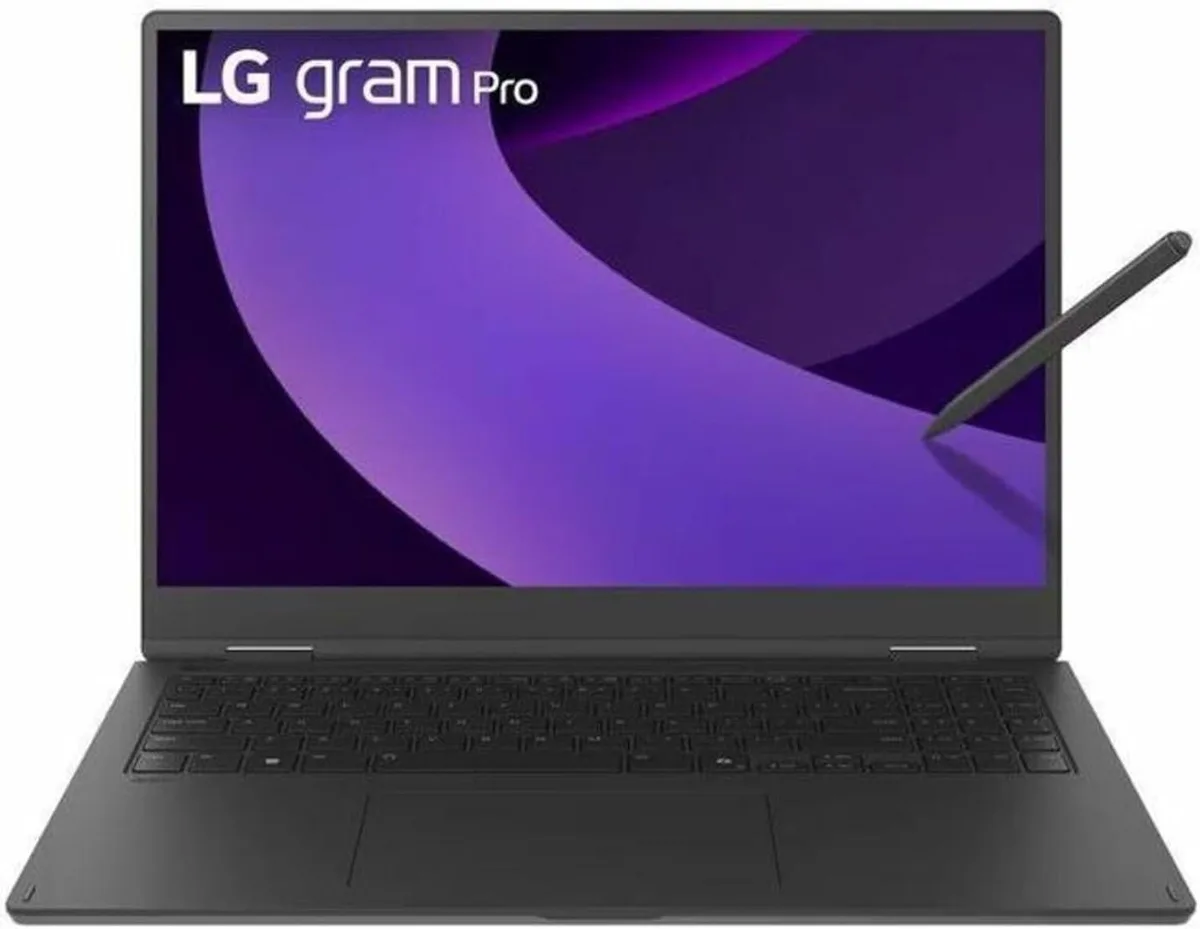
This LG Gram Pro is a 16-inch convertible notebook running Windows 11 Pro on an Intel Core Ultra 7 processor with 32GB of DDR memory. A hardware TPM module is integrated for device-level security. The 2-in-1 form factor allows the screen to be used in laptop or tablet orientation.
Creative professionals and mobile workers
The specification suits users who need a portable Windows machine with a touchscreen and stylus support for sketching or annotation. Buyers who require a dedicated graphics card, a larger display or more than 32GB of memory should consider other form factors.
Highlights
- 16-inch 2-in-1 form factor adapts to any workflow
- Hardware TPM safeguards encryption keys and system integrity
- Core Ultra 7 processor handles demanding creative tasks
- 32 GB DDR memory keeps large projects running smoothly
Specifications
No published specifications for this item yet.
Questions about this item
What size bag or sleeve is needed for the 16IN Gram Pro 2-in-1?
A sleeve or bag rated for 16 inch laptops will fit the notebook; choose one with a little extra depth to accommodate the 2-in-1 hinge.
How do I set up the hardware TPM after installing Windows 11 Pro?
Enable the TPM in the BIOS security menu, then let Windows 11 Pro initialise it automatically during first boot.
Also in this aisle
People compared these
Same shelf, same checkout — eight coins and a 30-minute rate lock.



CHIEF MANUFACTURING
CHIEF MANUFACTURING CMS018 18" 457 mm Fixed Extension Column projector accessory
- Extension Column
- Projector
$22.99$22.99
0.00027623BTC
In stock