


Lenovo
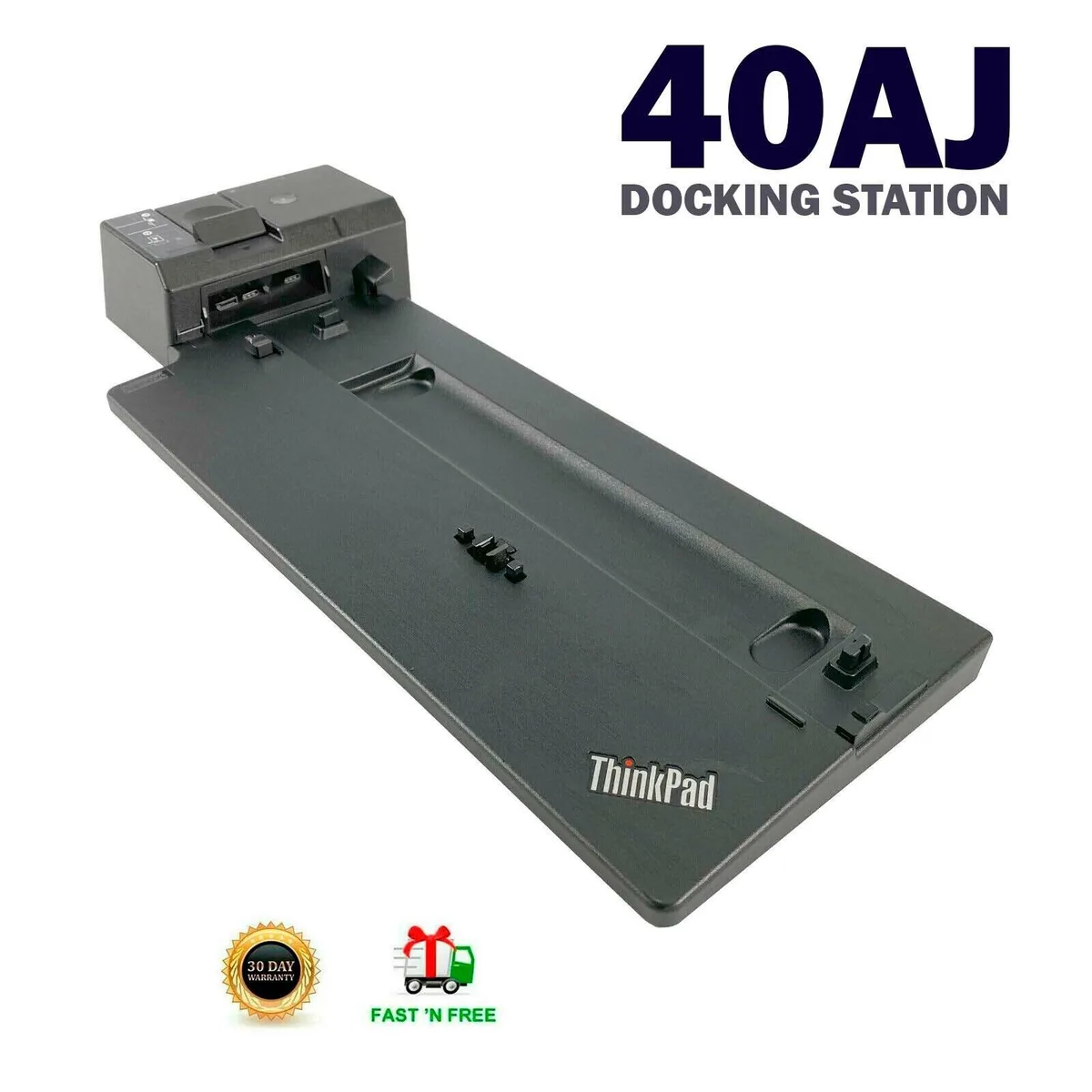
Lenovo ThinkPad Type 40AJ Ultra Docking Station USB-C DisplayPort NO KEY
Connects a laptop to DisplayPort, HDMI, VGA, Ethernet, USB 2.0 and USB-C ports with 20V 6.75A input, sold without adapter or key
- Connect multiple displays via DisplayPort, HDMI and VGA
- Wired network access through the built-in Ethernet port
- Expand connectivity with USB-C and USB 2.0 ports
- Powers compatible laptops with 20 V 6.75 A input
- Tested, cleaned and verified to meet manufacturer specifications
Docking station for ThinkPad users
The Lenovo ThinkPad Type 40AJ Ultra Docking Station connects a compatible notebook to external displays and peripherals through a single USB-C link. It is aimed at professionals who need a tidy desk setup with multiple video outputs and wired networking.
20 V 6.75 A input requirement
The dock draws power through a 20 V 6.75 A connection, so the host system or its original charger must supply that exact voltage and current. Without a matching power source the unit will not operate, and no adapter is included in the package.
Three video ports and four USB sockets
Two DisplayPort, one HDMI and one VGA connector drive up to three external monitors simultaneously. Four USB ports — two USB 2.0 and two USB-C — handle keyboards, mice and storage, while a single RJ-45 jack adds wired Ethernet.
Highlights
- Connect multiple displays via DisplayPort, HDMI and VGA
- Wired network access through the built-in Ethernet port
- Expand connectivity with USB-C and USB 2.0 ports
- Powers compatible laptops with 20 V 6.75 A input
- Tested, cleaned and verified to meet manufacturer specifications
Specifications
No published specifications for this item yet.
Questions about this item
What does the 20 V 6.75 A input mean for daily use?
The dock draws up to 135 W from its own power brick, so it can charge the laptop and run every port at once without draining the notebook battery.
Which video outputs are on the 40AJ and what resolutions do they support?
One DisplayPort, one HDMI and one VGA are available; each can drive an external monitor at its native resolution up to the limits of the connected laptop graphics.
Does the 40AJ need a lock slot or special bracket to stay in place?
No lock or bracket is mentioned; the unit sits on the desk and connects through a single USB-C cable to the host.
Also in this aisle
People compared these
Same shelf, same checkout — eight coins and a 30-minute rate lock.


Kensington
Kensington Desk Mount Cable Anchor K64613WW accessory
- Black
- Provides a secure a…
$19.99
0.0002352BTC
In stock
Panasonic
Panasonic CF-VDR291U laptop cooling pad
- Optical Drive
- Buffer Size: 2 MB B…
$213.99
0.00251774BTC
In stock
eReplacements
eReplacements PB992A-ER laptop battery 14.4V
- Battery
- Lithium-Ion
$65.99
0.00077642BTC
In stock