


Lenovo
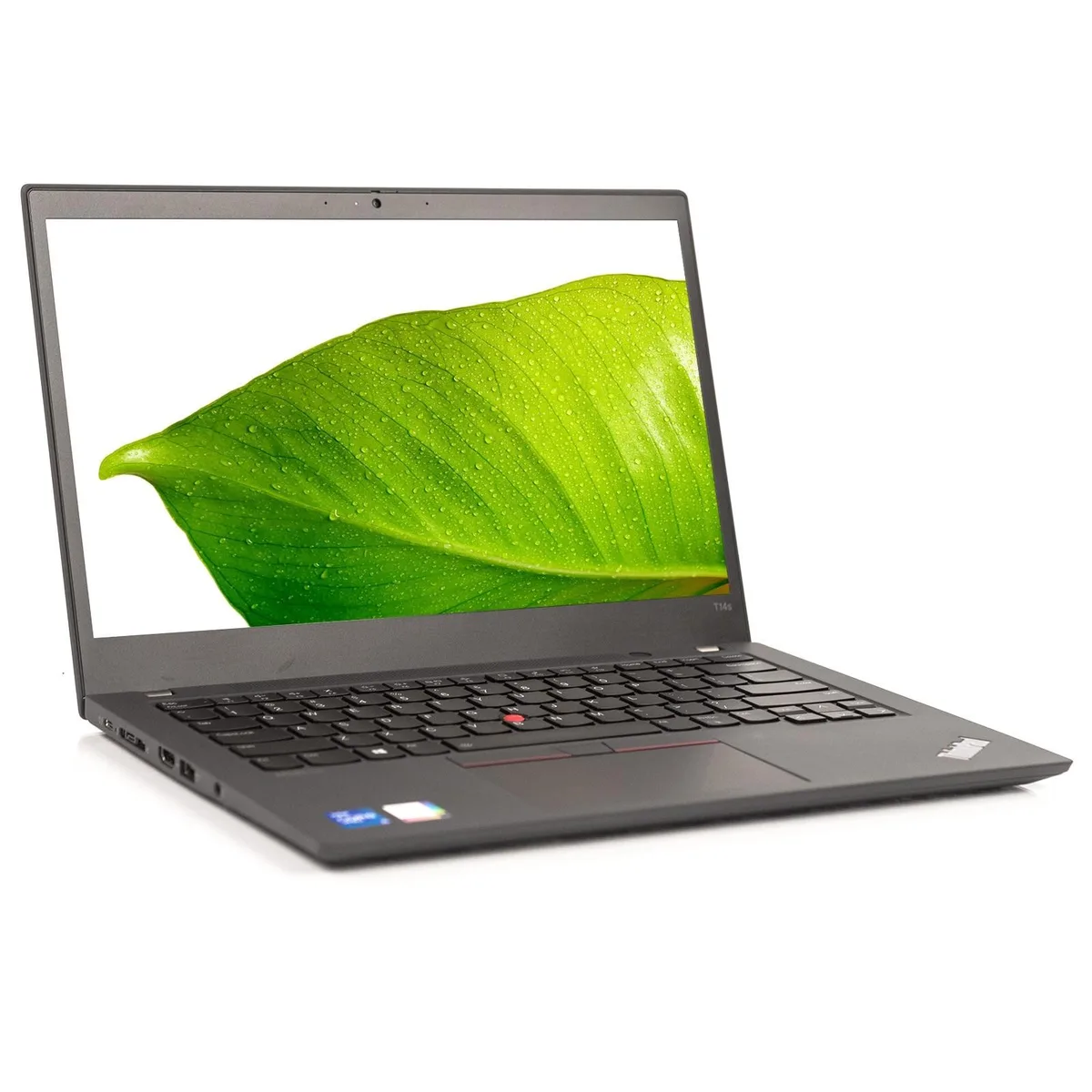
Lenovo ThinkPad T14s G2 14" Touch 2-in-1 i7 16GB 512GB
A 14-inch touchscreen 2-in-1 with an 11th Gen Core i7 at 2.80 GHz, 16 GB RAM and a 512 GB SSD
- Screen SizeNo
- 14-inch touchscreen enables flexible 2-in-1 workflows
- Intel Core i7 at 2.80 GHz handles demanding tasks
- 16 GB memory supports smooth multitasking
- 512 GB SSD provides fast storage access
- 1920 x 1080 resolution delivers sharp visuals
ThinkPad T14s G2 14" Touch 2-in-1
The Lenovo ThinkPad T14s G2 is a 14 inch touch-enabled 2-in-1 laptop built around an Intel Core i7 11th Gen processor running at 2.80 GHz. It ships with 16 GB of memory and a 512 GB solid-state drive. Windows 11 Pro comes pre-installed for business use.
Suited to mobile professionals needing pen and touch
This convertible suits users who want a lightweight device for inking, presenting or tablet-style reading. Integrated graphics limit it to general productivity and light media tasks. Buyers who need discrete GPU performance for 3D rendering, video editing or gaming should look at a different class of machine.
512 GB SSD with 16 GB RAM headroom
The 512 GB drive holds the operating system, office suites and a large document library with room to spare. Sixteen gigabytes of memory keeps dozens of browser tabs and business apps running smoothly. Very large local media archives or heavy virtual-machine workloads will eventually exceed the available capacity.
Highlights
- 14-inch touchscreen enables flexible 2-in-1 workflows
- Intel Core i7 at 2.80 GHz handles demanding tasks
- 16 GB memory supports smooth multitasking
- 512 GB SSD provides fast storage access
- 1920 x 1080 resolution delivers sharp visuals
Specifications
| Model | ThinkPad T14s G2 |
|---|---|
| Screen Size | No |
Questions about this item
Does the ThinkPad T14s G2 come with a power adapter so the Intel Core i7 can run at 2.80 GHz?
The laptop ships with its original power adapter to supply the Intel Core i7 at 2.80 GHz.
Can I keep using my existing 1920 x 1080 external monitor with the integrated graphics on this 14-inch touchscreen model?
The integrated graphics support the 1920 x 1080 maximum resolution, so your current monitor will work without changes.
How can I verify the 16 GB of RAM and 512 GB SSD are recognised after the first boot into Windows 11 Pro?
Open Settings > System > About to confirm 16 GB installed RAM, then check File Explorer for a 512 GB C: drive.
Also in this aisle
People compared these
Same shelf, same checkout — eight coins and a 30-minute rate lock.


