


Lenovo
Lenovo ThinkPad E14 Gen 5 14" Ryzen 7 7730U 16GB 512GB bundle with dual 27" monitors, dock, peripherals
A 14-inch Ryzen laptop with 16GB memory and 512GB storage arrives with dual 27-inch monitors, a 135 W USB-C dock, wireless keyboard and mouse, webcam, noise-cancelling headphones.
- Crisp 14" WUXGA visuals with 1920 x 1200 resolution
- Smooth multitasking via 8-core Ryzen 7 7730U processor
- Dual 27" FHD IPS monitors expand workspace to 1920 x 1080 each
- 135 W USB-C dock drives three displays and six USB ports
- Active-noise-cancelling headset and 2 MP webcam elevate every call
Ready-to-work laptop bundle
The Lenovo ThinkPad E14 Gen 5 combines a 14 inch WUXGA display with a Ryzen 7 7730U processor, 16GB of memory and a 512GB SSD. Two 27 inch ThinkVision T27i monitors, a 135 W USB-C dock, a dual monitor stand, wireless keyboard and mouse, webcam, headphones, gel wrist rest and a briefcase complete the package.
Suits single-desk professionals
Buyers who want a complete, pre-matched workstation for video calls, multitasking and daily productivity will find every component included. Teams needing more than three external displays or a laptop larger than 14 inches should look at a different configuration.
Dock and stand unify the setup
The 135 W dock drives up to three displays and provides six USB ports, HDMI, two DisplayPort connections, Thunderbolt and Gigabit Ethernet through one cable. The heavy-duty clamp stand lets both 27 inch monitors float on adjustable arms, freeing desk space and aligning screens at eye level.
Highlights
- Crisp 14" WUXGA visuals with 1920 x 1200 resolution
- Smooth multitasking via 8-core Ryzen 7 7730U processor
- Dual 27" FHD IPS monitors expand workspace to 1920 x 1080 each
- 135 W USB-C dock drives three displays and six USB ports
- Active-noise-cancelling headset and 2 MP webcam elevate every call
Specifications
No published specifications for this item yet.
Questions about this item
What laptop port connects to the included 135 W USB-C dock?
The ThinkPad E14 Gen 5 uses its USB Type-C port to link with the supplied dock, which then provides three display outputs, six USB ports and gigabit Ethernet.
Can the ThinkVision T27i monitors accept a VGA signal from an older desktop?
Yes. Each 27-inch T27i monitor includes a VGA input alongside HDMI and DisplayPort, so legacy sources can be connected directly.
How do I confirm the dock is delivering video to both monitors after setup?
Both T27i screens should show a 1920 x 1080 image at 60 Hz; the dock supports up to three displays, so two active panels indicate correct operation.
New to this? Buying a laptop with crypto, start to finish — what to check, what it costs to pay, and what is never asked for.
Also in this aisle
People compared these
Same shelf, same checkout — eight coins and a 30-minute rate lock.


Avantalk
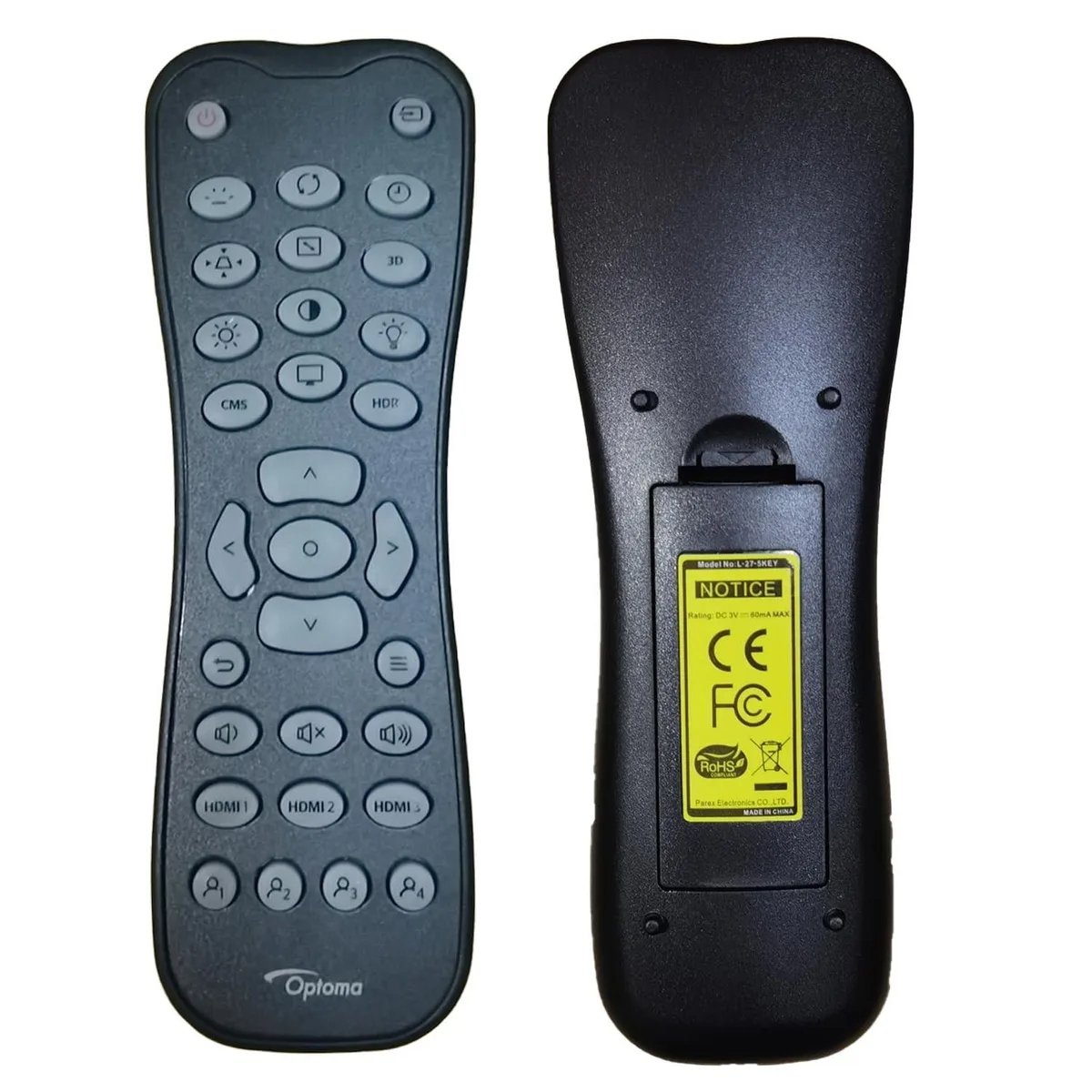
Avantalk 2 in 1 Accessory for OPTOMA UHZ45, ZK400 Projector (Backlight)
$108.99
0.00131313BTC
In stock
ARENTI
ARENTI 2 in 1 accessory for HP DesignJet T830 36'' printer, short cover 55.2''W x 24.8''D x 18''H
$110.99
0.00133723BTC
In stock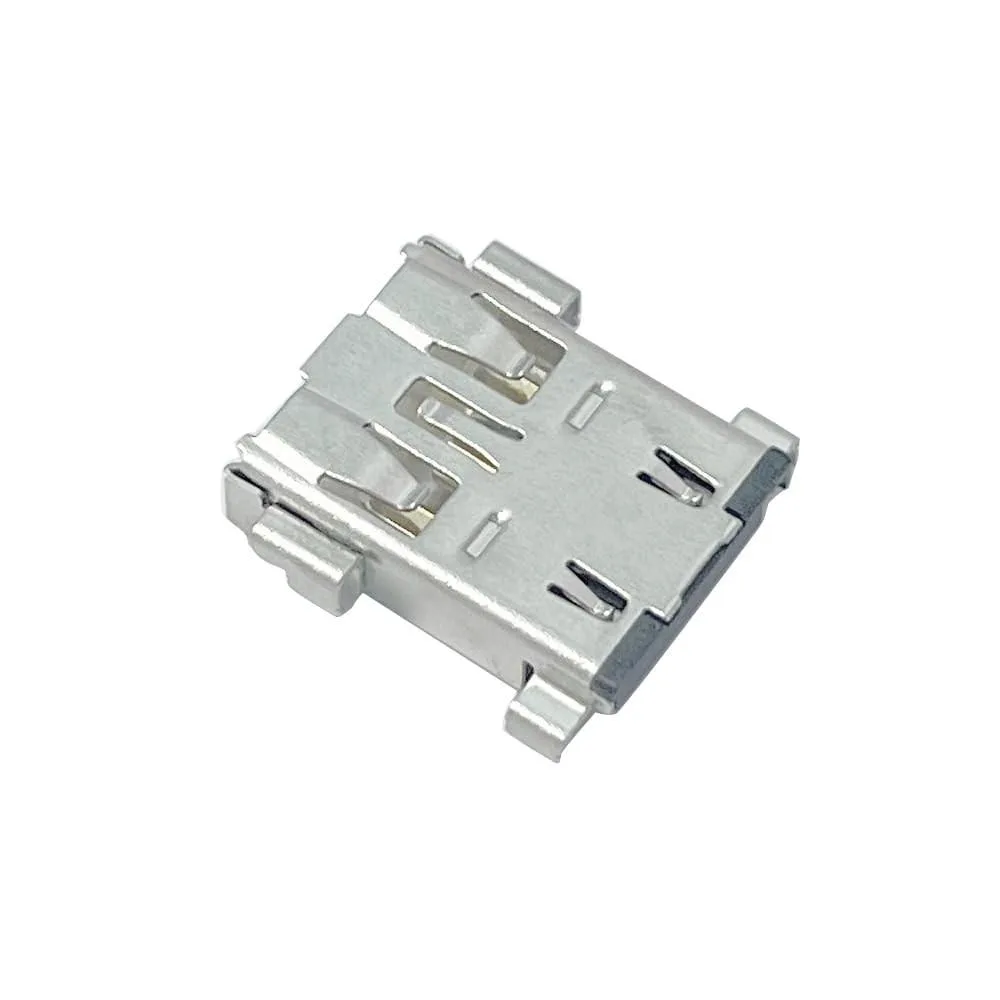
Bipra
Bipra DC Power Jack for MSI MS-17P2 Stealth 17Studio A13VH A13VI 2 in 1 accessory
$48.99
0.00059024BTC
In stock