


LD Products
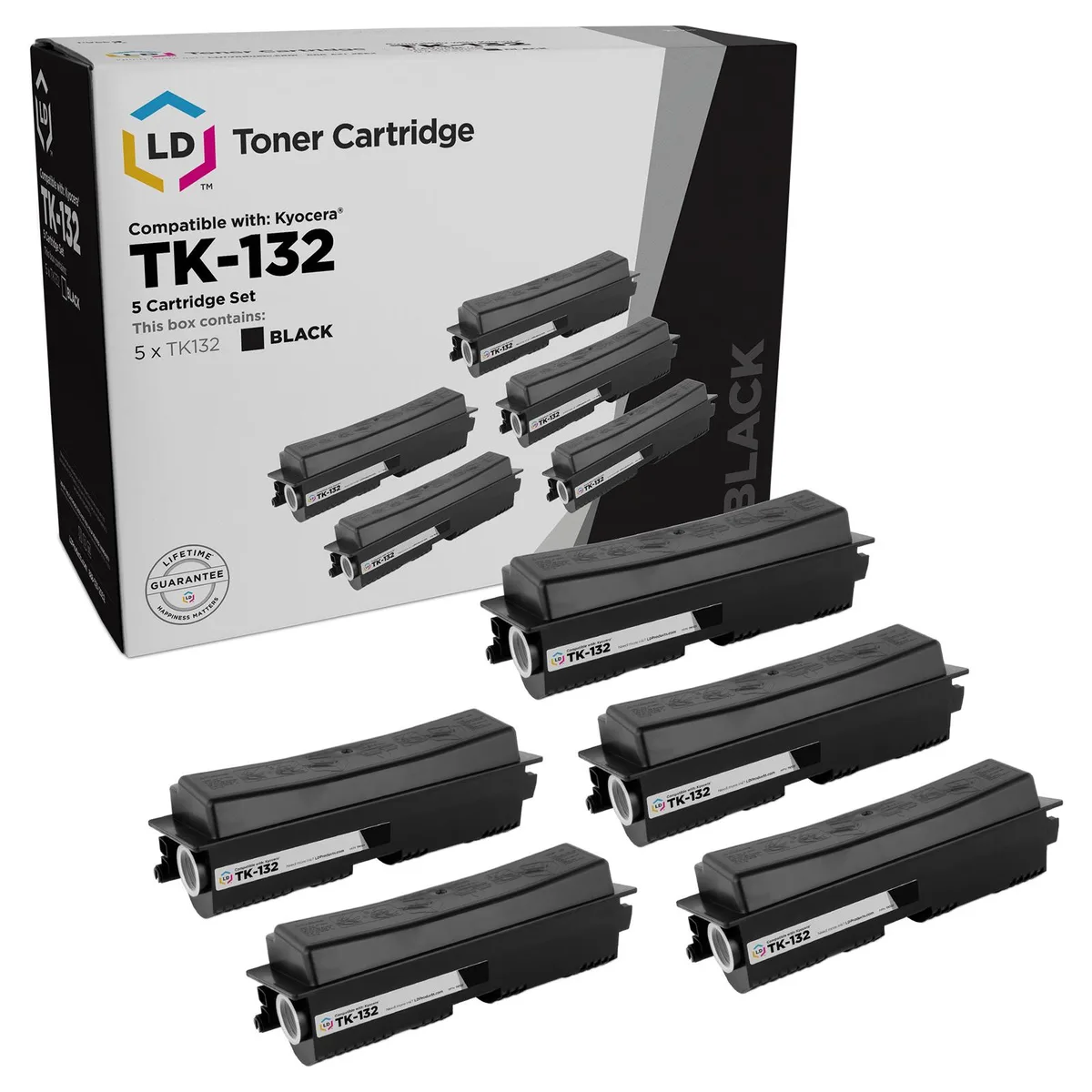
LD Products TK-132 Black Toner Cartridge 2-Pack
Two-pack of black toner cartridges yielding 7500 pages each for Kyocera-Mita FS-1028mfp, FS-1128mfp, FS-1300D and FS-1350DN printers
- TypeTONER
Cartridge Quantity Black-2
- Black-2
- Black-5
- Prints up to 7500 pages per cartridge at 5% coverage
- Two-cartridge pack lowers cost per page
- Compatible with Kyocera FS-1028mfp and FS-1128mfp
- Compatible with Kyocera FS-1300D and FS-1350DN
- Quality tested for bold, vivid black output
LD Products TK-132 Black Toner 2-Pack
This set contains two new compatible black toner cartridges from LD Products. Each cartridge is designed as a replacement for the Kyocera-Mita TK-132. The pack is intended for offices or home users who print regularly on supported Kyocera FS laser printers.
Suits owners of listed Kyocera FS models
The cartridges work with the FS-1028mfp, FS-1128mfp, FS-1300D and FS-1350DN printers. Buyers who need colour output or who use a different printer series should look at other products.
Yield rated at 7500 pages per cartridge
The ISO/IEC standard yield is 7500 pages at 5% coverage for each individual cartridge. This figure determines how often the cartridges will need replacing in a given print environment.
Highlights
- Prints up to 7500 pages per cartridge at 5% coverage
- Two-cartridge pack lowers cost per page
- Compatible with Kyocera FS-1028mfp and FS-1128mfp
- Compatible with Kyocera FS-1300D and FS-1350DN
- Quality tested for bold, vivid black output
Specifications
| Brand | LD Products |
|---|---|
| Type | TONER |
Other versions of this model
1 more in the same range
Same family, different memory, cooler or clock — compare before you commit.

Questions about this item
What does the 7500 page yield mean in my Kyocera-Mita FS-1300D?
Each cartridge prints up to 7500 pages at 5% coverage under the ISO/IEC standard, so one cartridge covers that volume in your FS-1300D.
Which printer models does the TK-132 cartridge work with?
The TK-132 fits Kyocera-Mita FS-1028mfp, FS-1128mfp, FS-1300D and FS-1350DN laser printers.
How does the cartridge install in the FS-1128mfp?
Open the front cover, pull out the old cartridge, remove the new TK-132 from its packaging, shake gently, insert until it clicks and close the cover.
Also in this aisle
People compared these
Same shelf, same checkout — eight coins and a 30-minute rate lock.



CHIEF MANUFACTURING
CHIEF MANUFACTURING CMS018 18" 457 mm Fixed Extension Column projector accessory
- Extension Column
- Projector
$22.99$22.99
0.00027355BTC
In stock