


KW-Commerce
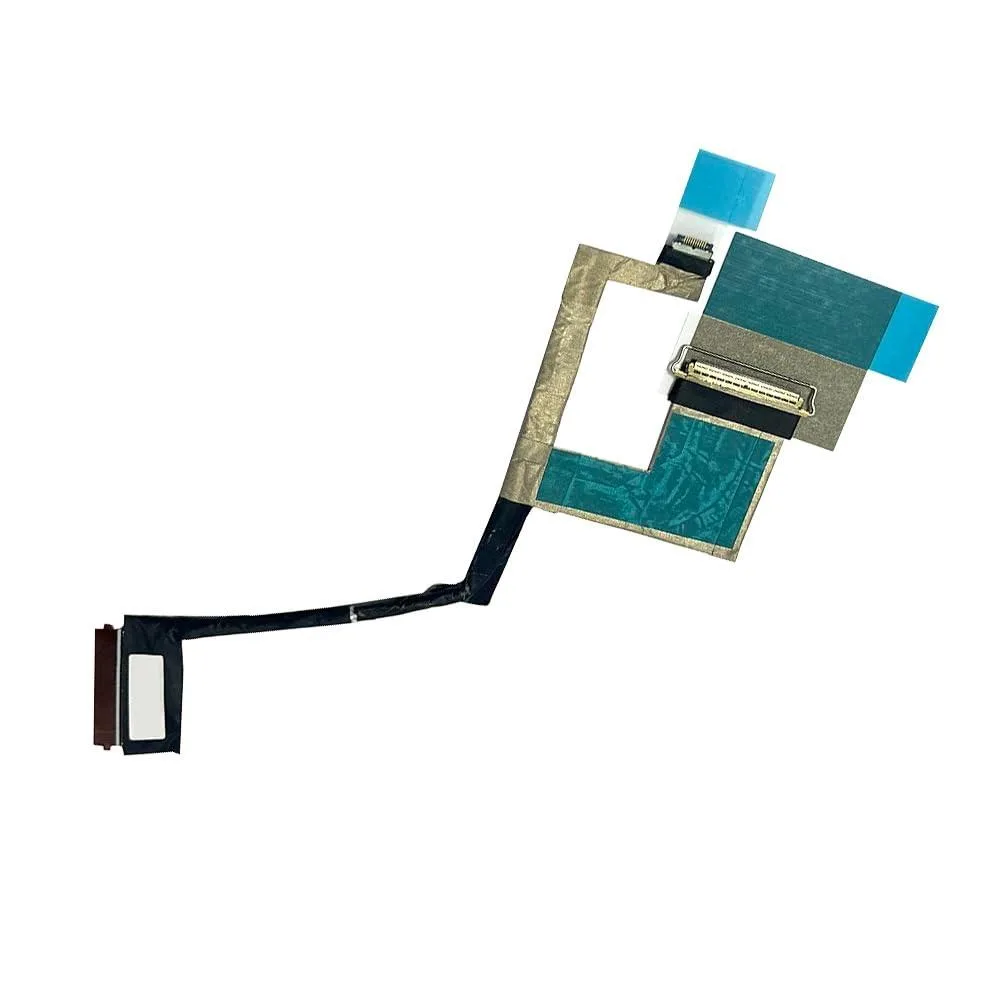
KW-Commerce 40PIN LCD Flex Cable for Lenovo Yoga 7 14IAL7/14ARB7
40-pin LCD flex cable replaces a damaged display connector on Lenovo Yoga 7 14-inch models
- Restores display function with 40-pin LCD flex cable
- Compatible with Lenovo Yoga 7 14IAL7 and 14ARB7 models
- Replaces faulty, cracked or broken video display cable
- Matches part numbers HYG70, 5C10S30499, DC0200X300, DC0200X310
- Install with device powered off for safe replacement
40-Pin LCD Flex Cable for Yoga 7
This 40-pin LCD flex cable replaces the video display connection in Lenovo Yoga 7 14IAL7 and 14ARB7 laptops. It matches part numbers HYG70, 5C10S30499, DC0200X300 and DC0200X310. The cable restores the link between the motherboard and the screen panel. Installation should be performed with the device powered off.
Replaces a Damaged or Faulty Display Cable
A cracked, pinched or worn flex cable causes flickering, artefacts or a blank screen on the 14-inch Yoga 7 models listed. Swapping the cable restores the video signal without replacing the entire panel. The upgrade is worth it when the panel itself is intact but the connection has failed. Verify the part number and photos before ordering.
Suits Owners of Specific Yoga 7 Models
This part fits Lenovo Yoga 7 14IAL7 82QE and Yoga 7 14ARB7 82QF units that use the 40-pin cable listed. Buyers with different screen sizes, different pin counts or other Yoga generations should look elsewhere. Technicians needing a cable for a 30-pin or 50-pin panel cannot use this item.
Highlights
- Restores display function with 40-pin LCD flex cable
- Compatible with Lenovo Yoga 7 14IAL7 and 14ARB7 models
- Replaces faulty, cracked or broken video display cable
- Matches part numbers HYG70, 5C10S30499, DC0200X300, DC0200X310
- Install with device powered off for safe replacement
Specifications
No published specifications for this item yet.
Questions about this item
What laptop models does the 40PIN flex cable fit?
The cable is made for Lenovo Yoga 7 14IAL7 82QE and Yoga 7 14ARB7 82QF, matching part numbers HYG70 5C10S30499 DC0200X300 DC0200X310.
What is the correct installation step that is often missed?
The seller reminds you to replace the cable only while the laptop is completely powered off.
When would this flex cable need to be replaced again?
Replace it if the display develops new cracks, image artefacts or intermittent signal loss after a hinge impact.
Also in this aisle
People compared these
Same shelf, same checkout — eight coins and a 30-minute rate lock.


Case Logic
Case Logic 3203990 briefcase for 15.6 in laptop with 10.1 in tablet pocket
$30.99
0.00037202BTC
In stock