
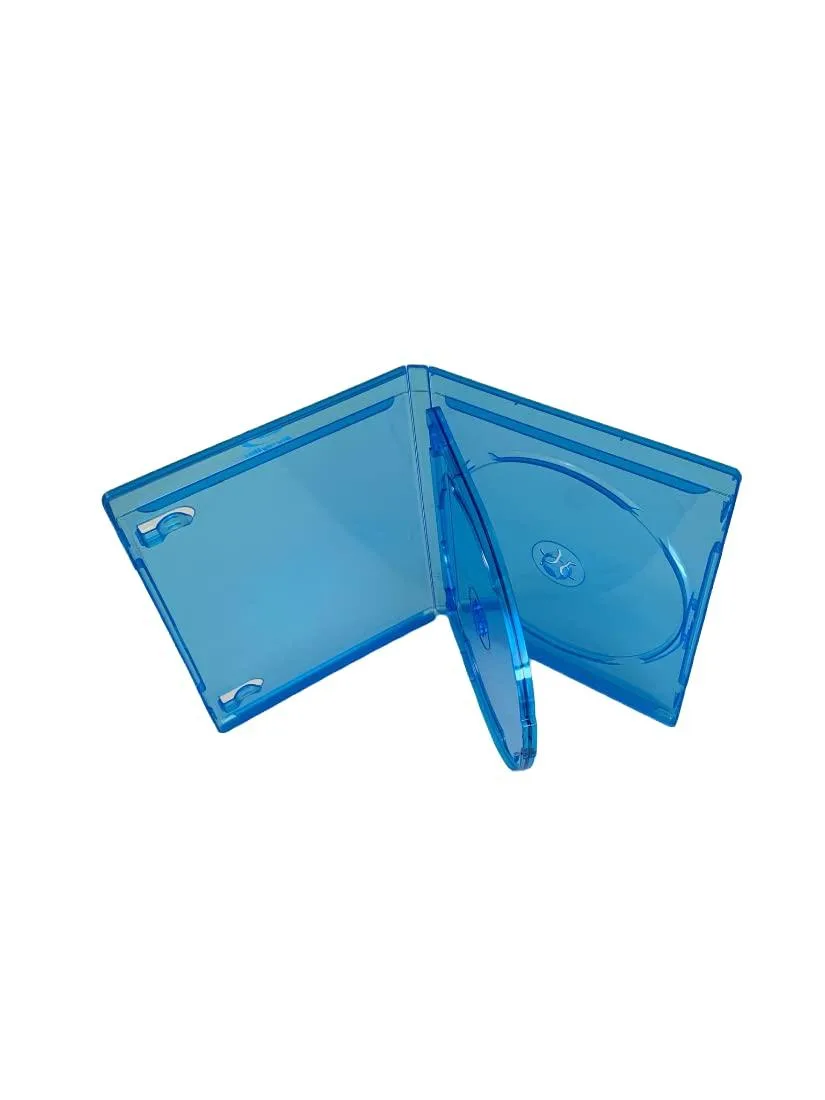
MediaPack4All 12.5mm Blu-Ray Case Multi-Three Storing Capacity
- 2.4892 L x 18.2118…
- 1 Year Warranty
$13.99
0.00016352BTC
In stockWe take cryptocurrency — so the coins you hold can buy real hardware.Pay in crypto, spend it on real hardware. Free insured shipping worldwide over $399. Plain, unbranded boxes, sent from Germany.Free insured shipping over $399. Your rate is locked for 30 minutes once checkout opens.Rate locked 30 minutes. Every item sealed, serial-checked and covered by a 24-month warranty.Sealed, 24-month warranty.


KW-Commerce
Three-bay dock clones NVMe and SATA drives offline at up to 10Gbps via USB-C
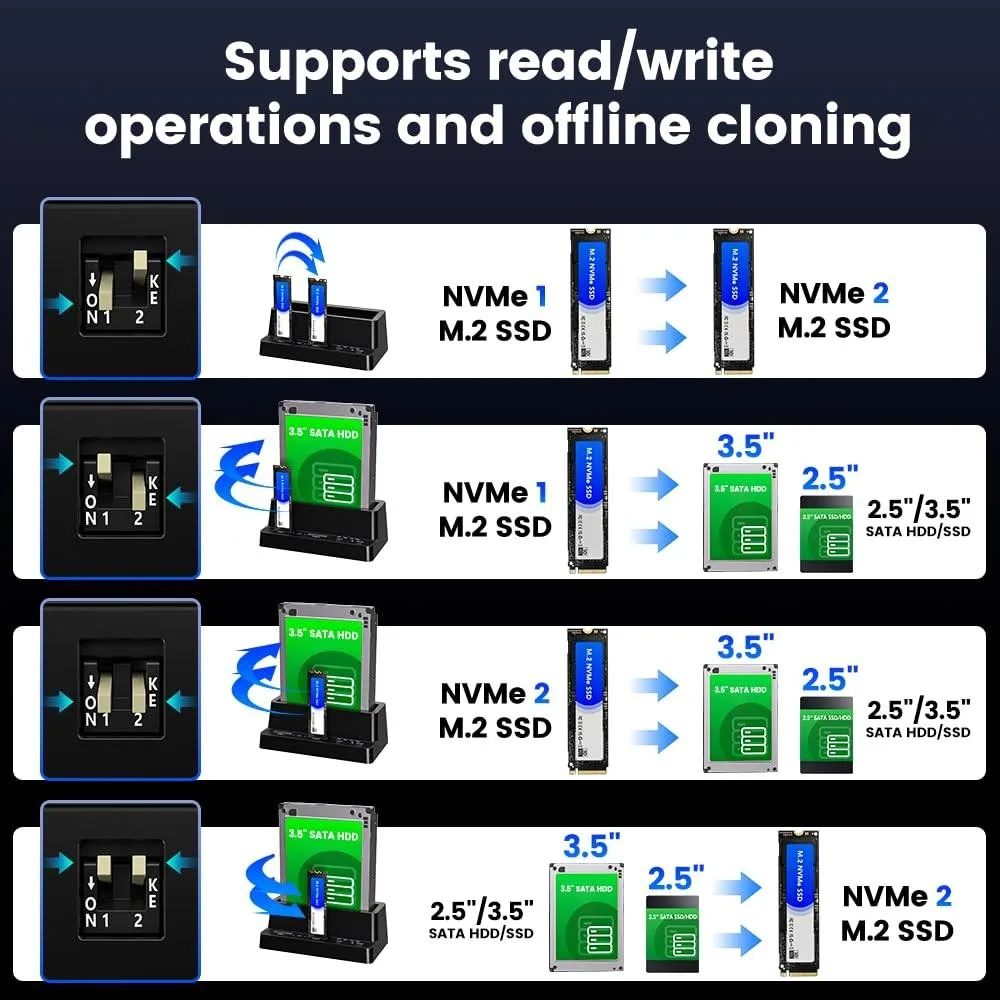
The KW-Commerce enclosure provides three drive bays for M.2 NVMe SSDs and 2.5" or 3.5" SATA drives. It performs hardware-level cloning without a host computer, making it suitable for technicians and builders migrating operating systems or duplicating data across different drive types.
Cloning runs entirely offline through four dedicated modes covering NVMe-to-NVMe, NVMe-to-SATA and SATA-to-NVMe paths. When connected to a PC, the Type-C interface delivers up to 10Gbps for drive access, but hot-swap is disabled so drives must be inserted or removed only while powered off.
This unit removes the need for a running OS and cloning software during drive upgrades. The jump is worth it when you move data between NVMe and SATA form factors regularly or need a standalone duplicator for bench work. It is not for users who only need a simple single-drive dock or hot-swap capability.
No published specifications for this item yet.
Use the single M.2 slot for NVMe SSDs and the two larger bays for 2.5 or 3.5 SATA drives; the enclosure handles both types at the same time.
It sets the maximum link speed between the dock and the host; real-world throughput will be lower and depends on the drive installed and the USB controller in your machine.
The dock connects via USB 3.2 Gen 2 Type-C at 10Gbps, so the host link is the bottleneck for fast NVMe drives while SATA drives typically run at their native 6Gbps limit.
New to this? Paying with USDT: TRC-20 or ERC-20 — what to check, what it costs to pay, and what is never asked for.
Also in this aisle
Same shelf, same checkout — eight coins and a 30-minute rate lock.
What you pay in, and what you read prices in.
Sent from your wallet at checkout
Display only — the catalogue is priced in USD
No currency matches that.
Pick the language the site speaks to you in.
No language matches that.
New here?
Already have one?
There is no automatic reset: this shop sends no mail, so there is no one-time link to ask for. Leave the address on the account and it gets picked up by hand.
Request noted
Nothing is on its way to your inbox — this shop sends no mail at all. Someone picks these up by hand.
Remembered it?


