


Kirzi
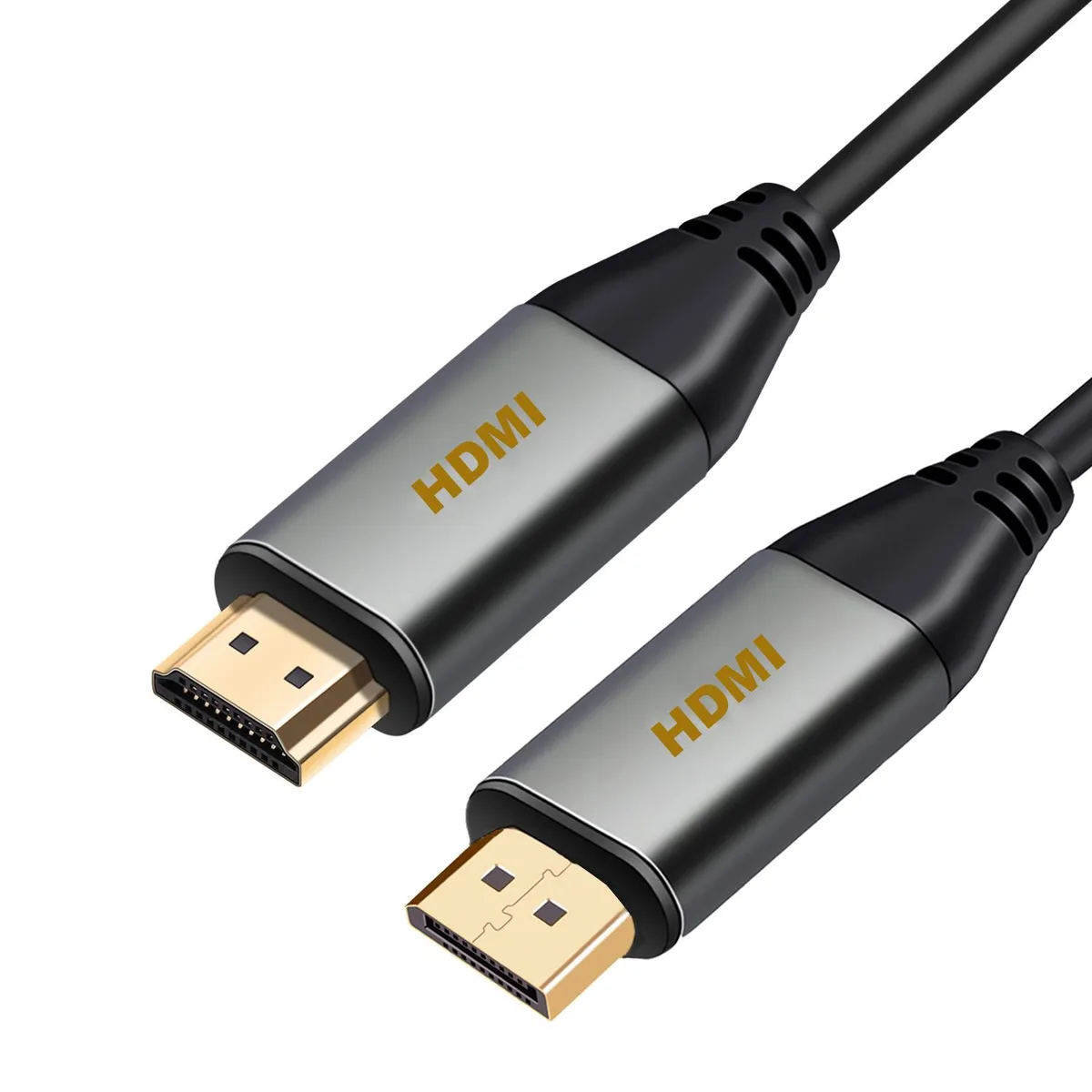
Kirzi DP to HDMI Cable 30ft Braided 4K@30Hz 2K@60Hz 1080P
A 30 ft DisplayPort-to-HDMI cable with a braided jacket that carries 4K at 30 Hz, 2K at 60 Hz and 1080p
- 4K resolution at 30Hz for sharp visuals
- 2K at 60Hz delivers smoother motion
- 1080P Full HD offers broad display compatibility
- Braided construction resists daily wear and tear
- Uni-directional design links DisplayPort source to HDMI display
30ft DisplayPort to HDMI Cable
This 30ft uni-directional cable connects a DisplayPort source to an HDMI display such as a monitor or projector. The braided construction resists daily wear while maintaining signal integrity. It suits home entertainment setups and presentation environments needing extended reach. Not for users requiring a bi-directional adapter or a shorter cable length.
Resolution and Refresh Limits
The cable carries up to 4K at 30Hz, 2K at 60Hz and 1080P Full HD. Bandwidth constraints cap 4K output at 30 frames per second, so high-refresh 4K gaming is not supported. Audio and video remain synchronised across all supported modes. Buyers needing 4K at 60Hz or higher refresh rates cannot use this cable for that purpose.
Uni-Directional DP to HDMI Only
Signal flows from a DisplayPort output to an HDMI input and cannot operate in reverse. The connector plugs directly into the source and display without external power. It is not suitable for connecting an HDMI source to a DisplayPort monitor or for DisplayPort-to-DisplayPort links.
Highlights
- 4K resolution at 30Hz for sharp visuals
- 2K at 60Hz delivers smoother motion
- 1080P Full HD offers broad display compatibility
- Braided construction resists daily wear and tear
- Uni-directional design links DisplayPort source to HDMI display
Specifications
No published specifications for this item yet.
Other versions of this model
4 more in the same range
Same family, different memory, cooler or clock — compare before you commit.



Questions about this item
Should I choose the 4K 30Hz mode or the 2K 60Hz mode for my display?
Use 4K at 30 Hz when your monitor or projector maxes out at that resolution; switch to 2K at 60 Hz if the panel supports higher refresh rates for smoother motion.
Will 4K at 30 Hz look smooth enough for video playback and office work on a Dell monitor?
Yes, 30 Hz refresh is standard for 4K film content and general desktop use; fast gaming may feel less responsive.
What does the DisplayPort to HDMI direction mean for my Dell monitor or projector setup?
The cable only carries signals from a DisplayPort source to an HDMI input, so connect the DP end to your PC and the HDMI end to the display.
New to this? Which coin should you pay with — what to check, what it costs to pay, and what is never asked for.
Also in this aisle
People compared these
Same shelf, same checkout — eight coins and a 30-minute rate lock.


Black Box Corporation
Black Box Corporation CAT6 EZ-RJ45 Modular Plugs 100-Pack
$95.99
0.00114986BTC
In stock
