

Sunfounder
Sunfounder Raspberry Pi Ultimate Kit with PiCrawler AI Robot 337 components 131 projects
$174.99
0.00207901BTC
In stockWe take cryptocurrency — so the coins you hold can buy real hardware.Pay in crypto, spend it on real hardware. Free insured shipping worldwide over $399. Plain, unbranded boxes, sent from Germany.Free insured shipping over $399. Your rate is locked for 30 minutes once checkout opens.Rate locked 30 minutes. Every item sealed, serial-checked and covered by a 24-month warranty.Sealed, 24-month warranty.
KHACHIMO
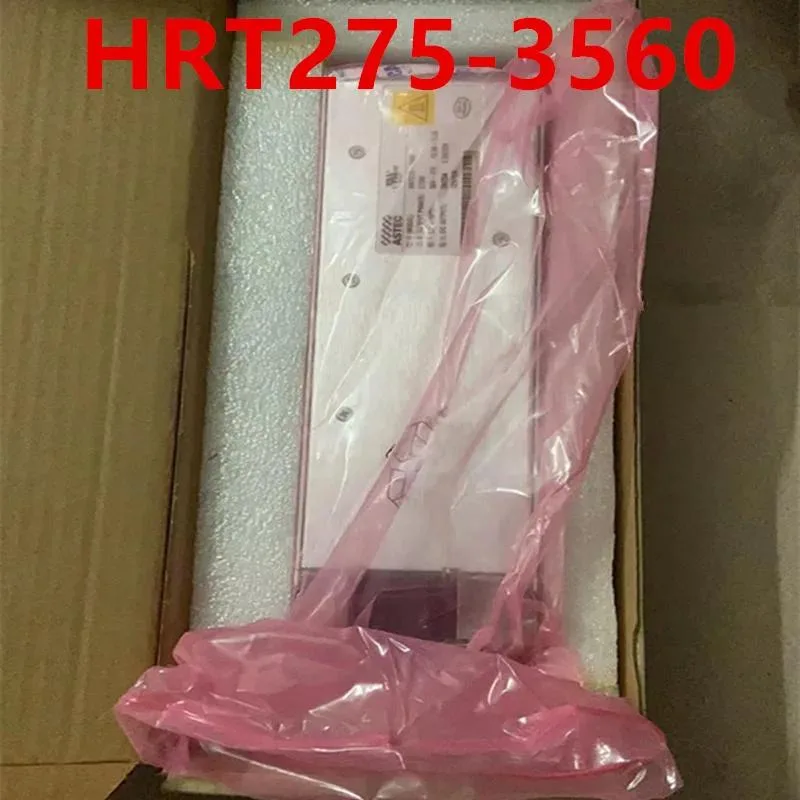
ATX power supply delivering 275 W with 80 PLUS Gold efficiency, zero-RPM fan mode and Modern Standby support
The KHACHIMO HRT275-3560 is a 275 W ATX unit built for office PCs, compact workstations and entry-level gaming rigs. It carries 80 PLUS Gold certification and supports Modern Standby for rapid wake-from-sleep and improved low-load efficiency. Resonant LLC topology with DC-to-DC conversion delivers clean, consistent power while reducing coil whine.
Upgrade from a basic Bronze or unrated supply when you want lower electricity draw, cooler running temperatures and a fan that stops completely at low and medium loads. The jump is worth it for always-on desktops, home-theatre PCs or any build where near-silent operation at idle is a priority.
Installation follows the usual ATX mounting pattern and connector layout; no special tools or adapters are required. The only common snag is cable length in oversized chassis — measure your routing path before fitting. Builders needing more than 275 W for discrete graphics or heavy overclocks should look at higher-capacity models.
| Type | ATX |
|---|
Yes, the unit follows the ATX form factor so it aligns with the standard rear cut-out and four mounting holes used by most cases.
Connect the 24-pin ATX motherboard cable and the 4+4-pin CPU power cable before the first boot; the firmware handshake for Modern Standby requires both rails active.
New to this? Buying PC parts with Monero — what to check, what it costs to pay, and what is never asked for.
Also in this aisle
Same shelf, same checkout — eight coins and a 30-minute rate lock.
What you pay in, and what you read prices in.
Sent from your wallet at checkout
Display only — the catalogue is priced in USD
No currency matches that.
Pick the language the site speaks to you in.
No language matches that.
New here?
Already have one?
There is no automatic reset: this shop sends no mail, so there is no one-time link to ask for. Leave the address on the account and it gets picked up by hand.
Request noted
Nothing is on its way to your inbox — this shop sends no mail at all. Someone picks these up by hand.
Remembered it?



