


Kenuco
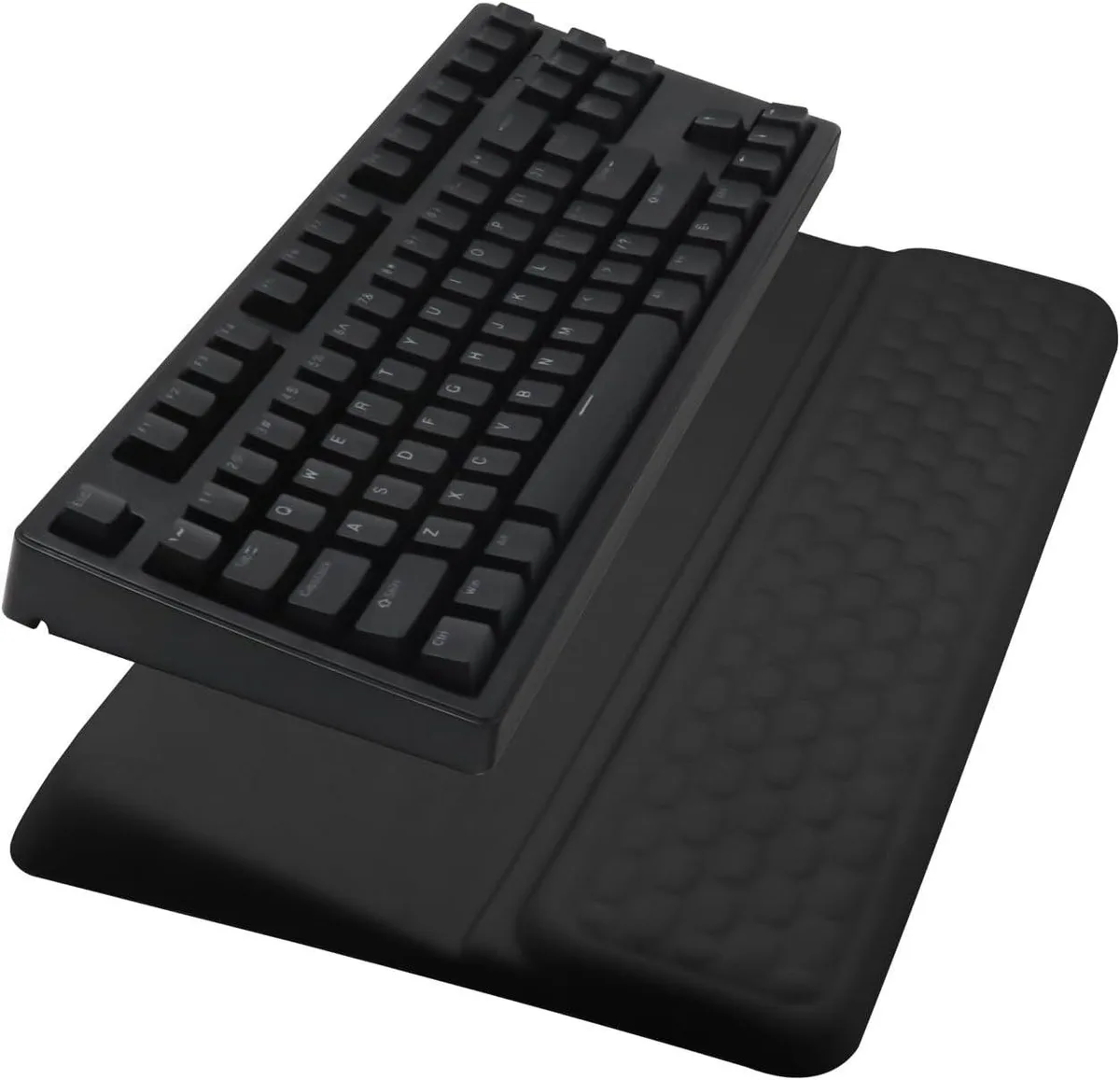
Kenuco Keyboard Stand Pad with Wrist Rest (Black)
Ergonomic keyboard stand with memory-foam wrist rest, massage bumps, non-slip PU base and two adjustable tilt angles for comfortable typing
- TypeWrist Rests
- Ergonomic tilted stand reduces wrist strain
- Extra-thick memory foam cushions wrists with lasting rebound
- Massage bump surface relieves fatigue and prevents sweat build-up
- Non-slip PU base grips desk more securely than rubber
- Two adjustable tilt angles suit most keyboard sizes
Ergonomic Keyboard Stand with Wrist Rest
The Kenuco keyboard stand pad combines a tilted riser with an integrated wrist rest for office and home users who type for long periods. Memory foam padding conforms to the wrists and rebounds quickly without collapsing over time. A massage bump surface helps relieve fatigue and reduce sweat buildup during extended sessions.
Upgrade from Flat Wrist Rests
This stand replaces a basic flat pad by adding two selectable tilt angles that let you set the keyboard at a more natural wrist posture. The jump is worth it when you experience discomfort from a level typing surface and want adjustable elevation without buying a separate keyboard tray. It fits most standard keyboards without modification.
Simple Desk Setup
Place the unit on any clean desktop; the non-slip PU base grips firmly without sliding and is more stable than rubber alternatives. No tools or assembly are required — just choose the preferred tilt angle and position your keyboard. Ensure the desk surface is free of dust or liquids so the base maintains its grip.
Highlights
- Ergonomic tilted stand reduces wrist strain
- Extra-thick memory foam cushions wrists with lasting rebound
- Massage bump surface relieves fatigue and prevents sweat build-up
- Non-slip PU base grips desk more securely than rubber
- Two adjustable tilt angles suit most keyboard sizes
Specifications
| Type | Wrist Rests |
|---|
Questions about this item
How much desk space does the keyboard stand pad occupy?
The pad fits most standard keyboards and its non-slip PU base grips the desktop firmly without needing extra mounting hardware.
How do I switch between the two tilt-angle modes?
Lift the keyboard off the holder, flip the stand to the alternative angle, then reseat the keyboard so the wrist rest aligns with your wrists.
When should I replace the memory-foam wrist rest?
Replace it once the foam no longer rebounds quickly or the massage bumps feel flattened, which signals the cushioning has lost its supportive shape.
Also in this aisle
People compared these
Same shelf, same checkout — eight coins and a 30-minute rate lock.


Lenovo
Lenovo 42T3273 Black Replacement Keyboard for ThinkPad T60 T61
- Thinkpad T60 T61 Ke…
- Black
$29.99
0.0003566BTC
In stock