


Kanguru
Kanguru UltraLock USB-C NVMe portable SSD 3.1
Ultra-fast external NVMe storage with a hardware write-protect switch and USB 3.1 connectivity
- SuperSpeed+ USB 3.1 Gen 2 for fast transfers
- Physical write-protect switch prevents accidental data changes
- NVMe technology delivers exceptionally fast read/write speeds
- Sleek metal housing protects the drive on the move
- Portable enclosure combines speed and generous storage capacity
UltraLock USB-C NVMe Portable SSD
The Kanguru UltraLock is a new external solid-state drive that combines an M.2 NVMe module with SuperSpeed+ USB 3.1 Gen 2 connectivity. Its metal housing encloses the drive and features a physical write-protect switch for hardware-level data protection. This portable unit targets users who need fast, secure external storage.
Suits users needing hardware write protection
This drive suits professionals who require a physical switch to prevent accidental data modification or malware encryption. It also fits workflows demanding rapid NVMe transfer rates over a standard USB-C cable. Buyers who need more storage capacity than a single drive provides should consider a multi-bay enclosure or RAID array instead.
Physical write-protect switch
The defining specification is the hardware write-protect switch on the enclosure. Engaging it makes the entire volume read-only at the controller level, blocking writes from any host operating system. This feature decides whether the drive meets strict data-integrity or forensic requirements.
Highlights
- SuperSpeed+ USB 3.1 Gen 2 for fast transfers
- Physical write-protect switch prevents accidental data changes
- NVMe technology delivers exceptionally fast read/write speeds
- Sleek metal housing protects the drive on the move
- Portable enclosure combines speed and generous storage capacity
Specifications
No published specifications for this item yet.
Questions about this item
What physical interface does the Kanguru UltraLock enclosure use to connect to a computer?
The enclosure connects via a SuperSpeed+ USB 3.1 Gen 2 USB-C port.
How is the internal M.2 NVMe drive installed in the Kanguru UltraLock enclosure?
Open the metal housing, insert the M.2 NVMe drive into the slot, secure it with the screw, then close the enclosure.
What maintenance does the Kanguru UltraLock's write-protect switch require over time?
The physical write-protect switch needs no scheduled maintenance; simply slide it to toggle write protection on or off.
New to this? Paying with USDT: TRC-20 or ERC-20 — what to check, what it costs to pay, and what is never asked for.
Also in this aisle
People compared these
Same shelf, same checkout — eight coins and a 30-minute rate lock.


FUJIFILM
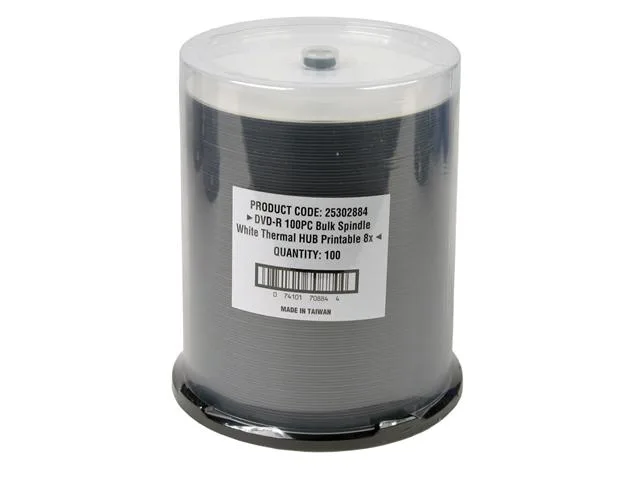
FUJIFILM 25302884 White Thermal Printable 4.7GB 8X DVD-R 100 Packs
- DVD-R
- 4.7GB
$33.99
0.00039498BTC
In stock