


JSAUX
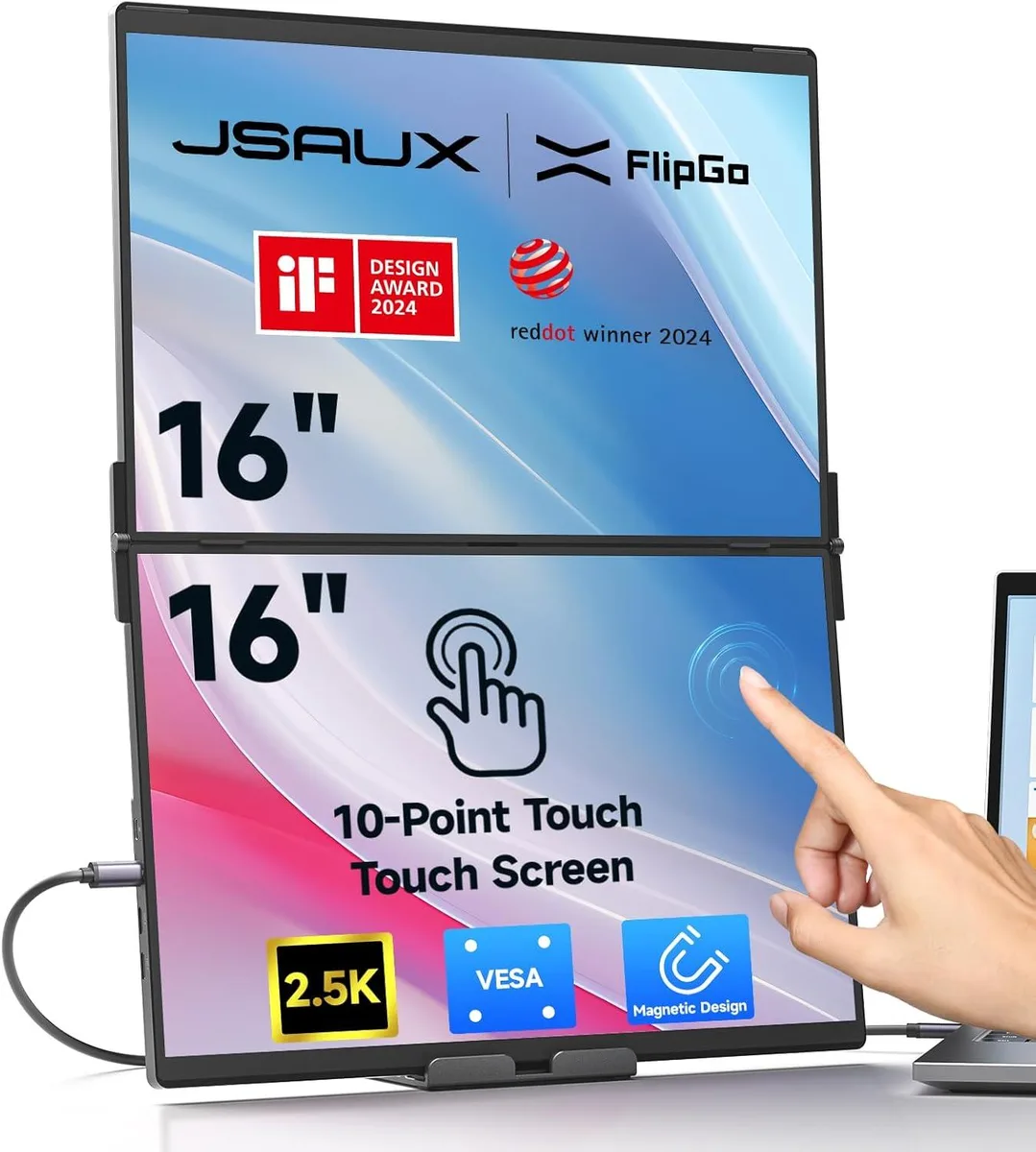
JSAUX FlipGo 16-inch Dual Touchscreen Portable Monitor
Dual 16-inch 2.5K touchscreens with 10-point input, 100% sRGB, 500 nits brightness and magnetic mounting for triple-screen productivity
- 10-point touch control for precise interaction
- Dual 16-inch 2.5K IPS panels at 500 nits brightness
- 100% sRGB colour with 1200:1 contrast for accurate visuals
- Triple-screen ABC mode expands workspace for multitasking
- Magnetic back with four N52 magnets secures stands and accessories
Dual 2.5K touchscreen workspace
The JSAUX FlipGo is a 16-inch portable monitor that adds two 2.5K IPS touchscreens to a laptop. Each panel delivers 100% sRGB coverage, 500 nits brightness and a 1200:1 contrast ratio at a 16:10 aspect ratio. Ten-point touch and gesture control allow precise input for creative work, financial modelling or general multitasking. An initial setup step is required before the touch features become active.
Magnetic mount and built-in hub
The rear panel uses four sets of N52 magnets to secure stands or accessories while keeping the unit stable on a desk. A built-in hub enables a single-cable connection that drives both screens simultaneously. The magnetic design also makes it quick to attach or remove the monitor when moving between workspaces.
Check video outputs and touch setup
Verify that your laptop can supply video and power over one cable for two external displays. Confirm the operating system supports the required touch driver installation before relying on gesture input. The ABC triple-screen mode needs a graphics configuration that can handle three active outputs at once.
Highlights
- 10-point touch control for precise interaction
- Dual 16-inch 2.5K IPS panels at 500 nits brightness
- 100% sRGB colour with 1200:1 contrast for accurate visuals
- Triple-screen ABC mode expands workspace for multitasking
- Magnetic back with four N52 magnets secures stands and accessories
Specifications
No published specifications for this item yet.
Questions about this item
Which connection standard does the JSAUX FlipGo use for its one-cable dual-screen setup?
The FlipGo relies on a single USB-C link that carries both video and power, so the practical ceiling is whatever your host port negotiates — typically DisplayPort Alt Mode bandwidth limits.
What physical mounting points does the 16-inch FlipGo provide for stands or arms?
The rear panel includes four sets of N52 magnets plus a magnetic mounting surface, letting compatible stands or accessories snap on without screws or VESA holes.
How is the 10-point touch layer activated on the FlipGo, and what step do users often skip?
After connecting the monitor, you must run the initial calibration shown in the setup video; skipping that step leaves the touchscreen unresponsive.
Also in this aisle
People compared these
Same shelf, same checkout — eight coins and a 30-minute rate lock.


Case Logic
Case Logic 3203990 briefcase for 15.6 in laptop with 10.1 in tablet pocket
$30.99
0.00036922BTC
In stock