


JSAUX
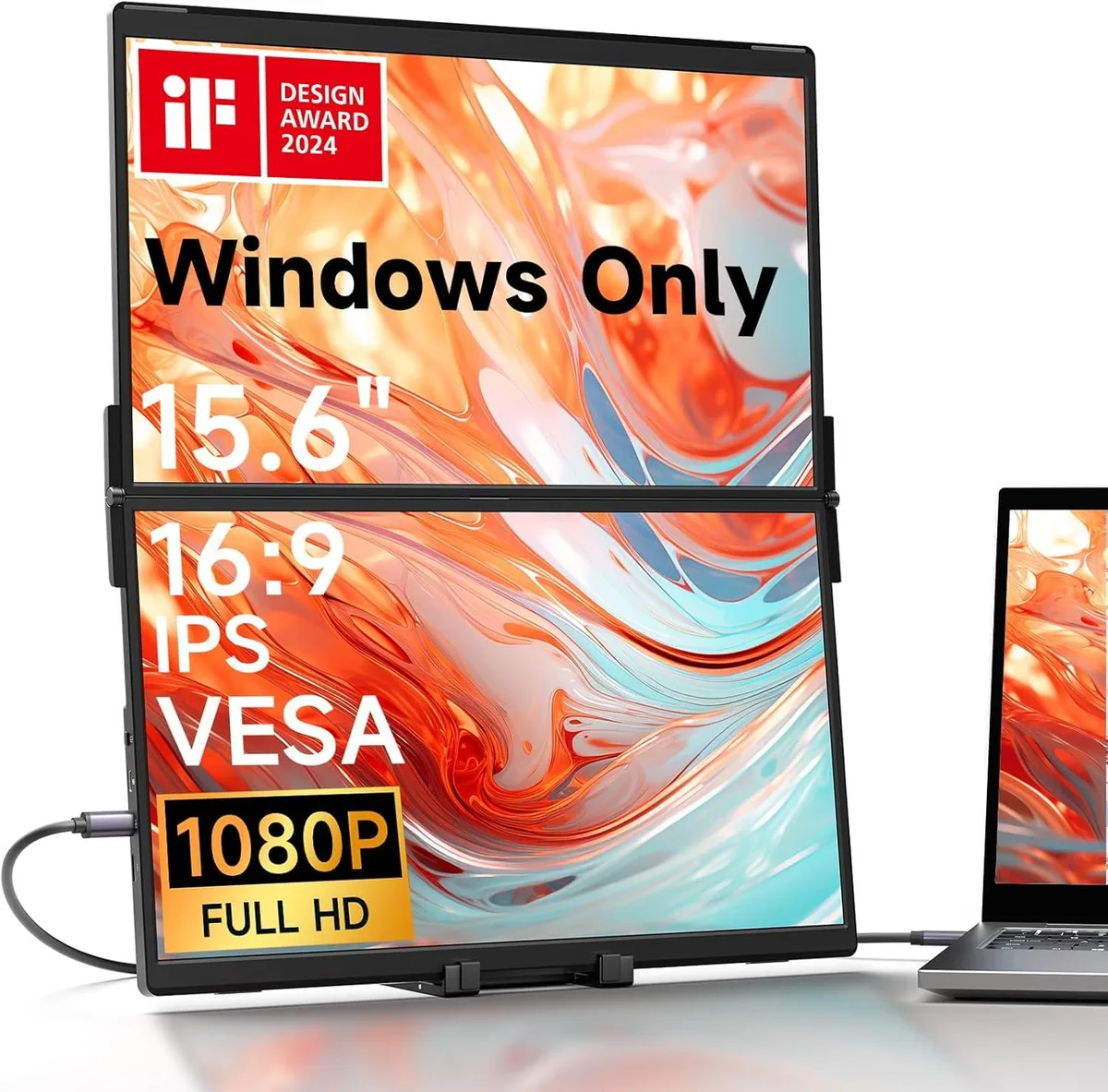
JSAUX FlipGo 15.6" Portable Dual Screen Extender
A 15.6" portable dual-screen extender with two stacked IPS LCD panels, built-in hub, single-cable triple display and a collapsible stand for Windows laptops
- Magnetic N52 attachment keeps screens stable
- Single cable drives both 15.6" displays
- Built-in hub adds USB 2.0 and Mini-HDMI
- 65 W pass-through charges laptop while working
- Flicker-free low blue light reduces eye fatigue
Magnetic Dual-Screen Extender
The JSAUX FlipGo 15.6" portable monitor attaches magnetically to a laptop lid, adding two stacked IPS LCD panels for professionals who need extra vertical workspace on the move. Its collapsible stand and built-in hub let mobile workers, programmers and business travellers set up a triple-display station without carrying a separate dock.
Thermals Noise and Power
The unit runs silently with no fans and draws power from a single USB-C cable, keeping the desk free of extra bricks. When a 65W or higher source is connected to the dedicated power port, the extender passes charge through to the laptop, extending battery life during long sessions.
Build Integration
Two USB 2.0 ports, a Mini-HDMI input and a USB-C display port cover most peripheral and video needs without an additional hub. The magnetic back panel accepts optional stands sold separately, while the matte 16:9 screens support split-screen and vertical modes for flexible window management.
Highlights
- Magnetic N52 attachment keeps screens stable
- Single cable drives both 15.6" displays
- Built-in hub adds USB 2.0 and Mini-HDMI
- 65 W pass-through charges laptop while working
- Flicker-free low blue light reduces eye fatigue
Specifications
No published specifications for this item yet.
Questions about this item
How do I attach the magnetic stand to the back panel without it detaching?
Align the stand with the four N52 magnet sets on the rear panel; the magnetic pull secures it instantly, but pressing firmly until you feel a click prevents accidental release during transport.
Which ports on the built-in hub will wear out first from daily plugging and unplugging?
The two USB 2.0 ports and the Mini-HDMI socket see the most insertions; their rated mating cycles are lower than the USB-C connectors, so they typically need attention first.
At what power draw does the single-cable triple-display mode stop charging the laptop?
When the connected power source drops below 65 W, the monitor can no longer pass through enough current to charge the laptop while driving both 15.6-inch panels at 60 Hz.
Also in this aisle
People compared these
Same shelf, same checkout — eight coins and a 30-minute rate lock.


Kensington
Kensington Desk Mount Cable Anchor K64613WW accessory
- Black
- Provides a secure a…
$19.99
0.00023183BTC
In stock
Panasonic
Panasonic CF-VDR291U laptop cooling pad
- Optical Drive
- Buffer Size: 2 MB B…
$213.99
0.00248171BTC
In stock
eReplacements
eReplacements PB992A-ER laptop battery 14.4V
- Battery
- Lithium-Ion
$65.99
0.00076531BTC
In stock