Yealink Network Technology Co., Ltd
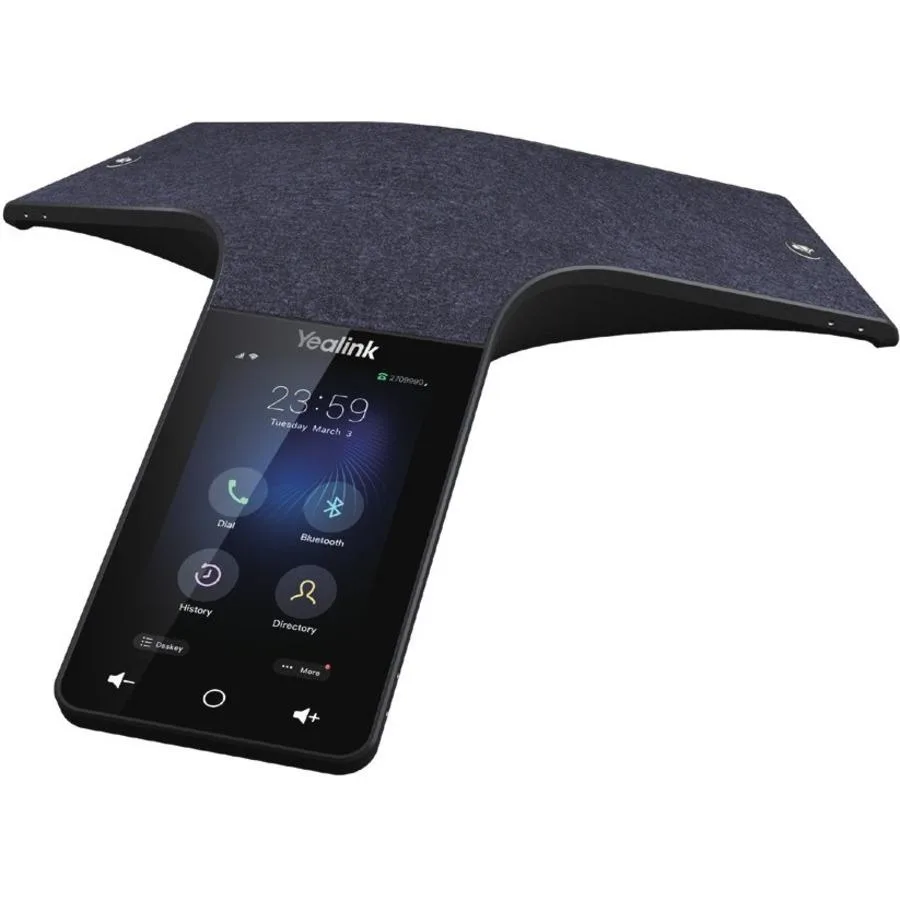
Yealink Network Technology Co., Ltd Optima HD IP Conference CPW65 1204612
- Voice Conferencing…
$690.99
0.00798915BTC
In stockWe take cryptocurrency — so the coins you hold can buy real hardware.Pay in crypto, spend it on real hardware. Free insured shipping worldwide over $399. Plain, unbranded boxes, sent from Germany.Free insured shipping over $399. Your rate is locked for 30 minutes once checkout opens.Rate locked 30 minutes. Every item sealed, serial-checked and covered by a 24-month warranty.Sealed, 24-month warranty.


j5create
A compact USB-C dock adds dual 4K60 video, gigabit ethernet, three 10 Gbps ports, pass-through charging and a built-in speakerphone with Bluetooth 5.2 for Teams and Zoom calls
The JCDS337 turns a laptop into a complete workstation with dual 4K HDMI outputs, a built-in speakerphone and multiple data ports. It targets professionals who need reliable video calls and expanded connectivity in one compact device. ||
Dual 4K60 display support relies on MST, so macOS users may only get mirrored screens. Macs with M1, M2 or M3 chips are limited to a single external display regardless of the dock. ||
Verify your laptop has a USB-C port that supports video alt mode and power delivery for pass-through charging. Confirm your operating system handles MST for extended desktops and that Bluetooth 5.2 is available for wireless pairing.
No published specifications for this item yet.
Use Bluetooth 5.2 for wireless pairing with a phone or tablet, or plug in via USB for a wired link to a laptop — both give the same speakerphone and dock functions.
The dock can drive two external displays at 4K resolution and 60 Hz refresh rate through its HDMI ports; on macOS the second screen may mirror the first, and M1/M2/M3 Macs support only one external display.
The single USB-C port runs at 10 Gbps for data and carries pass-through charging so your laptop stays powered while the dock runs video, audio, Ethernet and peripherals.
Also in this aisle
Same shelf, same checkout — eight coins and a 30-minute rate lock.
What you pay in, and what you read prices in.
Sent from your wallet at checkout
Display only — the catalogue is priced in USD
No currency matches that.
Pick the language the site speaks to you in.
No language matches that.
New here?
Already have one?
There is no automatic reset: this shop sends no mail, so there is no one-time link to ask for. Leave the address on the account and it gets picked up by hand.
Request noted
Nothing is on its way to your inbox — this shop sends no mail at all. Someone picks these up by hand.
Remembered it?