
Invisible Gadget Guard
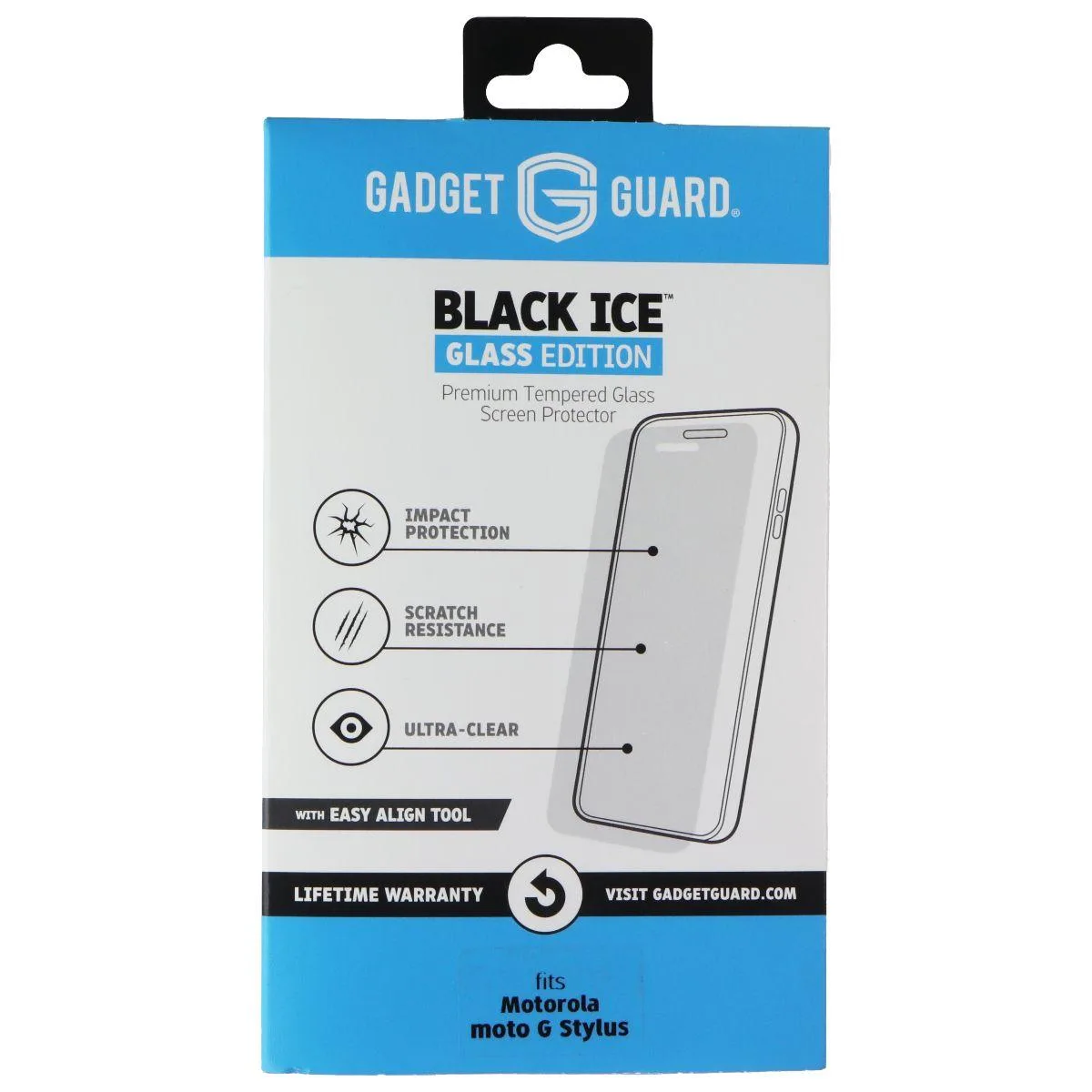
Invisible Gadget Guard Black Ice Glass Edition Screen Protector for Motorola Moto G Stylus
A clear glass screen protector for the Motorola Moto G Stylus offering impact protection and scratch resistance
- TypeCase
- Impact protection shields the display from drops
- Scratch resistance keeps the glass surface free of marks
- Ultra-clear transparency preserves original screen clarity
- Precision fit designed for Motorola Moto G Stylus
- Clear finish maintains the device's natural look
Screen protector for Motorola Moto G Stylus
The Invisible Gadget Guard Black Ice Glass Edition is a clear screen protector designed specifically for the Motorola Moto G Stylus. It provides a precise fit that covers the display without interfering with the integrated stylus functionality. This accessory suits owners seeking to preserve the original screen condition against daily wear.
Impact protection and scratch resistance
The glass construction absorbs shock from drops and impacts to help prevent display damage. A hardened surface resists scratches from keys, coins or other objects carried in a pocket or bag. The protector maintains the screen's original clarity and touch sensitivity during normal use.
Ultra-clear transparency for display fidelity
The ultra-clear finish preserves the phone's native colour accuracy and brightness levels without a noticeable tint or haze. Buyers who want a matte anti-glare finish or a privacy filter that limits viewing angles will not find those features here. The single specification that decides fit is the exact Motorola Moto G Stylus model compatibility.
Highlights
- Impact protection shields the display from drops
- Scratch resistance keeps the glass surface free of marks
- Ultra-clear transparency preserves original screen clarity
- Precision fit designed for Motorola Moto G Stylus
- Clear finish maintains the device's natural look
Specifications
| Type | Case |
|---|
Questions about this item
How do I align the Black Ice Glass Edition protector on the Moto G Stylus without trapping dust?
Clean the screen with the supplied wipe, peel the backing, line up the cut-outs for the front camera and speaker, then lower the glass slowly from the top edge while guiding it with a card.
When should I replace this screen protector?
Swap it out once deep scratches become visible, the oleophobic coating wears off and smudges stay, or a corner lifts and admits dust.
What fails first on this glass protector during daily drops?
The tempered glass layer cracks at the impact point before the adhesive releases, so the screen underneath stays intact.
Also in this aisle
People compared these
Same shelf, same checkout — eight coins and a 30-minute rate lock.


MCHOSE
MCHOSE Adjustable Tablet/Phone Stand Aluminum Black 4-13 inch
- Tablet Stands
$33.99
0.00040416BTC
In stock