
Innovera
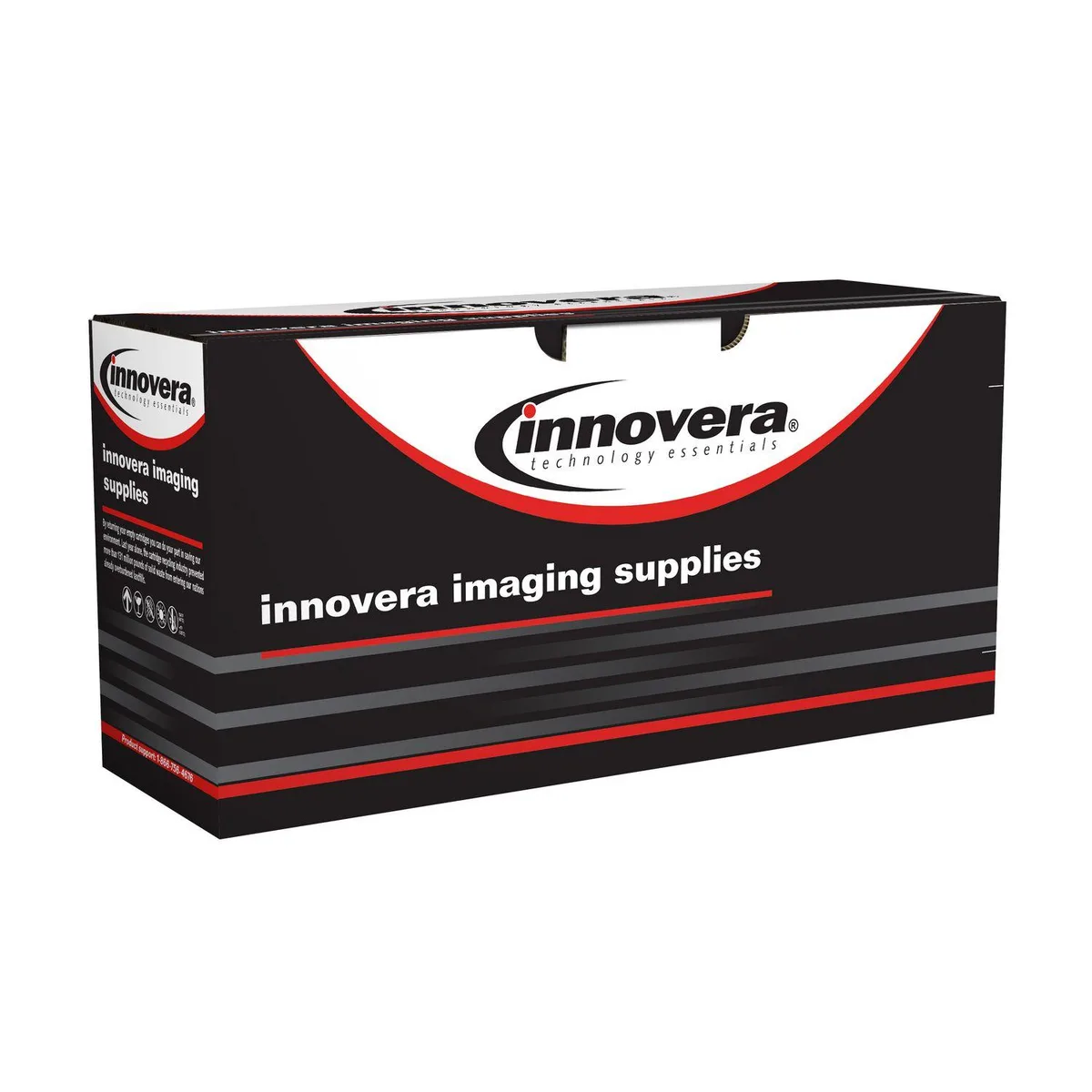
Innovera IVRW1480A toner cartridge 48A 2900 pages
Compatible black toner cartridge yielding 2900 pages for HP LaserJet Pro 4001 and 4101 printers
- Delivers up to 2,900 pages per cartridge
- Remanufactured with 90 % post-consumer recycled content
- Compatible with HP LaserJet Pro 4001 and 4101 series
- Replaces original HP 48A W1480A toner
- Backed by the manufacturer’s two-year warranty
What the cartridge replaces
This remanufactured black toner replaces the HP W1480A cartridge, also known as the 48A. It fits HP LaserJet Pro 4001 and 4101 series printers and MFPs, delivering 2,900 pages of standard-yield output for offices that rely on these specific models.
Environmental profile
The cartridge contains 90 percent post-consumer recycled content and is manufactured with a remanufactured process that meets or exceeds national brand quality. No biodegradability or compostability claims are made, and the pre-consumer recycled content is zero percent.
Warranty coverage
Innovera provides a two-year manufacturer warranty on this compatible toner. The cartridge is supplied as a single unit without additional software, chips or installation tools beyond what the printer requires for normal operation.
Highlights
- Delivers up to 2,900 pages per cartridge
- Remanufactured with 90 % post-consumer recycled content
- Compatible with HP LaserJet Pro 4001 and 4101 series
- Replaces original HP 48A W1480A toner
- Backed by the manufacturer’s two-year warranty
Specifications
No published specifications for this item yet.
Questions about this item
How do I install the 48A cartridge in my LaserJet Pro 4001 series printer?
Open the front cover, pull out the old cartridge by its handle, remove the new cartridge from its bag, rock it gently five times to distribute toner, pull the sealing tape straight out, align the guides with the printer rails, and slide it in until it clicks. Close the cover.
What maintenance will this remanufactured 48A cartridge need later?
As a 90 % post-consumer recycled toner cartridge, it requires no scheduled maintenance; simply replace it when the printer reports low toner or print quality fades after roughly 2,900 pages.
What limit appears first during a long print run with this 48A cartridge?
The 2,900-page yield rating is the first limit; once that volume is reached the toner is depleted and the cartridge must be replaced.
Also in this aisle
People compared these
Same shelf, same checkout — eight coins and a 30-minute rate lock.


microMICR Corporation
microMICR Corporation imaging unit for Lexmark MS310 MS410 MS510 MS610 BK
- Yes
$81.99$111.99−27%
0.00099041BTC
In stock