


InfiRay
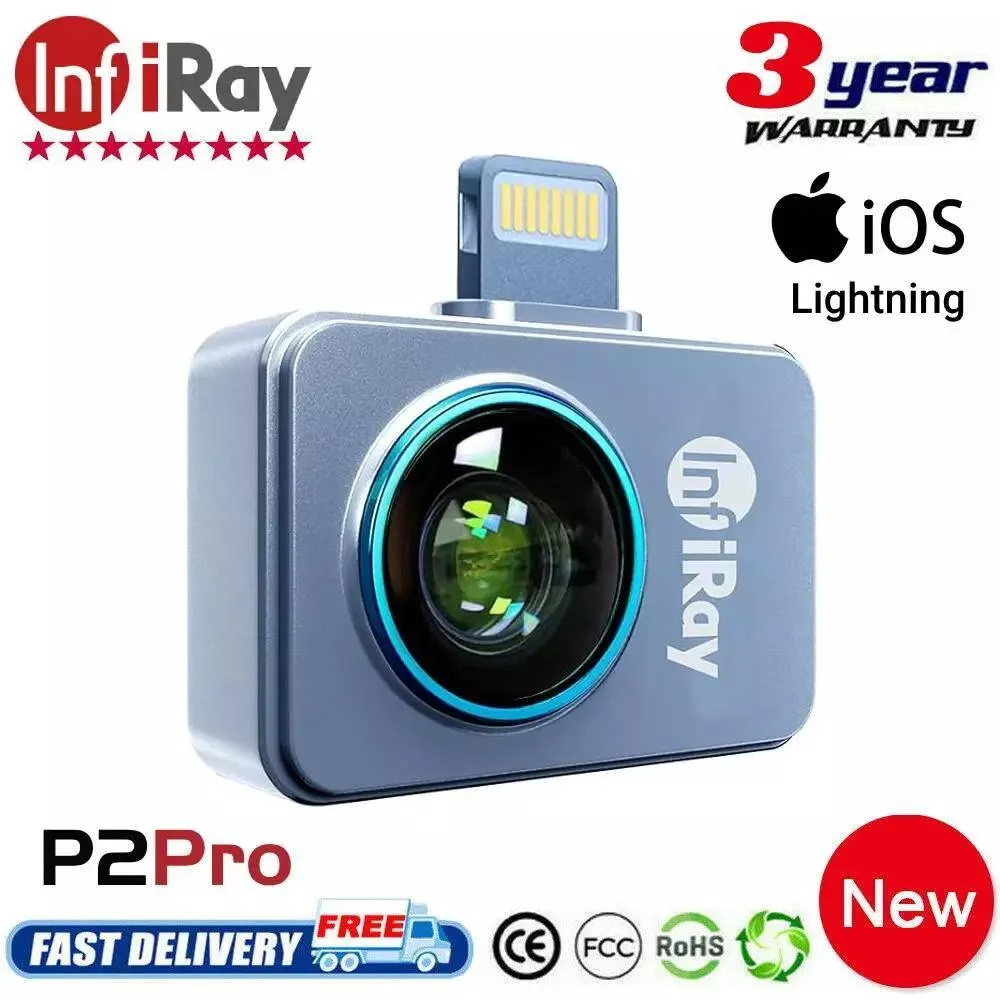
InfiRay P2 Pro Thermal Imager Without Macro Lens
Ultra-compact 9 g thermal imager with 256×192 IR resolution, 25 Hz frame rate and -20 °C to 550 °C range that plugs directly into Android 9.0+ phones without a battery
- TypeThermal Imager
- Ultra-light 9 g metal body fits any toolkit
- 256 × 192 IR sensor delivers 49 152 temperature points
- 25 Hz frame rate captures fast thermal changes
- Measures −20 °C to 550 °C for broad diagnostics
- Works with Android 9.0+ phones, no battery needed
Pocket Thermal Imager for Smartphones
The InfiRay P2 Pro is a 9 g all-metal thermal camera that plugs directly into a phone. It delivers a 256 × 192 infrared sensor with 49,152 pixels at 25 Hz and measures from -20 °C to 550 °C. No separate battery is required because it draws power from the handset.
Android 9.0+ Users Needing Quick Heat Checks
This unit suits technicians, DIYers and facility managers who want instant thermal overlays on a device they already carry. It will not work on phones running Android below 9.0 or on iOS models that are not explicitly listed as compatible. Buyers who need macro-level close-ups should note that this listing excludes the optional macro lens.
Plug-and-Play Accessory for Mobile Diagnostics
The imager connects via the phone’s native port and uses the handset’s screen, processor and storage for display and recording. Its 27 × 18 × 9.8 mm metal housing adds negligible bulk, leaving pockets free for other tools. Typical uses include home insulation checks, under-floor heating verification, water-pipe tracing and HVAC troubleshooting.
Highlights
- Ultra-light 9 g metal body fits any toolkit
- 256 × 192 IR sensor delivers 49 152 temperature points
- 25 Hz frame rate captures fast thermal changes
- Measures −20 °C to 550 °C for broad diagnostics
- Works with Android 9.0+ phones, no battery needed
Specifications
| Type | Thermal Imager |
|---|
Questions about this item
Which Android version must my phone run to use the P2 Pro?
The imager requires Android 9.0 or a newer release to operate.
Can I plug the P2 Pro into an iPhone with a Lightning port?
The unit is offered for iPhone iOS models, so it uses the Lightning connector rather than USB-C.
How do I confirm the 25 Hz frame rate is active after setup?
Open the companion app and watch the live thermal view; smooth, flicker-free motion indicates the 25 Hz rate is running.
Also in this aisle
People compared these
Same shelf, same checkout — eight coins and a 30-minute rate lock.


Lab Safety Supply Inc
Lab Safety Supply Inc 667123 24 Well Tissue Culture Plate w/Lid PK50
- Assortments & Kits
$66.99
0.00080757BTC
In stock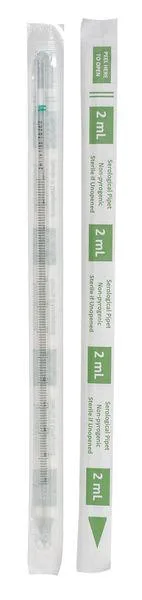
Lab Safety Supply Inc
Lab Safety Supply Inc 11L806 2mL Pipet Individually Wrapped PK600
- Assortments & Kits
$106.99
0.00128977BTC
In stock