


iMicro
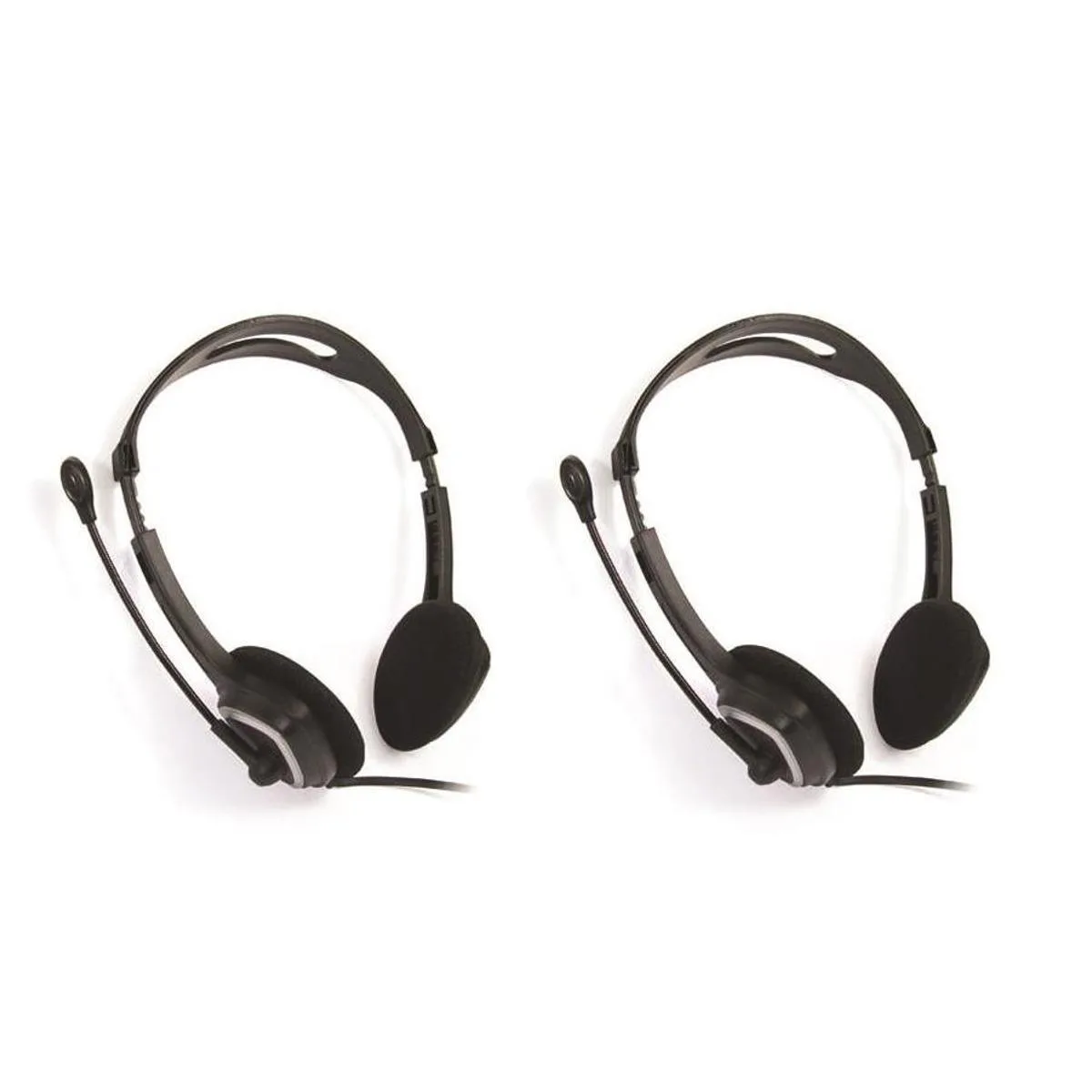
iMicro IM320 USB Headset with Microphone 2-Pack
Two USB headsets with 40 mm drivers, 20–20 kHz response and inline call controls
- Clear calls with sensitive -58 dB microphone
- Comfortable fit from 40 mm (1.57") drivers
- Wide 20-20 kHz frequency range for full sound
- Inline control button for quick call handling
- Two headsets included for shared or backup use
Two USB headsets for shared calls
The iMicro IM320 2-pack supplies a pair of USB headsets so two people can each have a microphone and headphones for voice chat, online classes or casual listening. Each unit connects through a single USB plug and includes an in-line control button for answering calls. The long cord allows comfortable distance from the computer or console.
Suited to dual-user setups, not solo upgraders
This bundle suits households, study partners or small teams that need two identical headsets at once. Buyers who only need one headset, prefer a single higher-specification model or require wireless freedom should consider other options.
40 mm drivers with 110 dB sensitivity
The 40 mm speakers deliver a 20-20 kHz frequency response at 32 ohms impedance and 110 dB sensitivity. These figures determine how loud and clear the audio will be for calls and music playback.
Highlights
- Clear calls with sensitive -58 dB microphone
- Comfortable fit from 40 mm (1.57") drivers
- Wide 20-20 kHz frequency range for full sound
- Inline control button for quick call handling
- Two headsets included for shared or backup use
Specifications
No published specifications for this item yet.
Questions about this item
What USB port does the iMicro IM320 headset need to connect?
The iMicro IM320 connects through a standard USB Type-A plug. No extra drivers are required on Windows, macOS or Linux; the headset is recognised as a generic audio device the moment it is inserted.
Which step do people skip when setting up the iMicro IM320 headset?
After plugging the USB connector in, many forget to select the iMicro IM320 as both the default playback and recording device in their operating system sound settings, so the microphone stays silent.
When should the ear cushions on the iMicro IM320 be replaced?
Replace the ear cushions once the foam collapses or the covering cracks — usually after one to two years of daily use — to keep the 40 mm drivers sealing properly against your ears.
Also in this aisle
People compared these
Same shelf, same checkout — eight coins and a 30-minute rate lock.


Shen Zhen Wei An Ke Development Co., Ltd
Shen Zhen Wei An Ke Development Co., Ltd GQ015-BTS bluetooth headset
$19.99
0.00023083BTC
In stock