

IBM
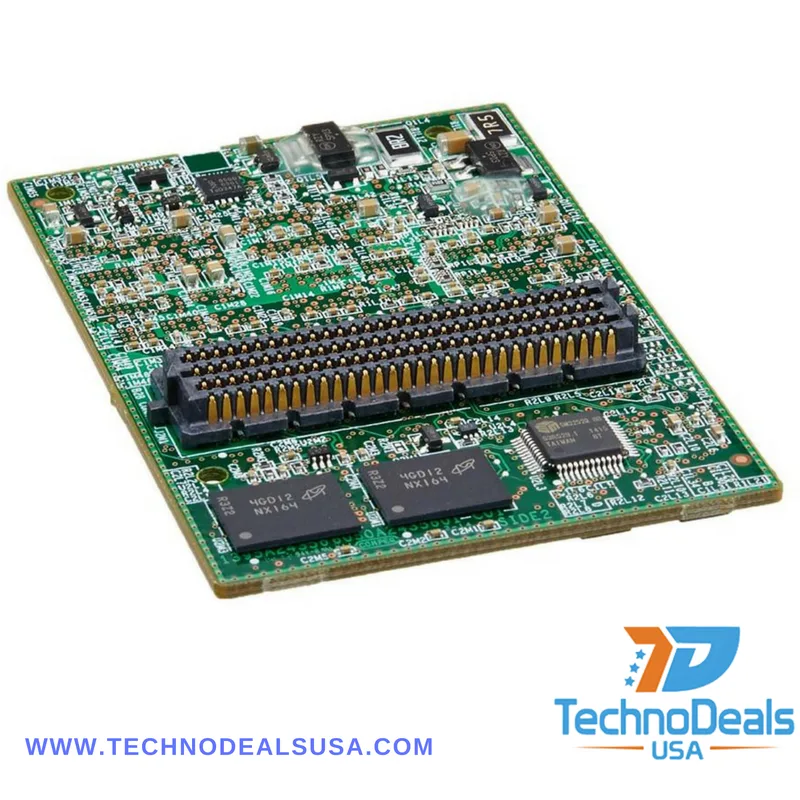
IBM ServeRAID M5100 1GB Flash RAID 5 Upgrade 81Y4559
Adds 1 GB DDR3 flash-backed cache to enable RAID 5 on compatible ServeRAID M5100 controllers
- Electrical Outlet Plug TypeCache Memory
- Adds RAID 5 support to compatible controllers
- 1 GB DDR3 flash-backed cache protects data during power loss
- Designed for IBM ServeRAID M5100 series controllers
- Compact 3 by 1 by 7 inch form factor fits dense servers
- Lightweight 11.29 oz module simplifies installation
Lenovo ServeRAID M5100 Cache Upgrade
The Lenovo 81Y4559 adds 1 GB of DDR3 flash-backed cache to a compatible ServeRAID M5100 controller. It enables RAID 5 support on the controller so parity calculations are accelerated. The module plugs directly into the controller board and is intended for servers that need protected write caching.
Upgrade from No Cache or Battery Backup
Without this module the controller runs without protected cache or relies on a battery-backed alternative. The jump is worth it when workloads demand RAID 5 and the risk of data loss during a power interruption must be eliminated. It replaces a missing or failed cache module on the same controller generation.
Fits ServeRAID M5100 Controllers
The card measures 3 by 1 by 7 inches and weighs 11.29 ounces so it occupies the dedicated cache slot on the supported controller. It frees the system from relying on battery maintenance schedules because the flash backup preserves data without a battery. Compatibility is limited to the IBM ServeRAID M5100 Series RAID Controller.
Highlights
- Adds RAID 5 support to compatible controllers
- 1 GB DDR3 flash-backed cache protects data during power loss
- Designed for IBM ServeRAID M5100 series controllers
- Compact 3 by 1 by 7 inch form factor fits dense servers
- Lightweight 11.29 oz module simplifies installation
Specifications
| Brand | Lenovo |
|---|---|
| Electrical Outlet Plug Type | Cache Memory |
Questions about this item
What are the height, width and depth measurements of the 81Y4559 cache module?
The module measures 3 inches high, 1 inch wide and 7 inches deep, allowing it to fit the standard ServeRAID M5100 controller slot.
How is the 1 GB DDR3 flash cache installed on the ServeRAID M5100 controller?
Power down the server, open the chassis, locate the dedicated cache socket on the M5100 board, align the module and press firmly until seated; the step often missed is forgetting to enable RAID 5 in the controller BIOS after installation.
When should the flash-backed cache memory be replaced to maintain RAID 5 protection?
Replace the module if the controller logs a cache memory error, the battery health status shows degraded, or after the manufacturer's recommended service interval for DDR3 flash cache.
Also in this aisle
People compared these
Same shelf, same checkout — eight coins and a 30-minute rate lock.


IBM
IBM 00JX058 Xeon E5-2640 v3 8-core 2.60 GHz 20 MB L3 90 W switch module
$217.99
0.00252809BTC
In stock
