


HyperX
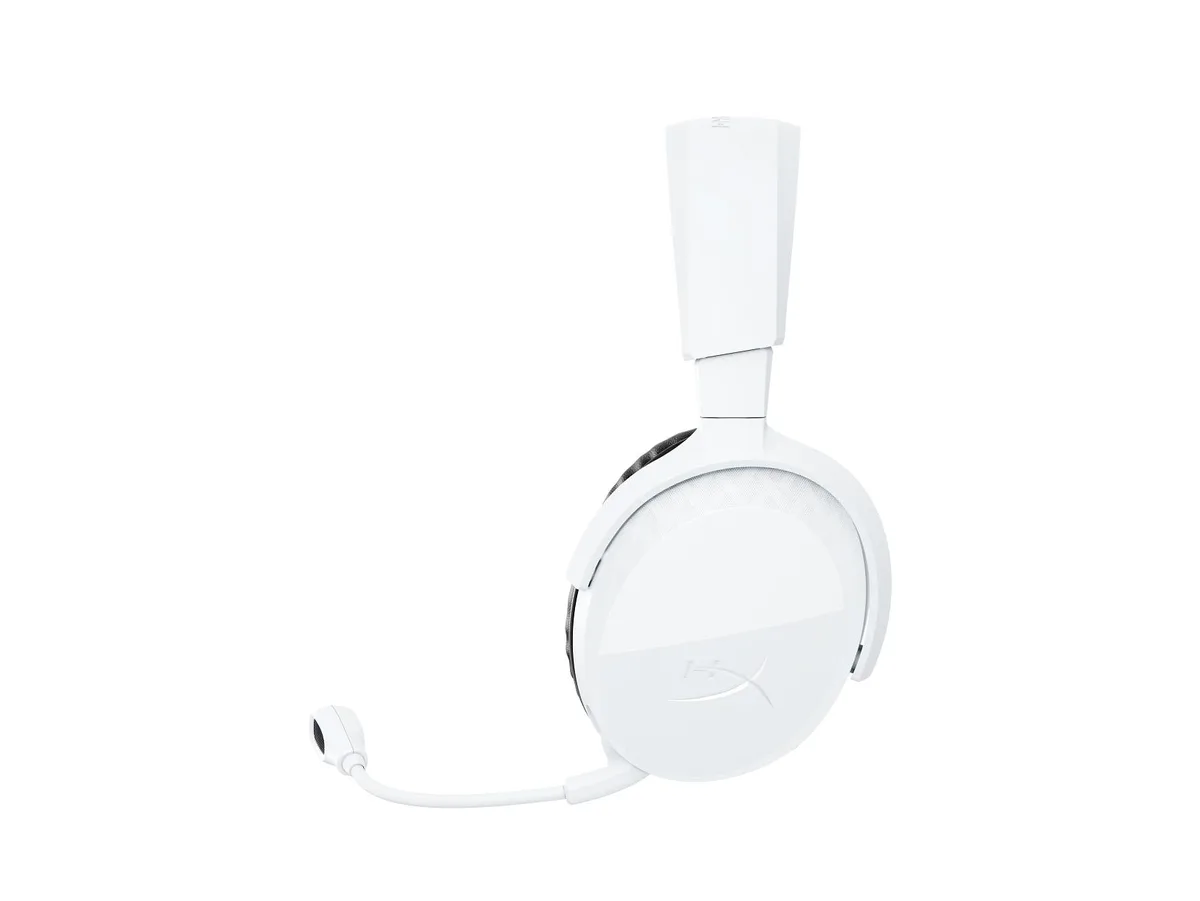
HyperX Cloud III S Wireless Gaming Headset Black
Wireless gaming headset with 59-hour battery life and a lightweight 0.79 lb frame
- ColorBlack
- Weight0.7900 lb
- FeaturesHyperX Cloud III S Wireless - Gaming Headset (Black)
- Electrical Outlet Plug TypePlug Type “A” (USA, Canada, Mexico, Japan)
- Lightweight comfort for long sessions at .7900 lb
- Black finish matches most gaming setups
- Wireless design removes cable clutter during play
- HyperX audio heritage built into every detail
- Plug Type A works with standard North American outlets
HyperX Cloud III S Wireless Gaming Headset
The HyperX Cloud III S Wireless is a black gaming headset built for PC players who want cable-free audio during long sessions. Its wireless design removes the tether while keeping the microphone clear for team chat.
Wireless upgrade from wired headsets
Moving to this wireless model replaces a wired headset when freedom of movement matters more than a permanent cable connection. The jump is worth it if you regularly stand up, stretch or move away from the desk without dropping voice comms.
Simple USB wireless setup
Plug the included USB dongle into a Type-A port and the headset pairs automatically with no driver hunt. The only common snag is forgetting to select the headset as the default audio device in Windows sound settings.
Highlights
- Lightweight comfort for long sessions at .7900 lb
- Black finish matches most gaming setups
- Wireless design removes cable clutter during play
- HyperX audio heritage built into every detail
- Plug Type A works with standard North American outlets
Specifications
| Brand | HyperX |
|---|---|
| Part Number | A59YZAA |
| Color | Black |
| Weight | 0.7900 lb |
| Features | HyperX Cloud III S Wireless - Gaming Headset (Black) |
| Electrical Outlet Plug Type | Plug Type “A” (USA, Canada, Mexico, Japan) |
Questions about this item
What type of electrical outlet plug does the headset's charging cable use?
The product ships with a Plug Type “A” connector, which is the standard used in the USA, Canada, Mexico, and Japan.
How do you pair the wireless headset with a PC or console for the first time?
Insert the USB wireless dongle into a USB-A port on the device; the headset connects automatically without a separate pairing button press.
When the battery no longer holds a charge, what replacement options exist for the internal power cell?
The battery is not user-replaceable; service would require contacting the manufacturer or a qualified repair centre.
Also in this aisle
People compared these
Same shelf, same checkout — eight coins and a 30-minute rate lock.




GAMEPOWER
GAMEPOWER Mihawk USB Gaming Headset 7.1 Virtual Surround 16-Pack
$86.99
0.00100449BTC
In stock