
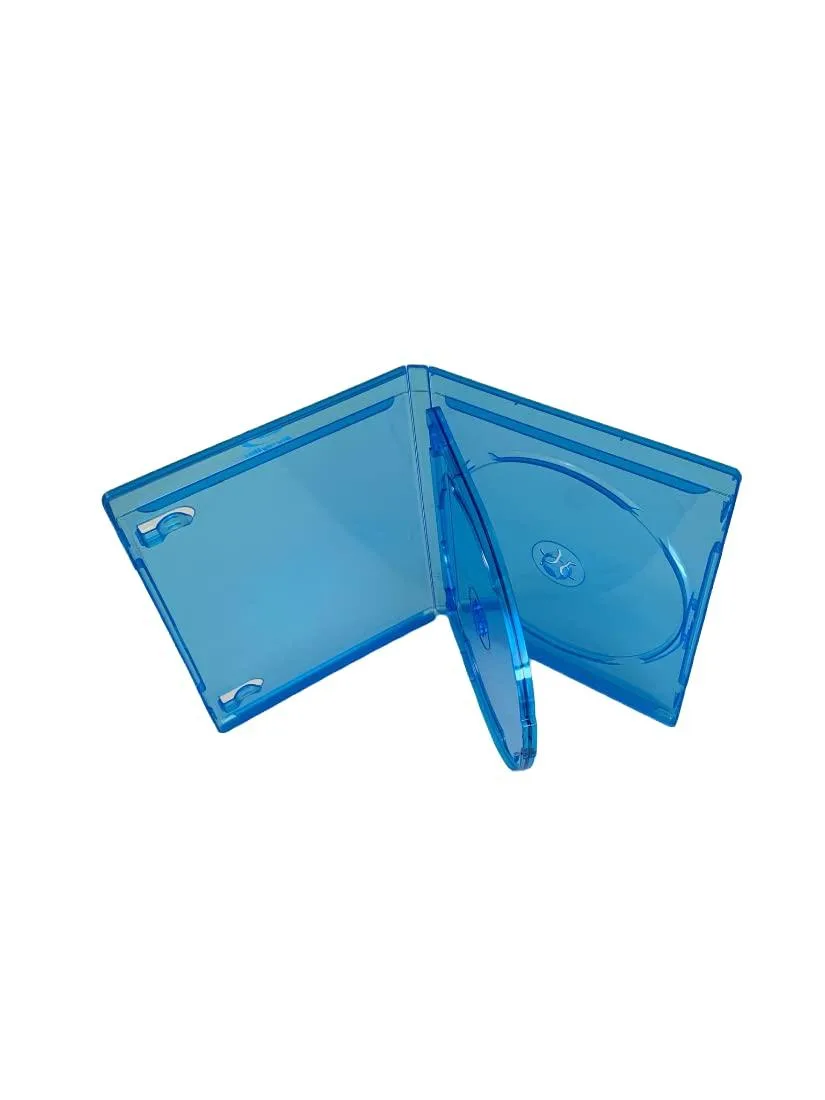
MediaPack4All 12.5mm Blu-Ray Case Multi-Three Storing Capacity
- 2.4892 L x 18.2118…
- 1 Year Warranty
$13.99
0.00016739BTC
In stockWe take cryptocurrency — so the coins you hold can buy real hardware.Pay in crypto, spend it on real hardware. Free insured shipping worldwide over $399. Plain, unbranded boxes, sent from Germany.Free insured shipping over $399. Your rate is locked for 30 minutes once checkout opens.Rate locked 30 minutes. Every item sealed, serial-checked and covered by a 24-month warranty.Sealed, 24-month warranty.

HPE
120 GB 3.5-inch SATA solid-state drive with SLC flash for HPE Gen8 and Gen9 servers
This 120 GB solid-state drive uses a 3.5-inch form factor and a SATA 6 Gb/s interface. It is built with SLC NAND flash for high endurance in write-intensive workloads. The drive is designed for HPE ProLiant Gen8 and Gen9 platforms.
Install this SSD to replace a 3.5-inch hard disk in compatible HPE servers when faster access times and lower latency are required. The upgrade is worthwhile for boot, logging or caching tasks that benefit from SLC endurance. It is not suited for capacity-focused storage or systems that only accept 2.5-inch drives.
| NAND Flash Memory Type | SLC |
|---|
Yes, the 3.5-inch form factor matches a standard desktop internal drive bay.
Connect the SATA data and power cables, then secure the drive with screws; the step often missed is tightening all four mounting screws to prevent vibration.
New to this? Paying with USDT: TRC-20 or ERC-20 — what to check, what it costs to pay, and what is never asked for.
Also in this aisle
Same shelf, same checkout — eight coins and a 30-minute rate lock.
What you pay in, and what you read prices in.
Sent from your wallet at checkout
Display only — the catalogue is priced in USD
No currency matches that.
Pick the language the site speaks to you in.
No language matches that.
New here?
Already have one?
There is no automatic reset: this shop sends no mail, so there is no one-time link to ask for. Leave the address on the account and it gets picked up by hand.
Request noted
Nothing is on its way to your inbox — this shop sends no mail at all. Someone picks these up by hand.
Remembered it?


