HP
HP USB-C G5 100W Dock with Bluetooth Mini Speaker
A 100 W USB-C dock with four USB ports, HDMI, two DisplayPorts and RJ-45 plus a tiny Bluetooth speaker for calls
- Charge and run your laptop with 100 W USB-C power delivery
- Connect up to three 4K displays via HDMI and dual DisplayPort
- Expand peripherals through four USB ports and Gigabit Ethernet
- Pair the tiny Bluetooth speaker for wireless audio anywhere
- Speaker fits in a pocket at 45.45 mm x 33 mm
Product overview
The HP USB-C G5 dock delivers 100 W of power and supports up to three 4K displays at 3840 x 2160 resolution. It is built for professionals using compatible HP EliteBook, ProBook and ZBook models from generations G8 through G11 who need a single-cable workstation hub.
Connectivity and build
Four USB ports, one USB Type-C port, an RJ-45 network jack, one HDMI output and two DisplayPort outputs provide comprehensive peripheral and monitor connections. The included Mini U Speaker measures 45.45 mm x 33 mm, weighs very little, pairs via Bluetooth for hands-free audio and runs up to four hours on its 400 mAh battery charged through Micro USB.
Compatibility check
Verify that your laptop appears in the supported list: EliteBook 830, 835, 840, 845, 850, 860, 865, 1040 and x360 830; ProBook 430, 440, 450, 455; ZBook Firefly, Studio, Fury and Power — all G8 to G11. Confirm your device supplies video and charging over its USB-C or Thunderbolt port before ordering.
Highlights
- Charge and run your laptop with 100 W USB-C power delivery
- Connect up to three 4K displays via HDMI and dual DisplayPort
- Expand peripherals through four USB ports and Gigabit Ethernet
- Pair the tiny Bluetooth speaker for wireless audio anywhere
- Speaker fits in a pocket at 45.45 mm x 33 mm
Specifications
No published specifications for this item yet.
Questions about this item
Does the Thunderbolt 4 interface limit the dock to 100 W power delivery in practice?
The dock supplies up to 100 W to the host over its USB-C link, so Thunderbolt 4 does not reduce that charging ceiling.
What clearance does the mini speaker need on a desk?
The speaker measures 45.45 mm by 33 mm, roughly 1.75 by 1.3 inches, so it fits in a small corner or laptop bag pocket.
How do I pair the speaker, and what step is often missed?
Enable Bluetooth on the host, press the speaker pairing button, then select the device in OS settings; the step many skip is confirming the speaker as default audio output after pairing.
Also in this aisle
People compared these
Same shelf, same checkout — eight coins and a 30-minute rate lock.


IXJYLCPC
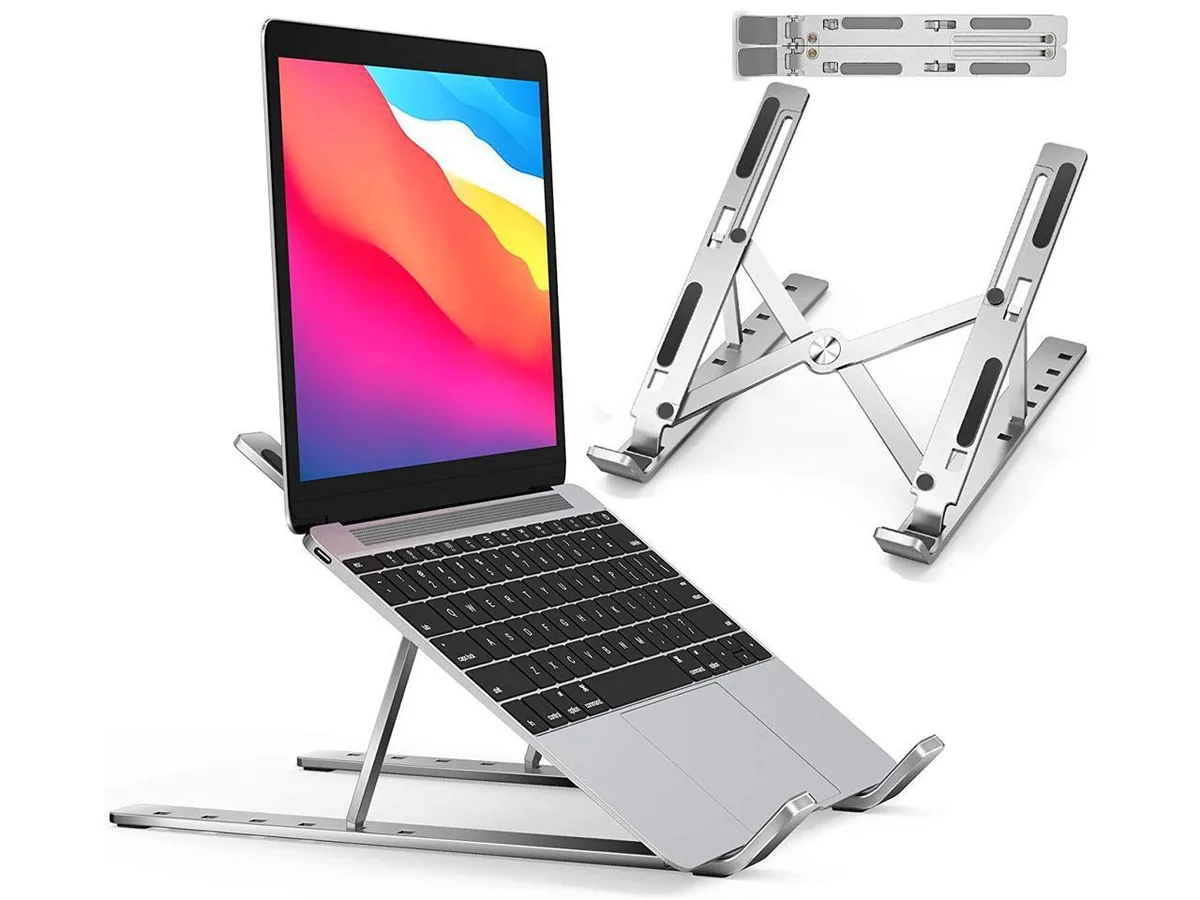
IXJYLCPC C08LS Adjustable Ergonomic Riser Stand Black 10-15.6
- Stand
$31.99
0.00036795BTC
In stock