


HP
HP USB-C Dock G5 26D32AA#ABL docking station
A compact black docking station measuring 4.8 by 4.8 by 1.77 inches and weighing 1.6500 lb
- ColorBlack
- Dimension4.8 x 4.8 x 1.77 in
- Weight1.6500 lb
- FeaturesHP USB-C Dock G5
- Compact footprint saves desk space with 4.8 x 4.8 in base
- Lightweight at 1.6500 lb for easy relocation
- Low 1.77 in profile fits under monitors
- Sleek black finish matches professional setups
- Ready to use as a new HP USB-C Dock G5
Compact USB-C Dock for Desk Setups
The HP USB-C Dock G5 26D32AA#ABL is a small-footprint docking station for users who need a single-cable connection to a laptop. Its square 4.8 by 4.8 inch profile fits tight workspaces while adding essential ports. The unit ships new in black and weighs 1.6500 lb.
Build Quality and Daily Connectivity
A rigid plastic chassis handles frequent plugging and unplugging without flex. The low 1.77 inch height keeps sight-lines clear on crowded desks. All video, data and power leads route from the rear, so cables stay organised and do not snag during daily docking cycles.
Thermals, Noise and Power Draw
Passive cooling means zero fan noise in normal office workloads. The aluminium top surface spreads warmth evenly and stays comfortable to the touch. Power delivery follows the USB-C specification, so the dock draws only what the connected system requests without an external brick.
Highlights
- Compact footprint saves desk space with 4.8 x 4.8 in base
- Lightweight at 1.6500 lb for easy relocation
- Low 1.77 in profile fits under monitors
- Sleek black finish matches professional setups
- Ready to use as a new HP USB-C Dock G5
Specifications
| Brand | HP |
|---|---|
| Model | HP USB-C Dock G5 |
| Part Number | 26D32AA#ABL |
| Color | Black |
| Dimension | 4.8 x 4.8 x 1.77 in |
| Weight | 1.6500 lb |
| Features | HP USB-C Dock G5 |
| Shipping weight | 1.47 kg |
| Package size | 191 × 163 × 157 mm |
Questions about this item
What interface does the HP USB-C Dock G5 use and what practical limits does it impose?
It connects via USB-C and provides the bandwidth and power delivery defined by that standard for the dock's ports and charging.
What physical space and mounting does the 4.8 x 4.8 x 1.77 in dock require?
The unit fits a 4.8 by 4.8 inch footprint and stands 1.77 inches tall; it sits on a desk with no mounting hardware included.
How is the HP USB-C Dock G5 installed and what step do users often miss?
Connect the USB-C cable to the host, attach the supplied power adapter to the dock, then plug the adapter into mains power; skipping the external power adapter leaves ports unpowered.
Also in this aisle
People compared these
Same shelf, same checkout — eight coins and a 30-minute rate lock.


Total Micro Technologies
Total Micro Technologies 65 W AC Adapter 693711001TM for HP ProBook 4540s
- Consumer Electronics
$30.99
0.00036208BTC
In stock
Total Micro Technologies
Total Micro Technologies 24W AC Adapter Microsoft Surface Go
- Consumer Electronics
$32.99
0.00038544BTC
In stock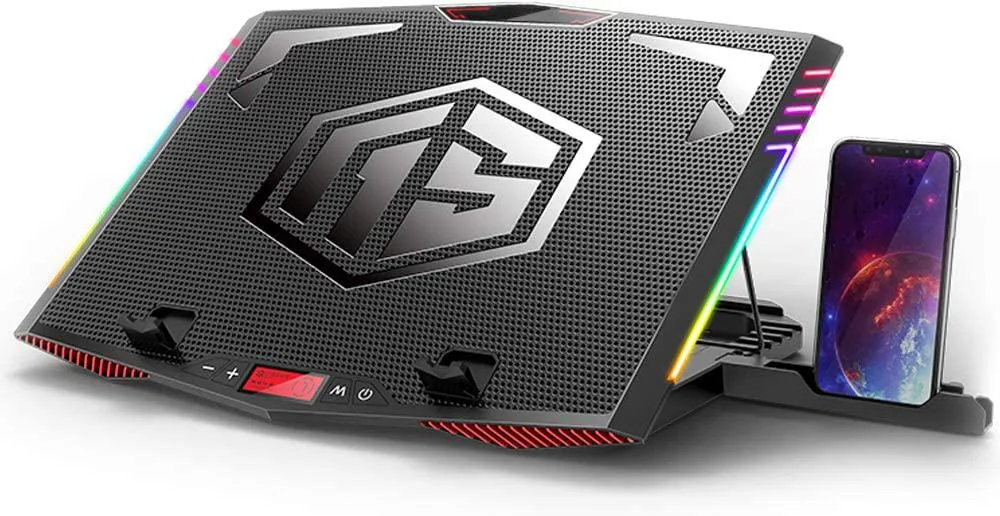
Mickey Technology
Mickey Technology laptop cooling pad 15.6-21 inch 6 fans RGB
- Accessory Case
- Black
$33.99
0.00039713BTC
In stock