


HP
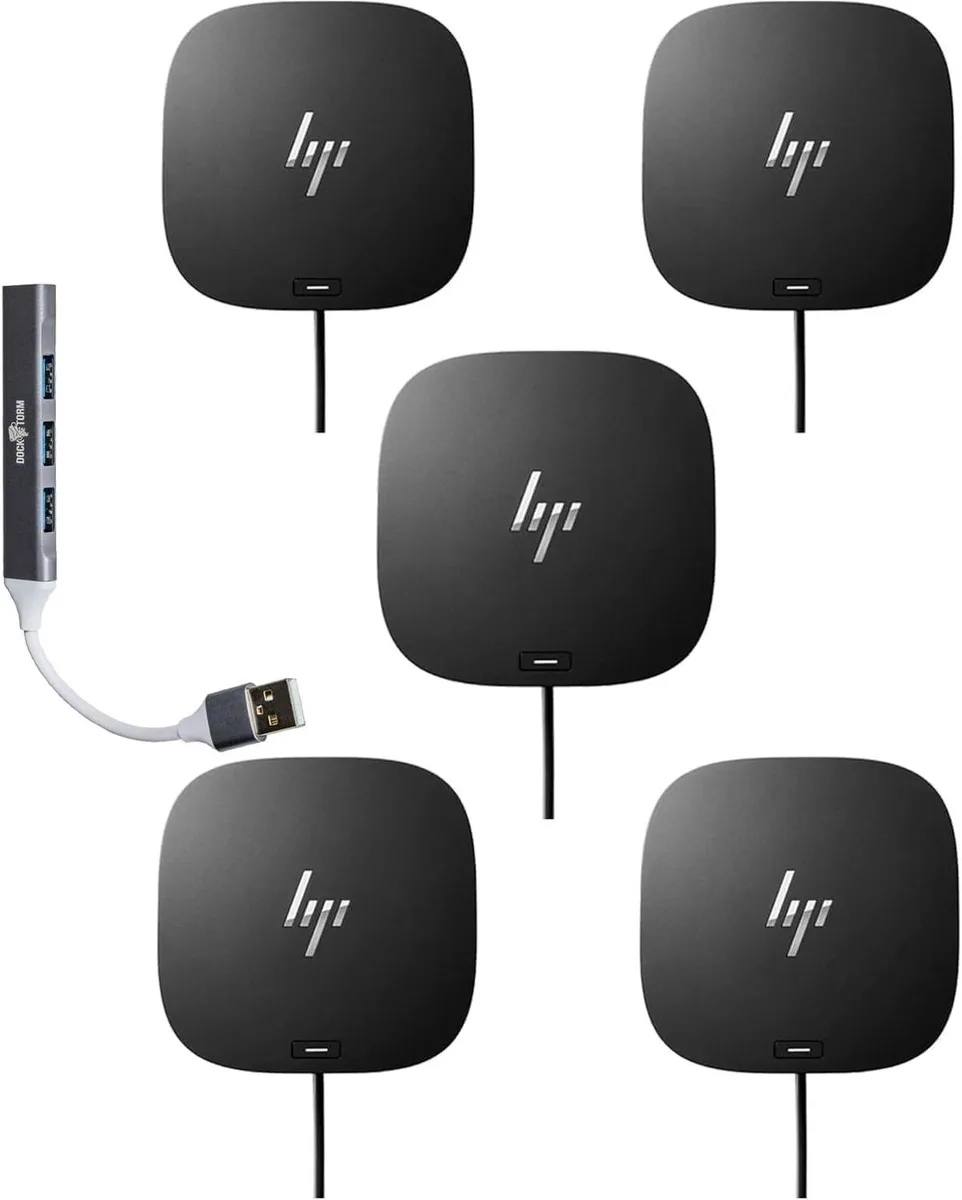
HP USB-C Dock G5 100W + Dockztorm Hub 5 Pack
A universal USB-C docking station delivering up to 100W power, supporting three 4K displays at 60Hz, bundled with five portable 5Gbps data hubs
- Charges notebooks up to 100W via USB-C
- Connects up to four external displays at 4K 60Hz
- Firmware updates pushed remotely to managed notebooks
- Includes five portable Dockztorm hubs with 5Gbps data sync
- Compact 4.8 x 4.8 x 1.77 in design weighs 1.49 lb
Universal USB-C dock with 100W charging
This docking station delivers up to 100W power delivery through a single USB-C cable while supporting up to three external displays at 4K resolution and 60Hz refresh rate. It works with both HP and non-HP notebooks that have USB-C or Thunderbolt connectivity. The bundle includes five Dockztorm portable hubs for expanded peripheral access.
Passive cooling within standard office limits
The unit operates silently without fans across a temperature range of 32 to 95°F and humidity range of 10 to 90% non-condensing. Power draw reaches a maximum of 5A at 20V through the USB-C connection. The compact 4.80 by 4.80 by 1.77 inch form factor fits on crowded desks without requiring active airflow management.
Fleet-ready firmware and portable expansion
IT administrators can push firmware updates to managed notebooks for later installation on disconnected docks, streamlining fleet maintenance. Each Dockztorm hub provides super speedy data sync rates up to 5Gbps via USB-C, HDMI, DisplayPort, Ethernet, audio, and USB-A ports. The 3.2ft cable and 4.5mm power barrel connect to the host system while the 1.49lb main unit remains stationary.
Highlights
- Charges notebooks up to 100W via USB-C
- Connects up to four external displays at 4K 60Hz
- Firmware updates pushed remotely to managed notebooks
- Includes five portable Dockztorm hubs with 5Gbps data sync
- Compact 4.8 x 4.8 x 1.77 in design weighs 1.49 lb
Specifications
No published specifications for this item yet.
Questions about this item
How do I install the HP USB-C Dock G5 and what step do people often miss?
Connect the 3.2 ft USB-C cable to your notebook and attach the 4.5 mm power barrel to the dock; the step often missed is plugging in the power barrel so the dock can deliver up to 100W.
What maintenance or replacement will the HP USB-C Dock G5 need later?
The dock has no user-serviceable parts; keep its vents clear and operate it within 32 to 95°F and 10 to 90% humidity to avoid thermal stress that shortens component life.
What limit appears first during sustained heavy use of the HP USB-C Dock G5?
The 100W power delivery ceiling is reached first when charging the host and driving up to three 4K 60 Hz displays simultaneously, capping total connected-device draw.
Also in this aisle
People compared these
Same shelf, same checkout — eight coins and a 30-minute rate lock.


Kensington
Kensington Desk Mount Cable Anchor K64613WW accessory
- Black
- Provides a secure a…
$19.99
0.00023402BTC
In stock
Panasonic
Panasonic CF-VDR291U laptop cooling pad
- Optical Drive
- Buffer Size: 2 MB B…
$213.99
0.00250518BTC
In stock
eReplacements
eReplacements PB992A-ER laptop battery 14.4V
- Battery
- Lithium-Ion
$65.99
0.00077254BTC
In stock