


HP
HP Translucent Bond Paper 36" x 150 ft 18-lb
Translucent bond paper roll delivers dense blacks and sharp lines for diazo and xerographic reprints on HP DesignJet printers
- TypePhoto Paper
- ColorWhite
- Exceptionally dense blacks for clear diazo and xerographic reprints
- High-contrast output produces sharp, crisp lines and text on technical drawings
- Translucent bond base allows easy overlay and light-table review
- Engineered coating works with HP DesignJet ink systems for accurate line quality
- 36-inch by 150-foot roll suits high-volume GIS, AEC and CAD plotting
HP Translucent Bond Paper Roll
This 36-inch by 150-foot roll of 18-lb translucent bond paper is designed for HP DesignJet inkjet printers. It serves architects, engineers and GIS professionals who need dense blacks and high contrast for diazo or xerographic reprints. The specially coated surface produces sharp lines and crisp text on technical drawings. One roll is supplied per unit.
Compatibility With HP DesignJet Models
The paper is engineered to work with HP DesignJet print cartridges and ink systems across a wide model range. Supported printers include the 330, 350C, 430, 450C, 455CA, 600, 650C, 650C/PS, 700, 750C, 750C Plus, 755CM, 1050 and 1055CM. Using matched media helps maintain consistent output quality throughout the print run.
Roll Format For Continuous Output
The 150-foot length allows long plotting sessions without frequent roll changes. Translucency suits overlay and backlit review workflows common in AEC and CAD environments. Buyers who need opaque presentation media or heavier weight stock should select a different paper type.
Highlights
- Exceptionally dense blacks for clear diazo and xerographic reprints
- High-contrast output produces sharp, crisp lines and text on technical drawings
- Translucent bond base allows easy overlay and light-table review
- Engineered coating works with HP DesignJet ink systems for accurate line quality
- 36-inch by 150-foot roll suits high-volume GIS, AEC and CAD plotting
Specifications
| Type | Photo Paper |
|---|---|
| Brand | Hewlett Packard |
| Color | White |
| Shipping weight | 3.63 kg |
| Package size | 965 × 127 × 127 mm |
Questions about this item
How do I load the 36" roll into my DesignJet 650C and what step do people skip?
Open the roll cover, place the roll on the spindle with the printable side facing out, thread the leading edge straight into the feed slot until the printer grabs it, then close the cover — most users forget to align the edge squarely before closing.
What part of this 18-lb translucent bond will wear out first during daily CAD plotting?
The coated surface that gives dense blacks and high contrast will gradually lose its ink-holding ability after heavy use, so the roll itself is the consumable you replace.
At what point does the 150-foot length limit output on a DesignJet 750C Plus during a long GIS job?
The roll stops feeding when the 150-foot length is exhausted; the printer will pause and display a paper-out condition until a new roll is loaded.
Also in this aisle
People compared these
Same shelf, same checkout — eight coins and a 30-minute rate lock.

Zoro Select
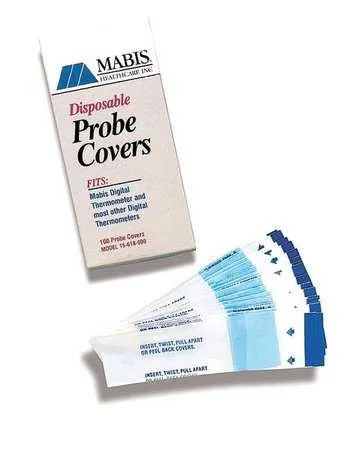
Zoro Select Probe Covers 15-617-000 PK500 Transparent
- Transparent
$12.99
0.000151BTC
In stock
HealthSmart Foods, Inc.
HealthSmart 18-220-000 Infrared Digital Thermometer Gray/White
- Gray/White
$35.99
0.00041836BTC
In stock
HealthSmart Foods, Inc.
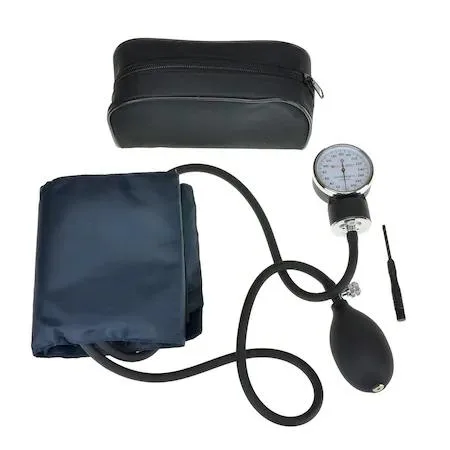
HealthSmart Foods, Inc. 04-655-001 Digital Blood Pressure Monitor Arm Adult Black
- Black
$72.99
0.00084846BTC
In stock