HP
HP Thunderbolt Dock G2 with Combo Cable and 230W Adapter
A docking station with Thunderbolt 3, dual DisplayPort, VGA, Gigabit Ethernet, three USB 3.0 Type-A and two USB-C ports, supporting four displays up to 5120 x 2880 at 60 Hz.
- FeaturesThunderbolt, USB-C
- Connect up to four displays at 5120 x 2880 resolution at 60 Hz
- Charge laptop with up to 100W Power Delivery 3.0 via 230W adapter
- Transfer data at 40 Gb/s through Thunderbolt 3 port
- Connect legacy and modern devices via USB-C, USB 3.0 Type-A, DisplayPort, VGA, Ethernet, audio
- Built-in 2.7' combo cable with USB-C and 4.5mm barrel connectors for broad compatibility
All-in-one connectivity hub
The HP Thunderbolt Dock G2 expands a notebook with Thunderbolt 3, two USB Type-C ports, three USB 3.0 Type-A ports, dual DisplayPort outputs, VGA, Gigabit Ethernet and a 3.5 mm audio jack. It supports up to four simultaneous displays at 5120 x 2880 resolution at 60 Hz. The bundle includes a surge protector, two Type-C cables, a DisplayPort cable and a fiber cloth.
Thermals and power delivery
A built-in 2.7 ft combo cable carries both USB-C and 4.5 mm barrel connections for broad notebook compatibility. The included 230 W AC adapter powers the dock and enables up to 100 W Power Delivery 3.0 to the host. One USB Type-C port supplies up to 15 W and supports DisplayPort Alt Mode.
Build and daily use
Enterprise features include Wake-on-LAN, PXE boot and MAC address pass-through across power states for fleet management. The dock works with HP and non-HP systems alike. Dual DisplayPort and VGA outputs allow flexible monitor arrangements without extra adapters. The compact design keeps cables organised on a busy desk.
Highlights
- Connect up to four displays at 5120 x 2880 resolution at 60 Hz
- Charge laptop with up to 100W Power Delivery 3.0 via 230W adapter
- Transfer data at 40 Gb/s through Thunderbolt 3 port
- Connect legacy and modern devices via USB-C, USB 3.0 Type-A, DisplayPort, VGA, Ethernet, audio
- Built-in 2.7' combo cable with USB-C and 4.5mm barrel connectors for broad compatibility
Specifications
| Brand | HP |
|---|---|
| Series | HP Thunderbolt Dock |
| Model | HP Thunderbolt Dock G2 |
| Features | Thunderbolt, USB-C |
Questions about this item
How do I connect the 2.7' combo cable to my laptop and which port should I use?
Plug the USB-C end into a Thunderbolt 3 or USB-C port that supports DisplayPort Alt Mode and Power Delivery, or use the 4.5mm barrel connector for compatible HP mobile workstations; the dock then draws power from the included 230W AC adapter to deliver up to 100W PD 3.0 to the host.
What components may need replacement after extended use?
The integrated 2.7' combo cable and the 230W AC adapter are the primary wear items; cables can fatigue at the strain relief, and the adapter’s internal capacitors degrade over time, so plan to replace either if charging becomes unreliable or the cable shows damage.
What thermal or power limit appears first when driving four 5120 x 2880 displays at 60 Hz continuously?
The 100W Power Delivery ceiling is reached before thermal throttling; with four high-resolution outputs active, the dock prioritises 100W host charging, so sustained loads that exceed this budget will reduce power to peripherals or drop display streams.
Also in this aisle
People compared these
Same shelf, same checkout — eight coins and a 30-minute rate lock.


IXJYLCPC
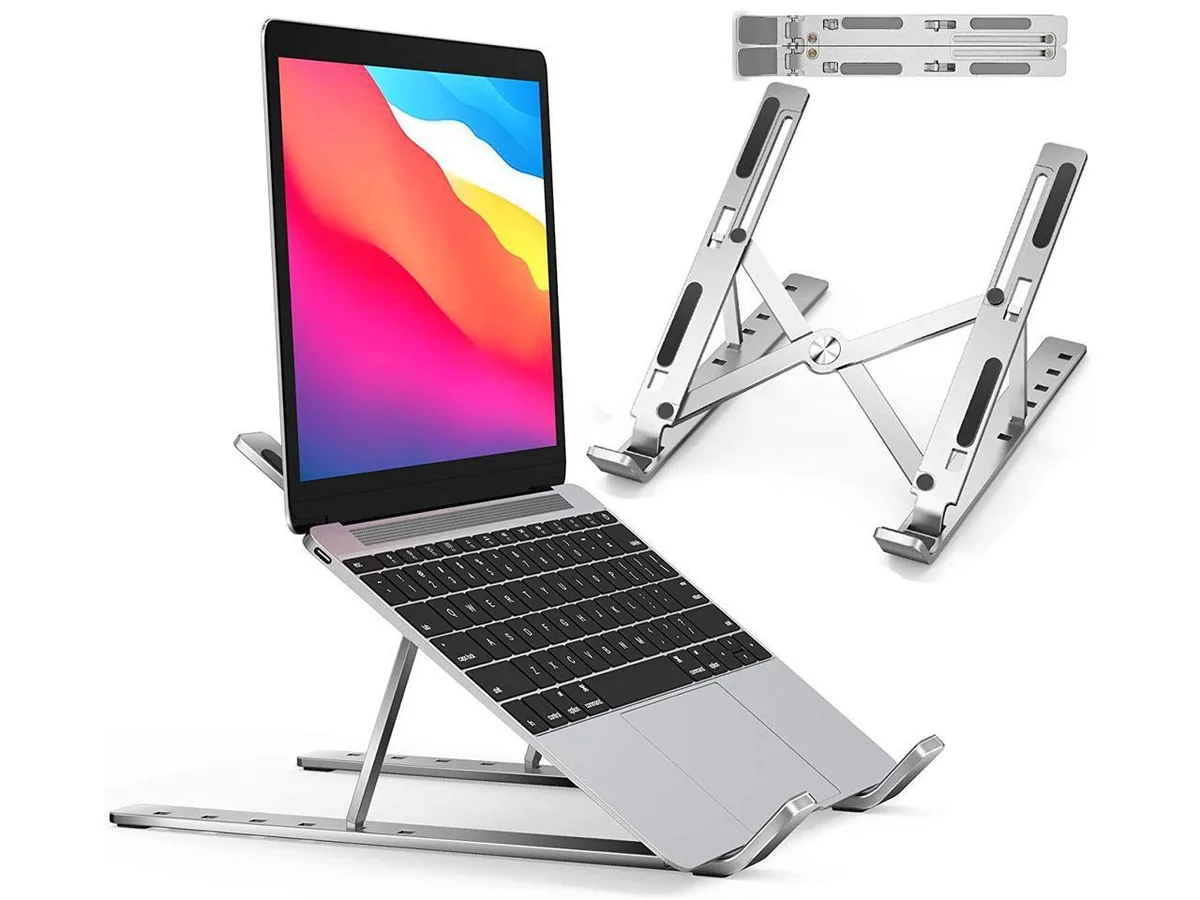
IXJYLCPC C08LS Adjustable Ergonomic Riser Stand Black 10-15.6
- Stand
$31.99
0.00036795BTC
In stock