
TP-Link
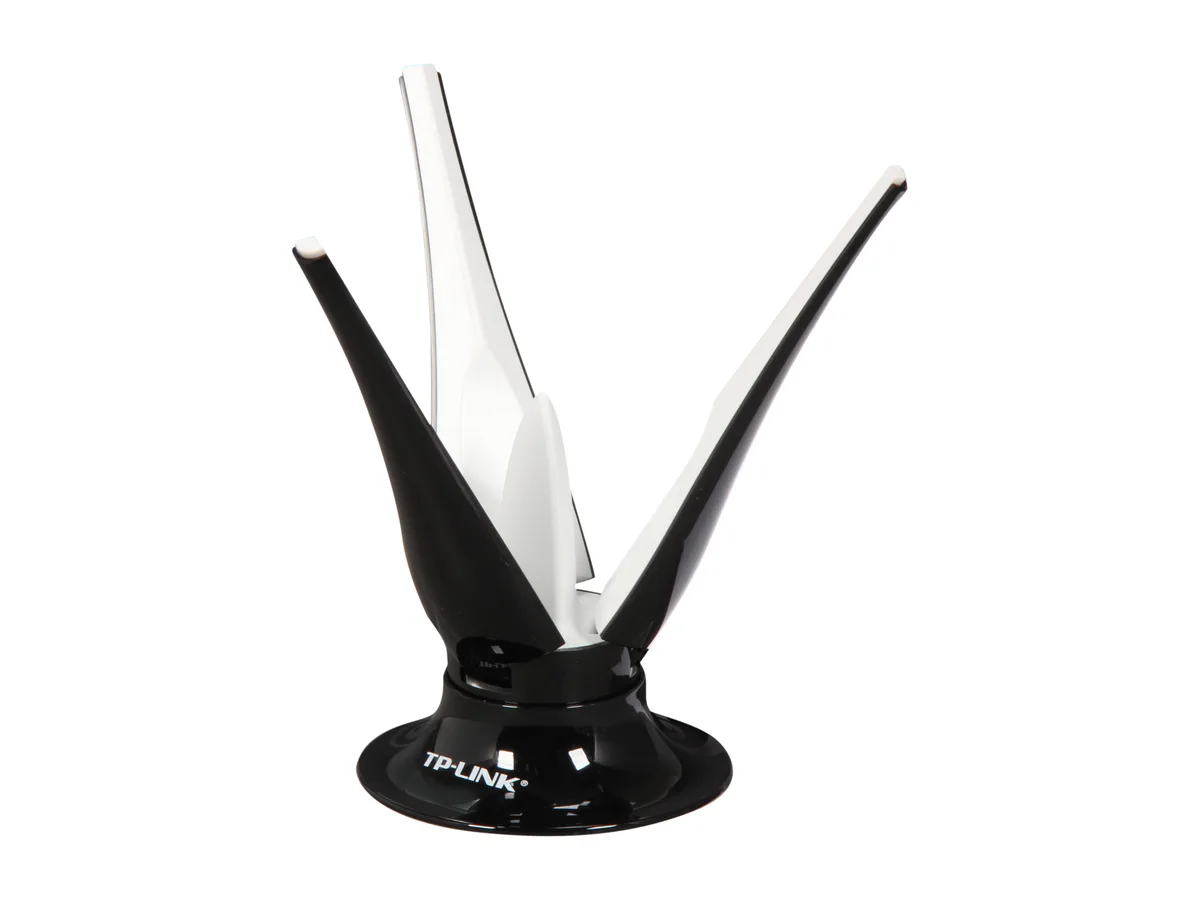
TP-Link TL-ANT2403N 2.4 GHz 3 dBi desktop antenna wireless accessory
- Antenna
- Frequency: 2.4GHz~2…
$27.99$40.99−32%
0.00033285BTC
In stockWe take cryptocurrency — so the coins you hold can buy real hardware.Pay in crypto, spend it on real hardware. Free insured shipping worldwide over $399. Plain, unbranded boxes, sent from Germany.Free insured shipping over $399. Your rate is locked for 30 minutes once checkout opens.Rate locked 30 minutes. Every item sealed, serial-checked and covered by a 24-month warranty.Sealed, 24-month warranty.

HP
Ten-pack of AP-MNT-MP10-E access point mounts for wireless network deployments
This pack contains ten HP R1C72A mounting brackets designed for wireless access points. It suits IT teams and installers who need to deploy multiple units in offices, schools or public venues. Each bracket secures an access point to a ceiling or wall using standard hardware. The bulk quantity simplifies procurement for large-scale rollouts.
The kit supports exactly ten access points, matching the 10-pack count. It runs out when an eleventh mounting location is required or when a different form-factor access point is specified. No additional brackets, screws or adapters are included beyond the ten units. Order a second pack to extend coverage beyond the initial ten sites.
No published specifications for this item yet.
Yes, the R1C72A is a 10-pack of the AP-MNT-MP10-E mount, so each bracket matches the same access point model you are currently using.
After mounting, verify the access point clicks firmly into each bracket and shows no movement; the LED on the AP should display its normal operating pattern.
More in Wired & Wireless Accessories
Same shelf, same checkout — eight coins and a 30-minute rate lock.
What you pay in, and what you read prices in.
Sent from your wallet at checkout
Display only — the catalogue is priced in USD
No currency matches that.
New here?
Already have one?
There is no automatic reset: this shop sends no mail, so there is no one-time link to ask for. Leave the address on the account and it gets picked up by hand.
Request noted
Nothing is on its way to your inbox — this shop sends no mail at all. Someone picks these up by hand.
Remembered it?


