


HP
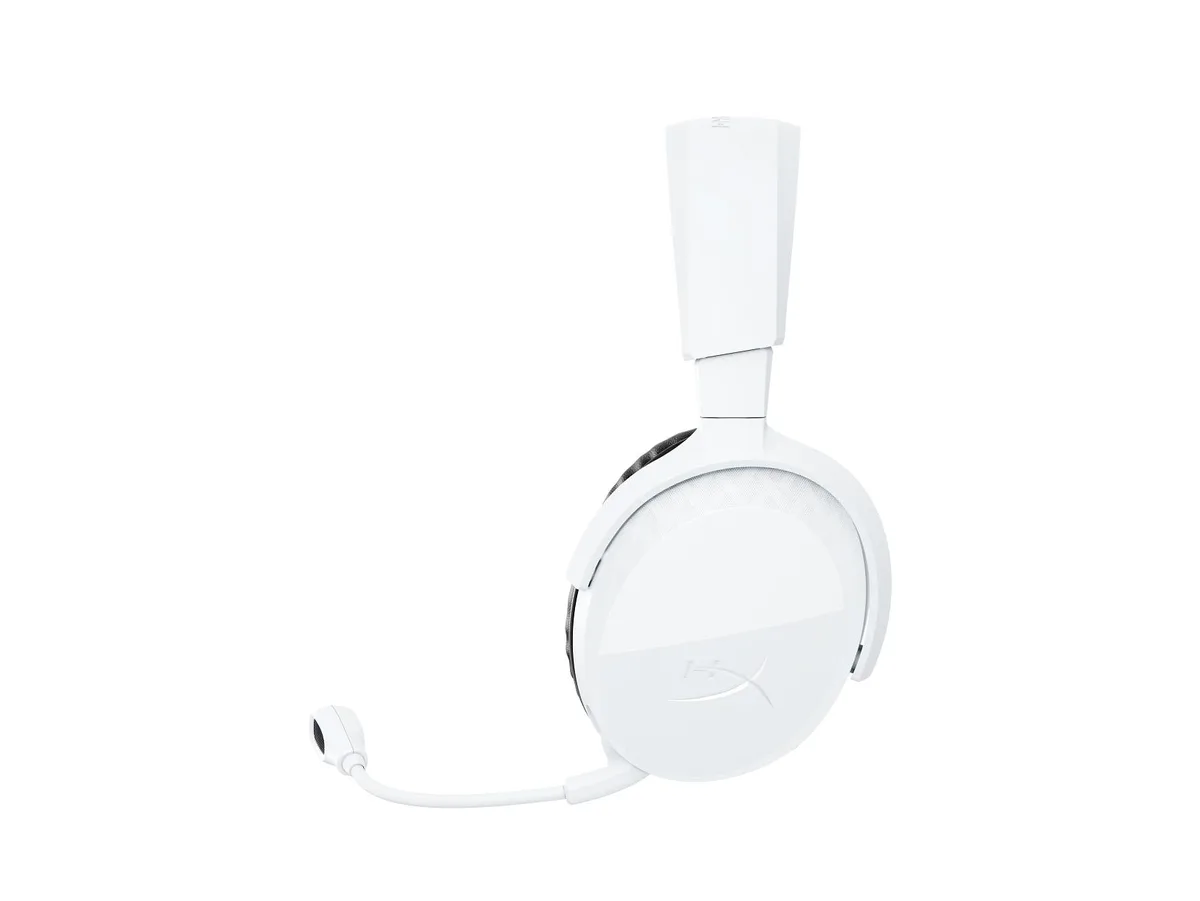
HP Poly Voyager Legend Headset with Charge Cable and Pin Adapter
Lightweight gaming headset supplied with an integrated charge cable and pin adapter, weighing 0.0400 lb
- Weight0.0400 lb
- FeaturesPoly Voyager Legend Headset +Integrated Charge Cable +Pin Ad
- Electrical Outlet Plug TypePlug Type “A” (USA, Canada, Mexico, Japan)
- Ultra-light comfort at just .0400 lb
- Integrated charge cable powers the headset on the go
- Pin adapter adds flexible connectivity options
- HP Poly engineering delivers reliable audio performance
- Ready for gaming sessions straight out of the box
Lightweight Gaming Headset
The HP Poly Voyager Legend is a gaming headset built for players who want a light, cable-managed audio solution. It ships with an integrated charge cable and a pin adapter so you can power and connect without extra accessories. The plug type A outlet suits North American and Japanese mains. At 0.0400 lb it adds almost no mass to long sessions.
Thermals Noise and Power
Passive cooling keeps the headset silent because there are no fans or active components to generate heat. Power draw is limited to the charging circuit and the audio signal, so normal use produces no audible noise and negligible thermal load. The integrated cable removes a separate power brick from the desk.
Build and Daily Connectivity
The headset body uses lightweight plastics that survive daily flexing and travel. An integrated charge cable means one less loose wire to snag, while the pin adapter secures the connection to the source device. Plug type A lets you charge from any standard North American or Japanese outlet without a travel converter.
Highlights
- Ultra-light comfort at just .0400 lb
- Integrated charge cable powers the headset on the go
- Pin adapter adds flexible connectivity options
- HP Poly engineering delivers reliable audio performance
- Ready for gaming sessions straight out of the box
Specifications
| Brand | HP |
|---|---|
| Part Number | 7W6B8AA#ABA |
| Weight | 0.0400 lb |
| Features | Poly Voyager Legend Headset +Integrated Charge Cable +Pin Adapter |
| Electrical Outlet Plug Type | Plug Type “A” (USA, Canada, Mexico, Japan) |
Questions about this item
How do I attach the integrated charge cable and pin adapter to the headset?
Connect the pin adapter to the headset's charging port, then plug the USB-A end of the integrated cable into a standard Type A outlet or USB power source.
What parts of the headset will need replacement after extended use?
The ear cushions and headband padding are the primary wear items; the integrated charge cable and pin adapter may also require replacement if the connectors become loose or damaged.
What limits the headset's runtime during long gaming sessions?
Battery capacity determines continuous use time; the 0.0400 lb lightweight design houses a compact cell that will deplete under sustained audio and microphone activity before requiring a recharge via the integrated cable.
Also in this aisle
People compared these
Same shelf, same checkout — eight coins and a 30-minute rate lock.




GAMEPOWER
GAMEPOWER Mihawk USB Gaming Headset 7.1 Virtual Surround 16-Pack
$86.99
0.00101087BTC
In stock