
Klipsch
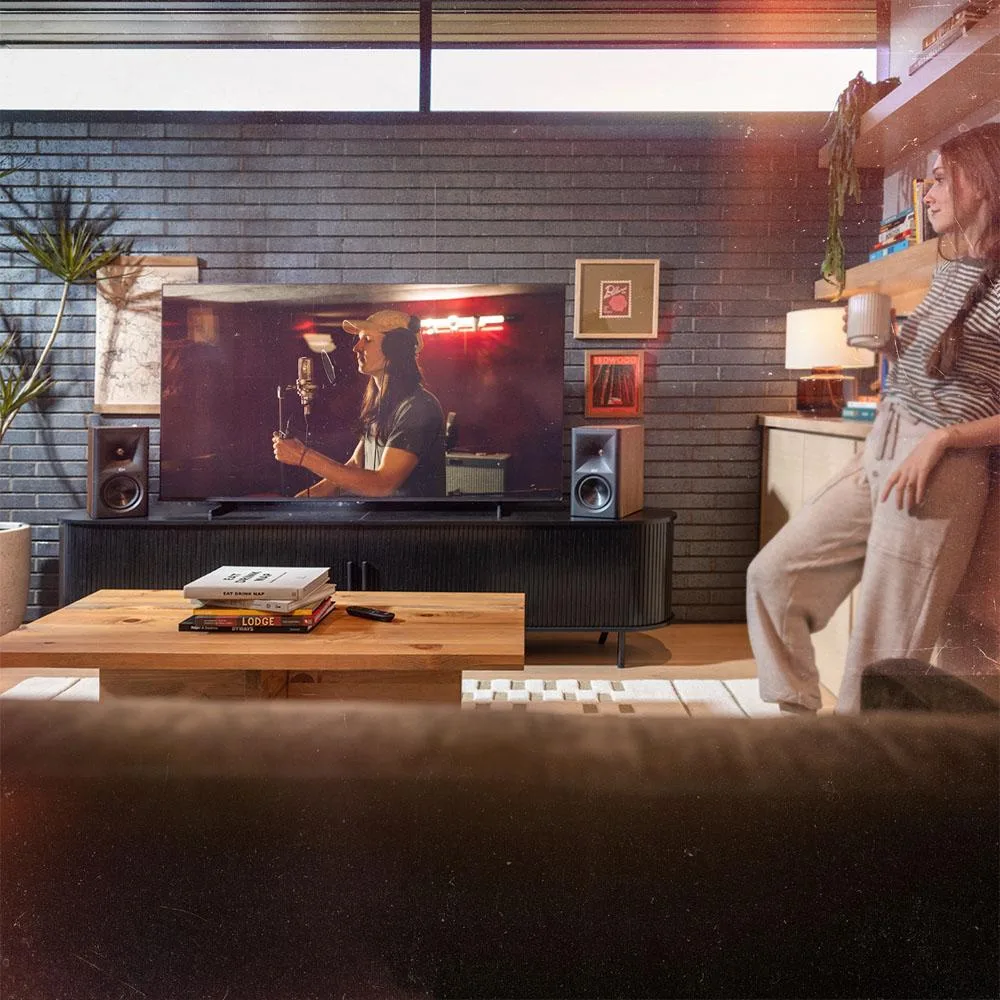
Klipsch The Fives II 5.25" Powered Bookshelf Speaker Pair Walnut
$1,123.99
0.01297895BTC
In stockWe take cryptocurrency — so the coins you hold can buy real hardware.Pay in crypto, spend it on real hardware. Free insured shipping worldwide over $399. Plain, unbranded boxes, sent from Germany.Free insured shipping over $399. Your rate is locked for 30 minutes once checkout opens.Rate locked 30 minutes. Every item sealed, serial-checked and covered by a 24-month warranty.Sealed, 24-month warranty.


HP
Universal remote with 8" LCD touchscreen for video conference equipment control
The HP Poly Device Remote Control 875J6AA operates Poly video conference equipment from a single handset. It replaces multiple individual remotes in meeting rooms and huddle spaces. An integrated touchscreen provides direct access to call controls and system menus.
Suits administrators who want a dedicated device with tactile feedback for frequent calls. Not suited for users who prefer mobile-app control or voice-driven assistants. Buyers requiring multi-room automation from one interface should evaluate dedicated control processors instead.
The 8-inch LCD touchscreen is the primary input method and determines whether the remote fits the workflow. Touch targets are sized for gloved or sanitised hands in shared environments. If a physical keypad or smaller form factor is required, this model will not match that preference.
| Brand | HP |
|---|---|
| Series | 875J6AA |
| Model | 875J6AA |
| Part Number | 875J6AA |
| Type | LCD TV |
| Shipping weight | 3.49 kg |
| Package size | 251 × 241 × 127 mm |
The built-in 8-inch LCD touchscreen replaces button-only remotes, letting you tap to join calls, adjust camera presets and share content directly from the panel.
The remote connects to the conference system with a physical cable, so it draws power and communicates without batteries or wireless pairing.
Its tabletop form factor and wired link let it sit on the conference table or a dedicated dock within cable reach of the video conference equipment.
Also in this aisle
Same shelf, same checkout — eight coins and a 30-minute rate lock.
What you pay in, and what you read prices in.
Sent from your wallet at checkout
Display only — the catalogue is priced in USD
No currency matches that.
Pick the language the site speaks to you in.
No language matches that.
New here?
Already have one?
There is no automatic reset: this shop sends no mail, so there is no one-time link to ask for. Leave the address on the account and it gets picked up by hand.
Request noted
Nothing is on its way to your inbox — this shop sends no mail at all. Someone picks these up by hand.
Remembered it?


