
HP
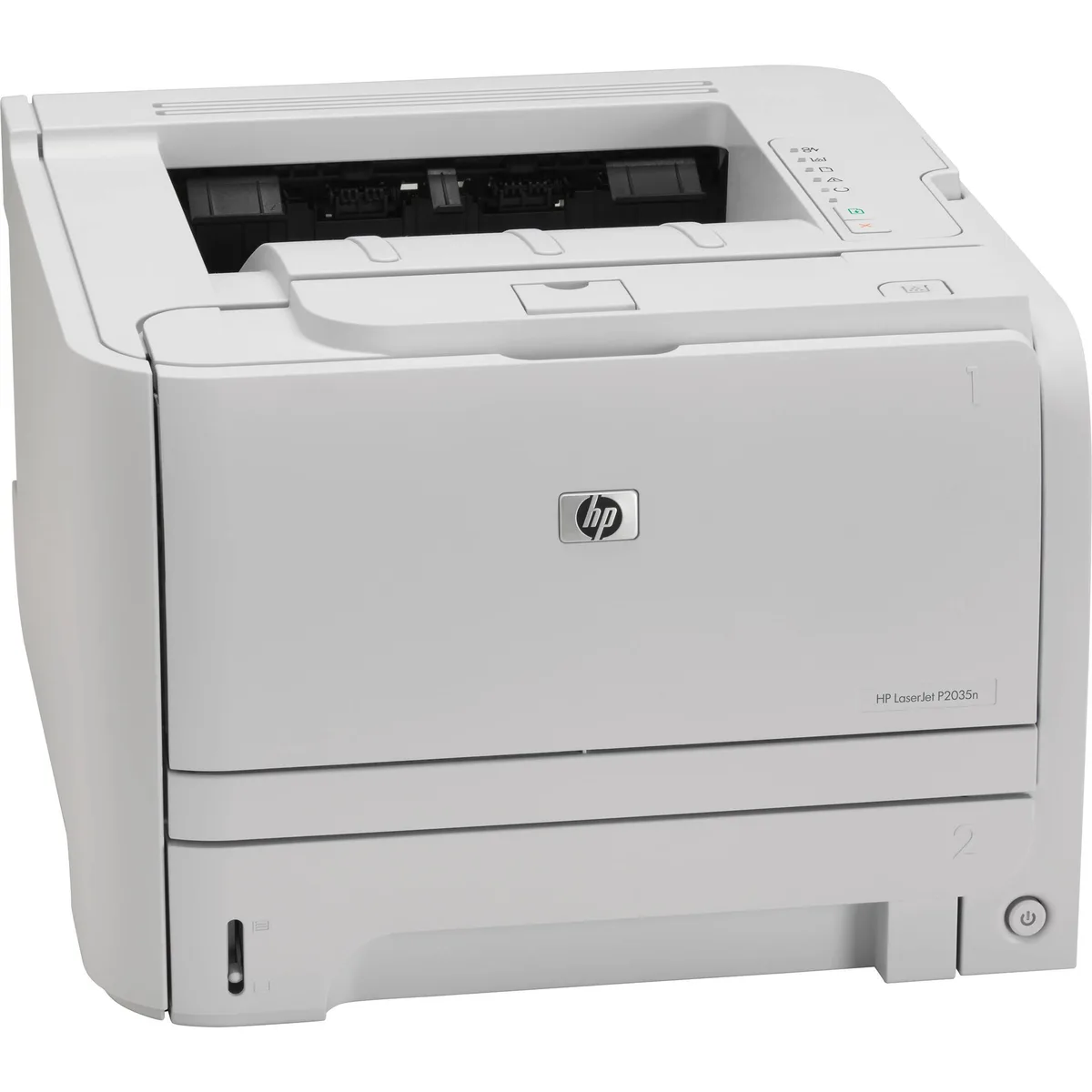
HP LaserJet 2035N Network Laser Printer
A monochrome laser printer printing up to 30 pages per minute at 1200 x 1200 dpi with a 300-sheet input capacity and Ethernet connectivity
- Output TypeMonochrome
- Laser TechnologyLaser
- Black Print SpeedUp to 30 ppm
- Black Print Quality1200 x 1200 dpi
- Input Capacity, max.300 pages
- Connectivity TechnologyEthernet (RJ-45)
- Fast 30 ppm mono output for busy offices
- Sharp 1200 x 1200 dpi text for professional documents
- 300-sheet paper capacity reduces refill trips
- Wired Ethernet (RJ-45) for stable network sharing
- Ships with power and network cables included
HP LaserJet 2035N Network Laser Printer
The HP LaserJet 2035N is a monochrome laser printer built for shared office use. It prints up to 30 pages per minute at 1200 x 1200 dpi resolution. A 300-sheet input tray handles standard workloads. Ethernet connectivity allows direct network integration.
Suits small teams needing reliable black-only output
This printer suits workgroups that need fast, network-ready monochrome printing without colour capability. It is not for buyers who want colour documents, wireless printing, or an included toner cartridge to start immediately.
Ethernet RJ-45 network interface
The single specification that decides fit is the wired Ethernet connection. If your environment requires Wi-Fi or USB-only printing, this model will not integrate without additional hardware.
Highlights
- Fast 30 ppm mono output for busy offices
- Sharp 1200 x 1200 dpi text for professional documents
- 300-sheet paper capacity reduces refill trips
- Wired Ethernet (RJ-45) for stable network sharing
- Ships with power and network cables included
Specifications
| Series | LaserJet |
|---|---|
| Output Type | Monochrome |
| Laser Technology | Laser |
| Black Print Speed | Up to 30 ppm |
| Black Print Quality | 1200 x 1200 dpi |
| Input Capacity, max. | 300 pages |
| Connectivity Technology | Ethernet (RJ-45) |
Questions about this item
How do I install the HP LaserJet 2035N on my network, and what step is often missed?
Connect the supplied Ethernet cable to the RJ-45 port and a switch or router, then power on. Many users skip downloading the latest driver from the HP website before sending the first print job.
Which parts will need replacement after extended use on the 2035N?
The maintenance kit already installed includes a new fuser, pickup rollers, separation roller, transfer roller and pressure roller. When print quality drops or jams increase, replace that full kit again.
What limit appears first when the 2035N runs long print jobs continuously?
The 300-sheet input tray empties quickly at 30 ppm, so paper reloading becomes the first bottleneck during sustained high-volume printing.
Also in this aisle
People compared these
Same shelf, same checkout — eight coins and a 30-minute rate lock.


MADE IN USA TONER
MADE IN USA TONER toner cartridge for KIP 7170 103 2 x 400 gm black
- Black
- Compatible
$86.99
0.00100449BTC
In stock
